How to Find Facebook URL (Desktop and Mobile App)
Your Facebook URL is your username, and it lives in two different places depending on your device. Here is where to look on desktop and in the app.
 By Daniel ShuttleworthOct 12, 2026
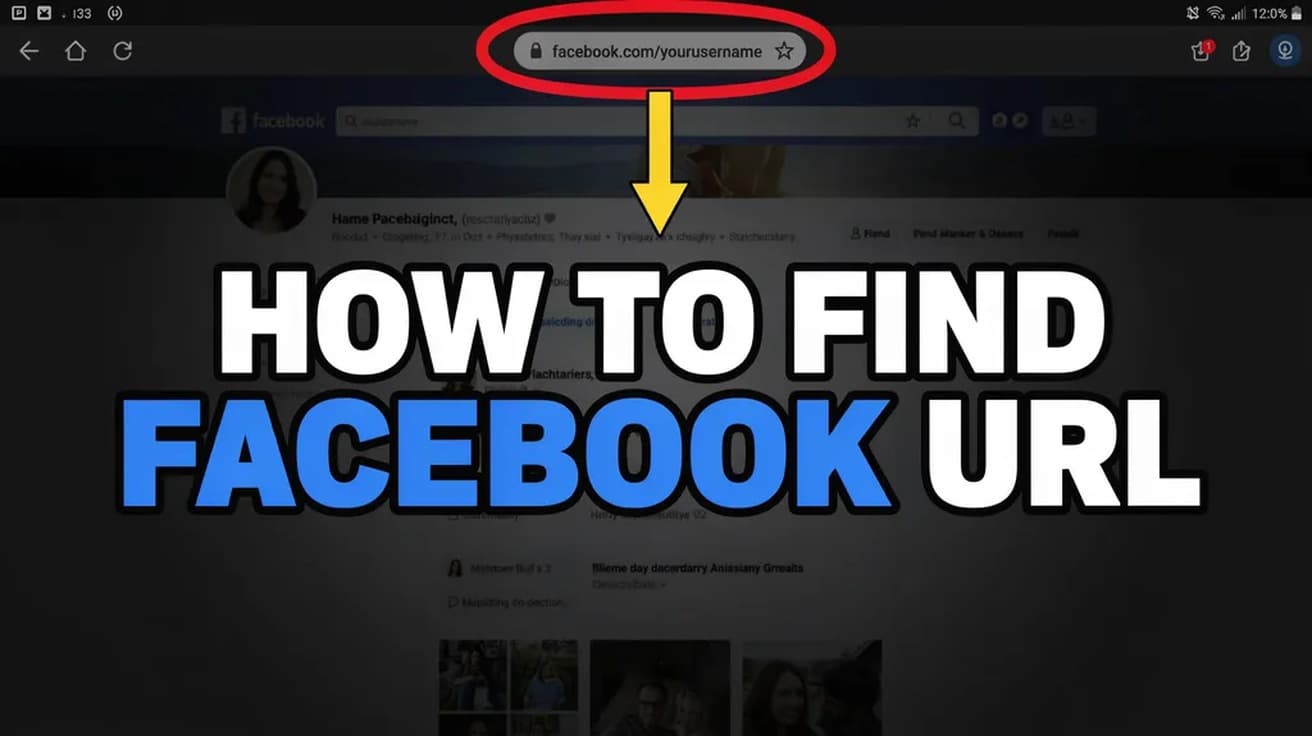
On a computer, open your Facebook profile and read the address bar: your Facebook URL is facebook.com/ followed by your username. In the mobile app, open your profile, tap the three-dot menu, and scroll to the bottom for the profile link option, because the app gives you no address bar to read.
You usually need to find your Facebook URL for somewhere else entirely — a job application, an email signature, a business listing, a form that asks for your socials. It is a short job, but the answer is in two different places depending on whether you are on a laptop or a phone.
One thing worth knowing before you go looking: your URL is built from your username, not your display name. If you have never set a username, Facebook still gives you a working link, just an uglier one made of digits.
How to Find Facebook URL on Desktop
1. Log in to Facebook in a browser and click your profile picture in the top-right corner.
2. Choose your name from the menu to open your own profile.
3. Read the browser's address bar. The text after facebook.com/ is your username, and the whole string is your profile URL — something like facebook.com/jane.smith.
4. Click once in the address bar to select it, then copy it.
That is the entire procedure on a computer. If the address bar is hidden because the browser is in full-screen mode, press F11 on Windows or Command+Shift+F on a Mac to bring it back.
Finding it in the mobile app
The app has no address bar, so reading the URL is not an option. The link lives in a menu instead.
1. Open the Facebook app and tap your profile picture to open your profile.
2. Tap the three-dot menu in the upper right.
3. Scroll to the bottom of that menu. Depending on your app version, you will see either a profile link displayed directly or a "Copy link to profile" option.
4. Tap it, then paste the link somewhere you can see it — a note, a message to yourself, the form you are filling in. Copying puts it on the clipboard silently, with no visible confirmation of what you got.
If you would rather not hunt through the menu, opening facebook.com in your phone's browser instead of the app gives you the same address bar trick as the desktop steps above.
If your URL is a string of numbers
Some profiles show an address like facebook.com/profile.php?id= followed by a long number. That is not a bug. Facebook assigns every account a numeric ID when it is created, and that link always works. It just looks wrong in an email signature.
To replace it with something readable, set a username. On both desktop and the app the path runs through Settings & privacy, then Settings, then Accounts Center, then Profiles, then your Facebook profile, then Username. Enter the name you want, check that it comes back as available, and save. The same Accounts Center panel is where Meta keeps the rest of your cross-app account settings.
Be deliberate about what you pick. Facebook's own help page states that you can change a personal profile's username only once. Several reputable third-party guides describe a repeatable change with a waiting period between attempts instead, so the sources genuinely disagree here. Treat it as a one-time choice and you will not be caught out either way.
What this does not do
Finding or setting your Facebook URL is not a privacy control. The link does not decide who can see your posts — your audience settings do that, and they are untouched by anything above. Someone who has your URL sees exactly what they would have seen by searching your name.
It is also separate from your display name. Changing your username changes the web address; the name on your profile stays as it was. And it has nothing to do with per-post controls like limiting who can comment.
Common questions
Does my old link stop working? The numeric profile.php link is permanent and keeps working regardless. An old username you have given up may be claimed by someone else, so do not count on getting it back.
Is a Page URL found the same way? Close, but not identical. Pages have their own username under Page setup, and the Facebook help documentation describes changing it on a computer rather than in the app.
What characters are allowed? Published guidance points to letters, numbers and periods, with a minimum length and no symbols. Facebook checks availability as you type, which is the reliable test.
If the option isn't there
Menus in the Facebook app move between versions, so a missing three-dot entry usually means an outdated app rather than a removed feature — update it from your app store and look again. If the Username field will not accept anything, the account may already have used its one change, or the name you want is taken. The fallback is always the same: your numeric profile.php link works, it is permanent, and it is perfectly valid to paste into a form.