How to Lock Notes on iPhone (Passcode or Face ID)
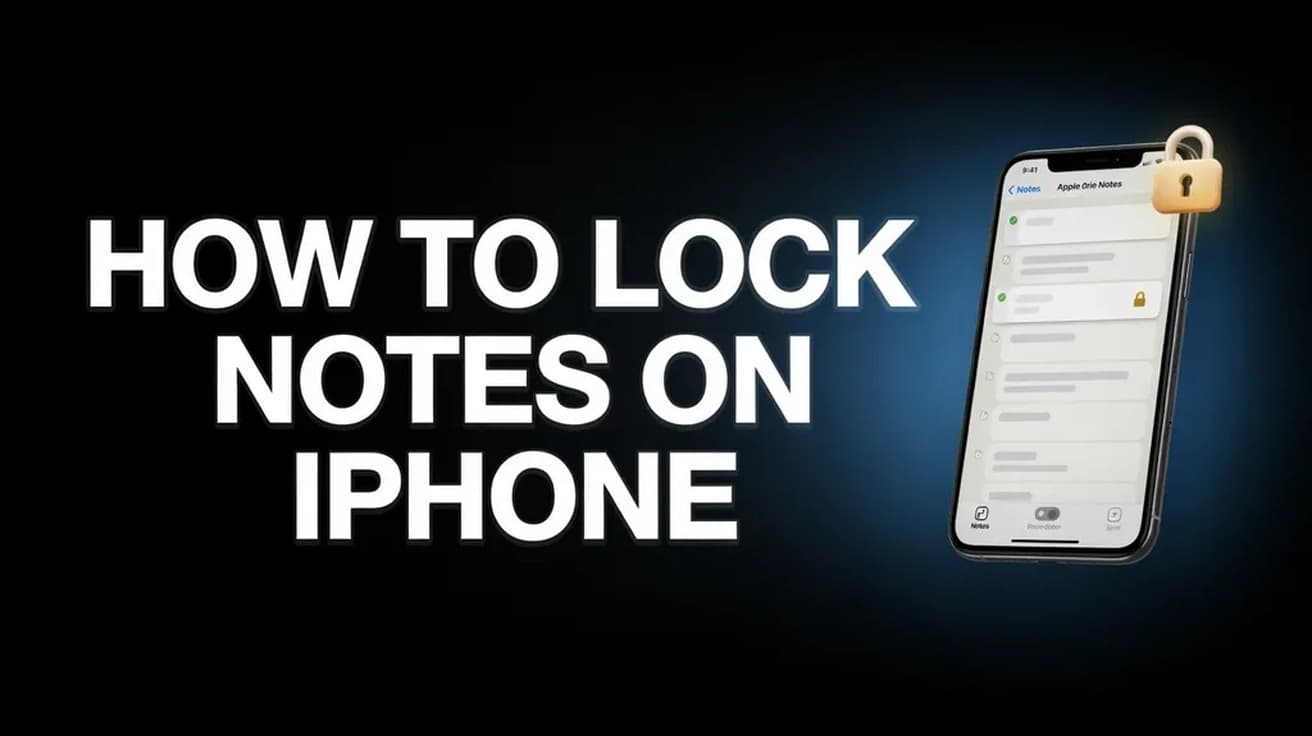
Locking an Apple Note takes one menu and one decision: your iPhone passcode, or a separate Notes password Apple cannot recover. Here is the full procedure, plus the notes iOS will not let you lock.
iPhone, iPad and Android help, plus Apple Watch, AirPods and AirTag setup, charging, privacy and troubleshooting guides.
41 guides
Locking an Apple Note takes one menu and one decision: your iPhone passcode, or a separate Notes password Apple cannot recover. Here is the full procedure, plus the notes iOS will not let you lock.
Contacts move between an iPhone and a Mac through iCloud, not a cable. Here is the exact path on both devices, plus what the setting does not cover.
An AirTag that refuses to pair is usually a settings problem, an iOS version problem, or a battery problem. Here is the order to check them in, and how to reset the tag.
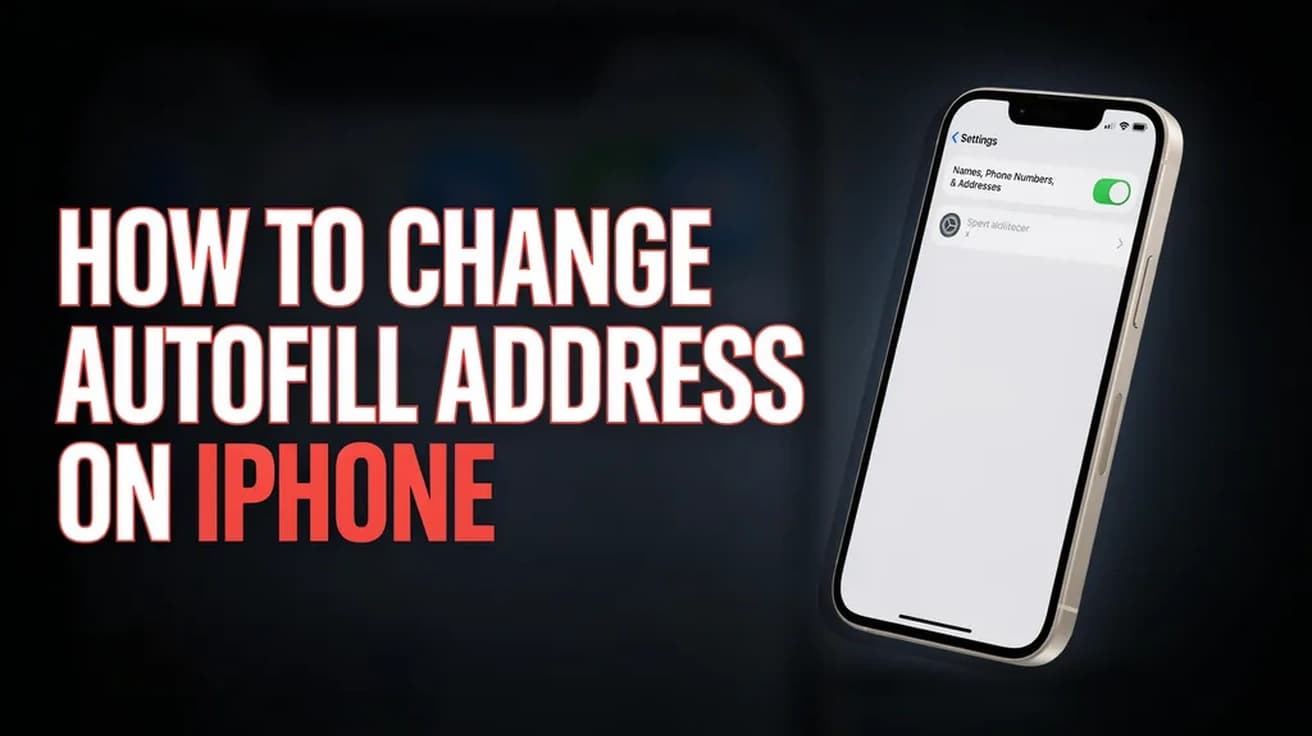
Safari fills your address from one contact card, not from a setting of its own. Here is where to point it, and where to edit the address itself.
Netflix downloads are an app feature, not an account feature. Here is where the Download button lives, how many titles your plan allows, and what offline playback will not do.
Syncing an iPad and an iPhone comes down to one Apple Account and one list of toggles in iCloud settings. Here is where that list lives and what it will not copy across.
Samsung's old Remote Unlock service has ended. Check the limited previous-lock option first, then compare the supported reset routes and their data-loss consequences.
A restart is ten seconds with the case lid shut, and it clears most AirPods faults without erasing anything. Here is that step, the AirPods Max equivalent, and the factory reset for when it is not enough.
iOS finds duplicate contact cards on its own and will combine them in two taps. Here is where the tool lives, what it keeps, and what to do with the pairs it misses.
iOS has no single screen that tells you the phone is compromised. These are the five Settings screens worth checking, and what each one can and cannot prove.
The iPhone 14 has no Home button, so a restart takes two buttons at once. Here are Apple's documented steps for a normal restart, a Settings shutdown, and a force restart when the screen is frozen.
iOS gives you two routes to delete cookies, and they are not interchangeable. Here is which one keeps your history, and how to clear just one site.
The Facebook app keeps its own Clear button for cookies and cache, and iOS keeps the rest of it out of reach. Here is where each one lives, and why offloading the app does not help.
Safe mode is a boot state, not a setting buried in a menu, so a normal restart clears it. If the phone boots straight back in, the cause is usually a recent app or a stuck volume key.
Setting up Venmo takes five steps in the mobile app, and you must be 18 and in the US with a US mobile number. The catch is what comes after: a new account is capped at $299.99 a week until you verify your identity separately.
Hold the AirTag near your unlocked iPhone, tap Connect, pick a name and tap Done. Here is the full path, the Find My route, and what an AirTag will not do.
A phone that refuses to charge is usually a power source, a cable or a plug of lint rather than a dead battery. Here is the order to check them in.
Do Not Disturb is a Focus, not a standalone switch. Here is the fastest way to turn it on, where to choose what still gets through, and how to put it on a schedule.
Apple keeps three different passwords on an iPhone and changing one does nothing to the other two. Here is where each setting lives and what it actually affects.
iPhone has no Recently Deleted folder for apps, but the App Store keeps a full record of everything you have downloaded. Here is where to find it and how to reinstall.
Find My is the only reliable way to locate a lost iPhone, and it has to be switched on beforehand. Here is the setup, the app route and the browser route.
Apple has no screen that shows your existing Apple ID password. The fix is a reset, and on an iPhone you are already signed in to it takes under a minute.
An iPhone's built-in capacity is fixed, but most full phones have several gigabytes sitting in offloadable apps, cached files and deleted photos. Here is where to look, in order.
An iPhone can only be restored from a backup during setup, which means erasing it first. Here is the full path for an iCloud backup and for one saved on a computer.
Screen Time can block any website on an iPhone across every browser, not just Safari. Here is the exact path on iOS 26, plus what the setting does not cover.
Apple moved saved logins out of Settings and into a dedicated Passwords app in iOS 18. Here is where they live now and how to reveal one.
The Send Read Receipts switch moved into Settings > Apps > Messages. Here is where to find it, how to turn it off for one contact only, and what it does not hide.
Android hides its spam filter in the Phone app, and Samsung and Google label it differently. Here is where the setting lives on each, and what it stops.
Three iPhone settings between them stop most spam calls: call screening for unsaved numbers, the carrier spam filter, and blocking individual numbers.
Messages holds deleted conversations for about 30 to 40 days before erasing them. Here is where that folder lives and how to pull a thread back out of it.
iOS has no single clear-cache button. Here is exactly where Safari's cache lives, how to offload an app's storage, and what neither one actually fixes.
You have two minutes to pull back an iMessage on iPhone, and it only works on blue bubbles. Here is the exact tap sequence, plus what unsending does not undo.
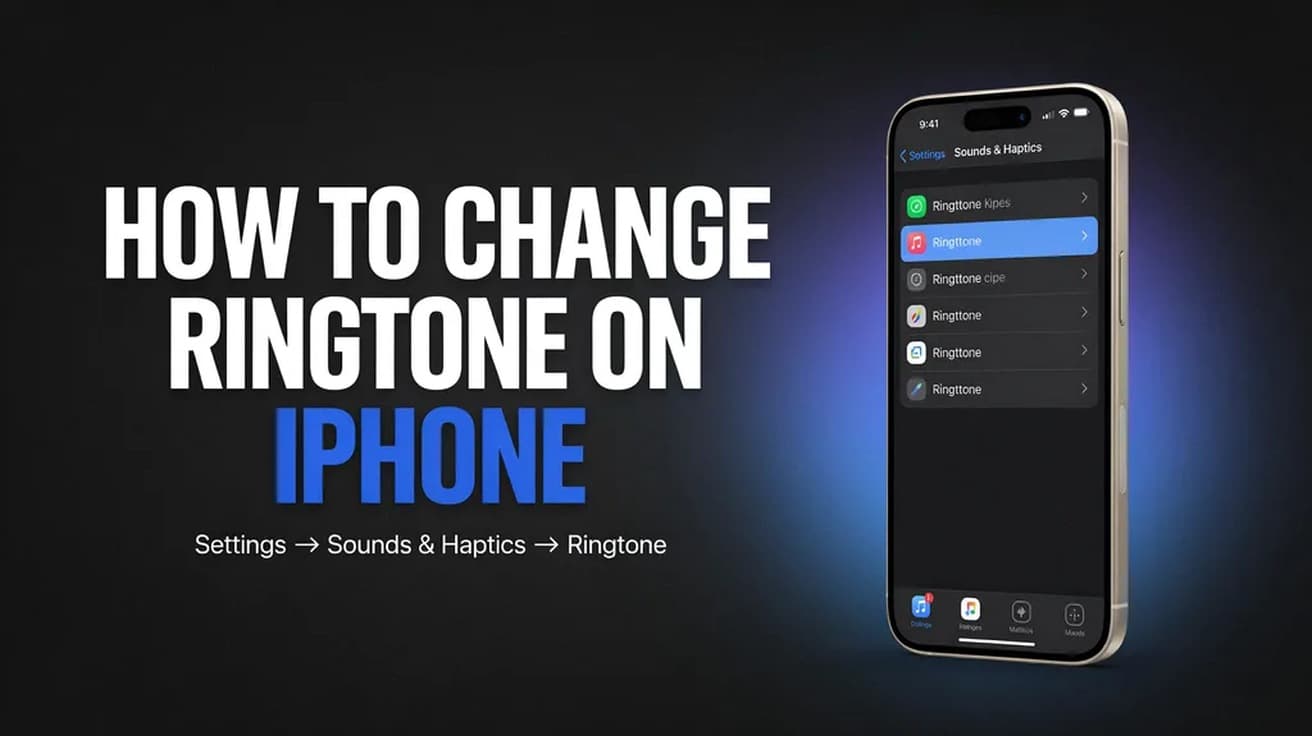
The ringtone setting is not in the Phone app. Here is the exact path in Settings, the iOS 26 way to use your own audio, and how to give one contact their own tone.
Unpairing is what removes Activation Lock and backs the watch up, so it is the step that matters before a watch or a phone changes hands. Here is the route with the old iPhone, and the two routes without it.
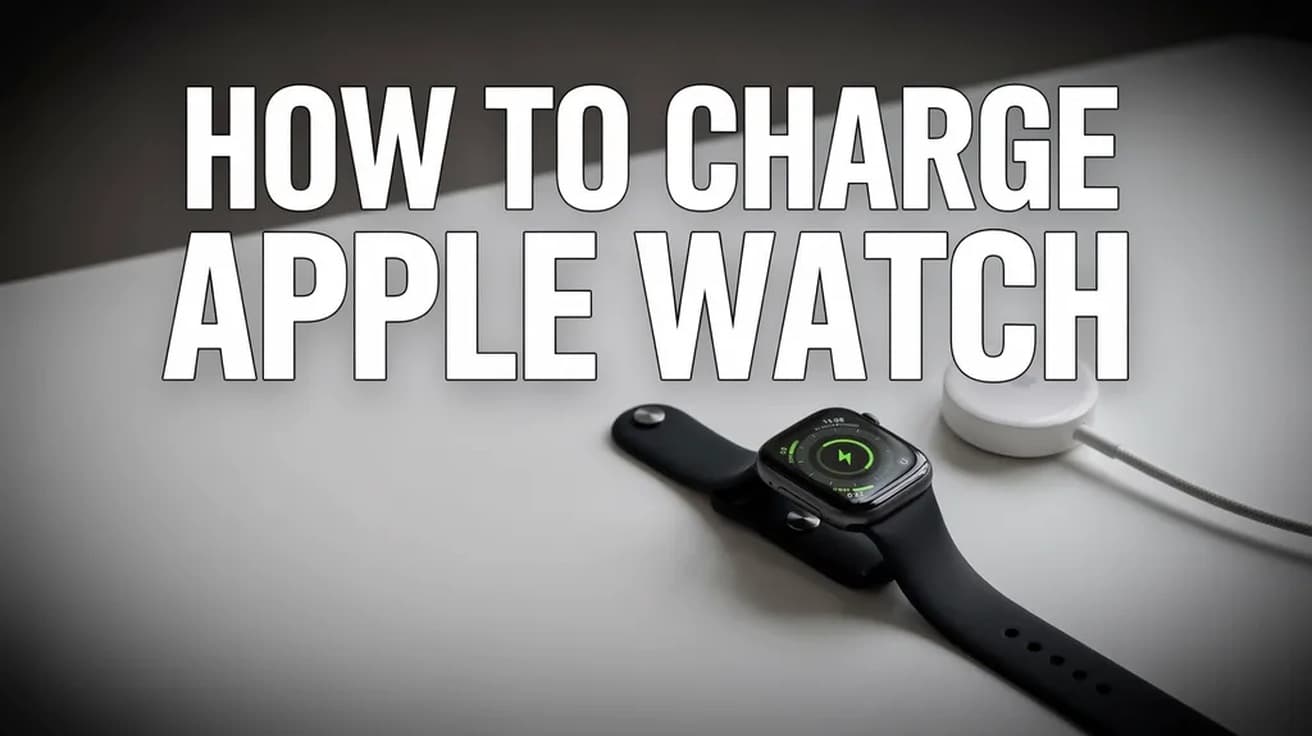
Apple Watch has no charging port, so everything goes through the magnetic puck on the back. Here is the correct way to charge it, what the screen symbols mean, and how long each model takes.
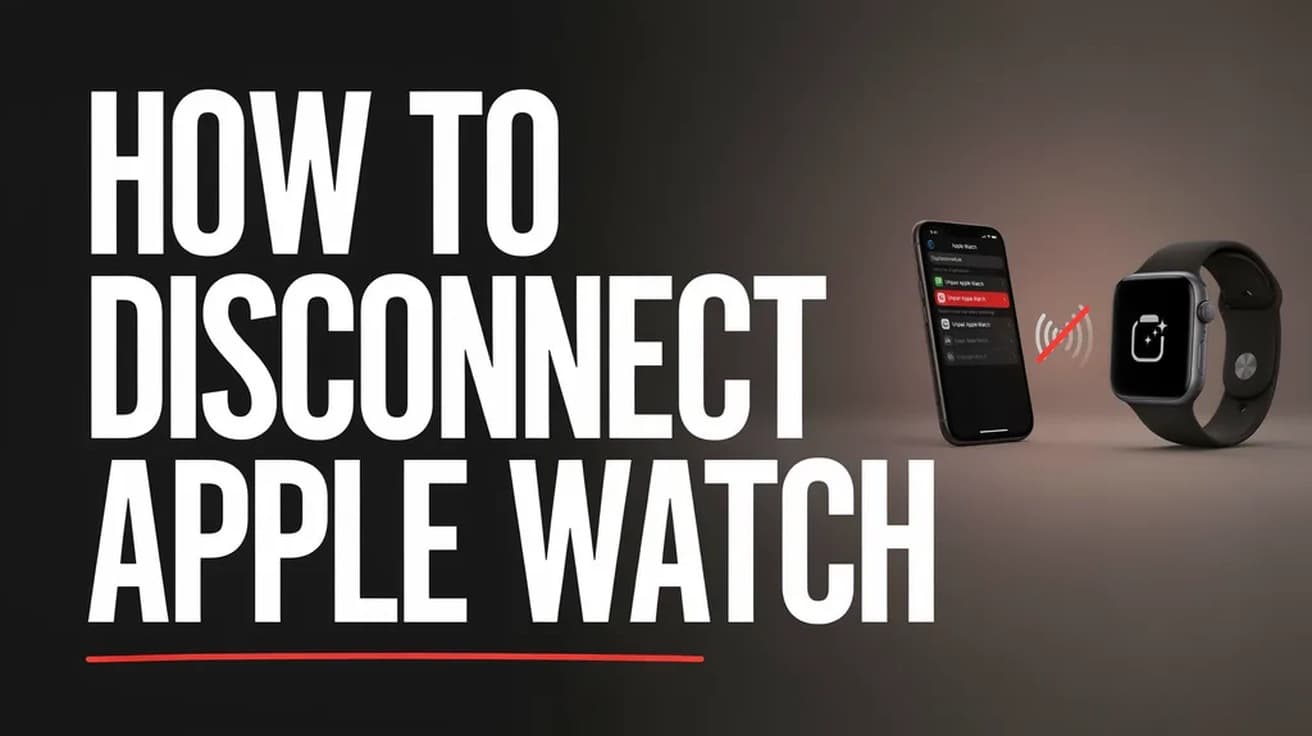
watchOS has no one-tap Disconnect button. Here is how to cut the Bluetooth, Wi-Fi and cellular links between an Apple Watch and its paired iPhone, and what stays connected anyway.
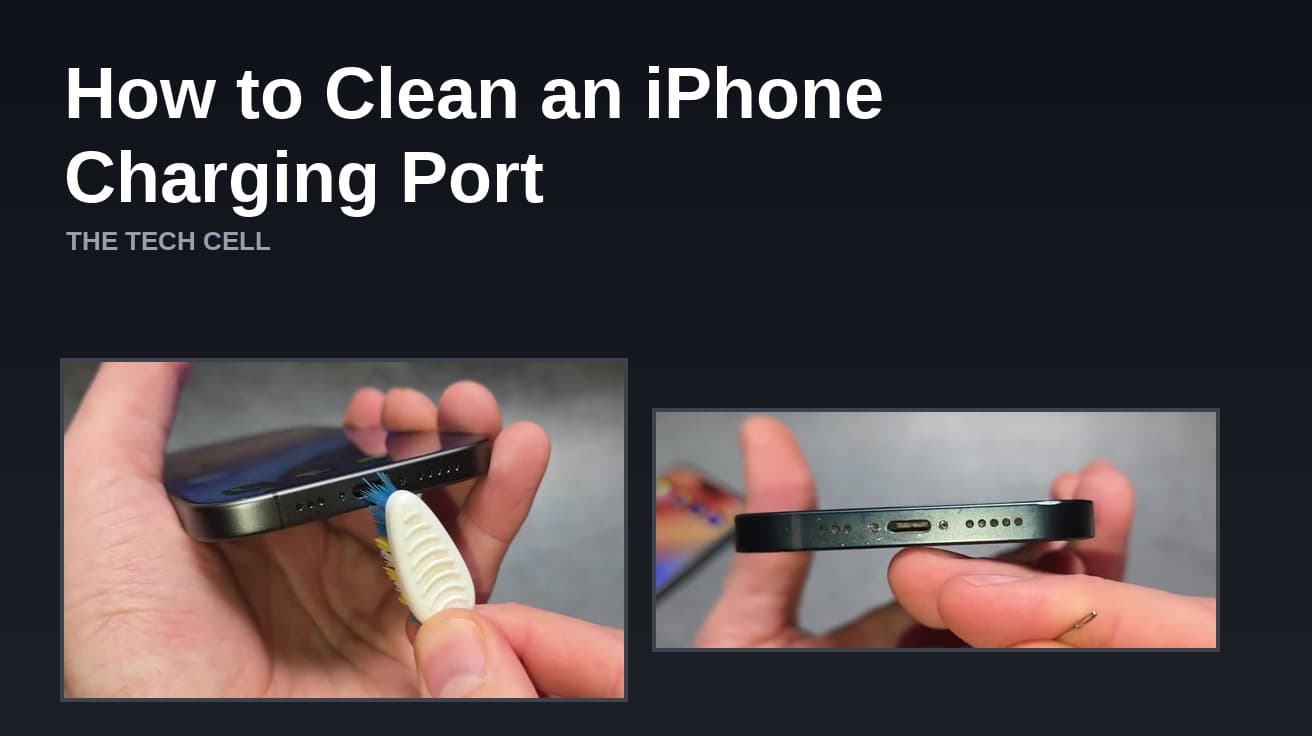
A charging port packed with pocket lint is the most common reason an iPhone charges only at certain angles. Here is the safe way to clear it, and where Apple draws the line.
Moving an Apple Watch to a new iPhone means unpairing it from the old one and restoring it from a backup. Here are the steps, with screenshots of each screen.
Renaming your iPhone takes four taps in Settings. Here is the exact path, plus what the new name changes across Bluetooth, Personal Hotspot and iCloud.
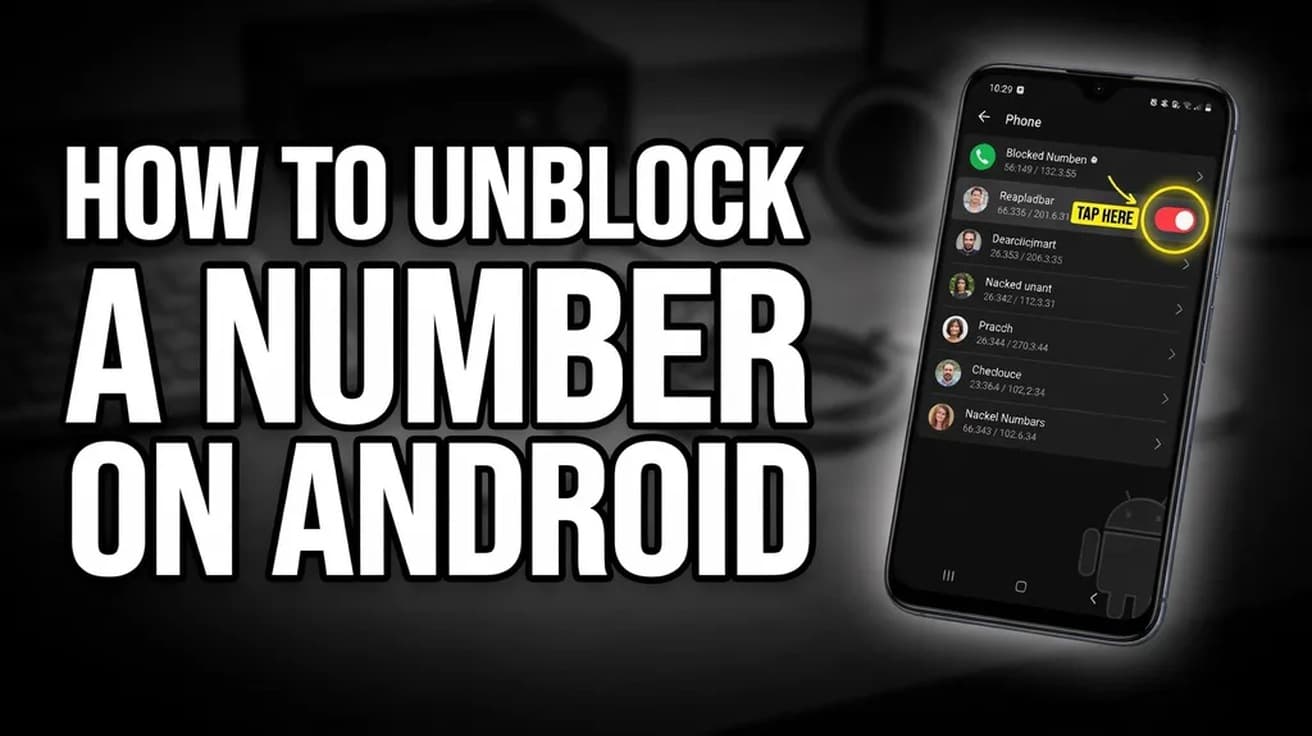
Unblocking a number on Android takes four taps in the Phone app, but the menu is named differently on Pixel and Samsung phones. Here is the path on both, and the second block list people usually forget to check.
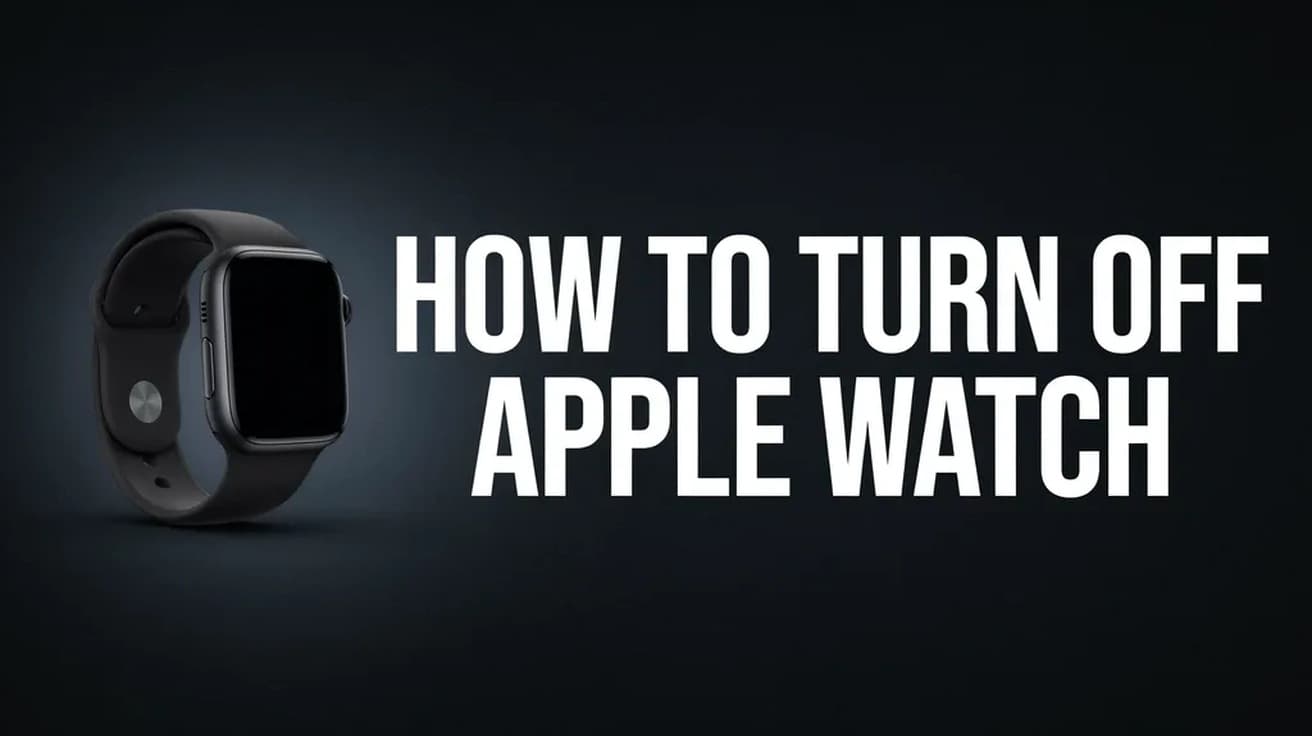
Hold the side button, tap the small power icon in the corner, then drag the Power Off slider. Here is the full sequence, screen by screen, plus what to do when the watch is frozen.
Menus move, settings get renamed and features quietly disappear. So each guide is written against the vendor's current documentation rather than from memory, and says plainly when a fix depends on your version.
No filler, and we do not pass your address to anyone.