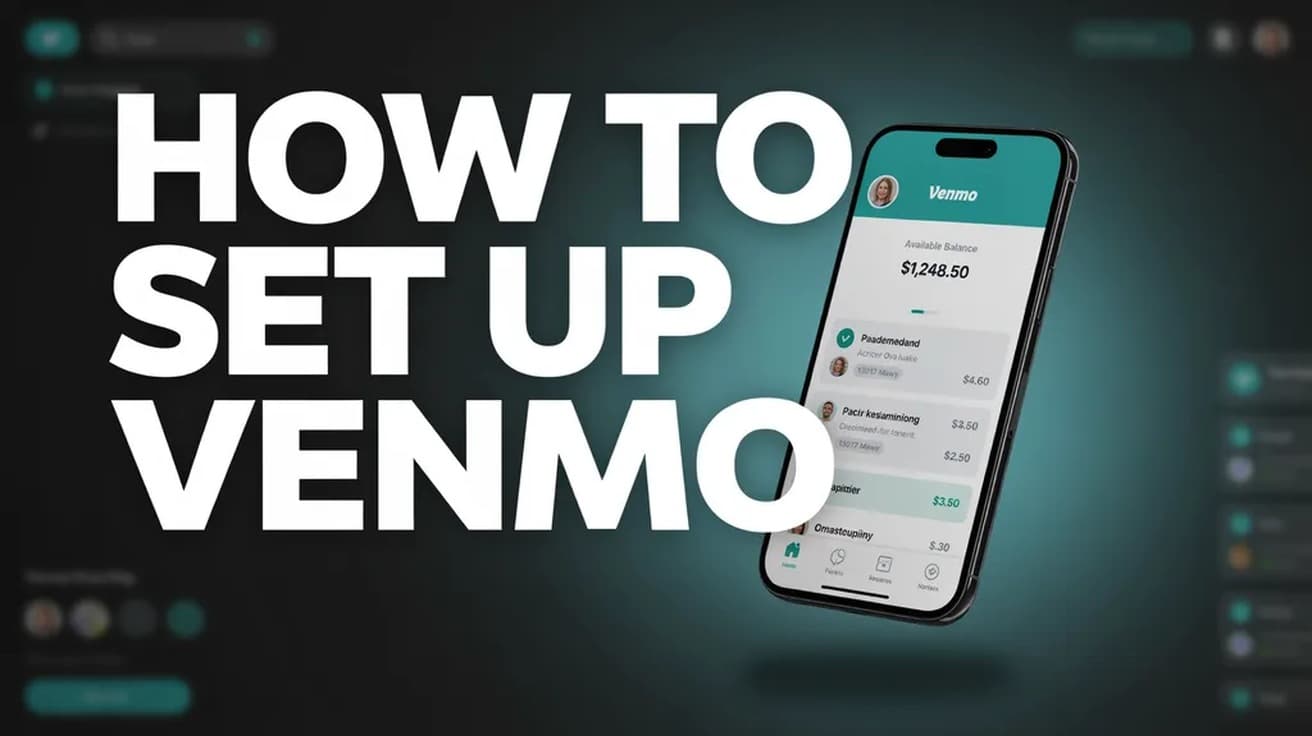
How to Set Up Venmo (Sign Up, Verify, Add a Bank)
Setting up Venmo takes five steps in the mobile app, and you must be 18 and in the US with a US mobile number. The catch is what comes after: a new account is capped at $299.99 a week until you verify your identity separately.
 By Daniel ShuttleworthSep 24, 2026
To set up Venmo, download the app, choose a sign-up method and create a password, verify your phone number and email address, then add and verify a bank account. You have to be at least 18 and physically in the United States, with a US mobile number that is not already attached to another Venmo account.
The short version of how to set up Venmo is five steps, and all of them happen inside the mobile app. Venmo's own sign-up instructions begin with downloading it, and identity verification later on can only be done in the app rather than on the website.
The part that catches people out is not the sign-up. It is what happens afterwards: a new account can only send a limited amount each week, and it cannot spend from a Venmo balance at all until you verify your identity as a separate step. Both are covered below.
Before you start
Venmo lists four requirements for a personal account. You must be physically located in the United States, be at least 18 years old or the age of majority in your state, and have a US-based cell phone that can receive text messages from short codes. That number cannot already be on file with another Venmo account.
The fourth is the app itself. Venmo's requirements page asks for version 7.38.2 or newer and names Apple iOS 17 or higher among supported devices. It gives a minimum Android version too, but the figure printed on that page is internally inconsistent, so check the Play Store listing rather than trusting a number quoted second-hand.
One more constraint is worth checking before you set up Venmo at all: the FAQ states the service is only accessible within the United States.
How to set up Venmo, step by step
1. Download Venmo from the App Store or Google Play, then open it.
2. Choose your sign-up method and create a password. Venmo requires 8 to 20 characters, with at least one number or symbol.
3. Give your legal name when asked. Venmo describes itself as a regulated money transfer service and collects it to get a head start on identity verification. If you would rather it was not on your public profile, you can show a display name of your choosing instead.
4. Verify your phone number and email address.
5. Add and verify a bank account.
Venmo sometimes offers to add a debit card during sign-up. If you would rather not, or you want to add something else, tap Not now or Try later and add a payment method from Settings afterwards.
Adding a bank account or card
In the app, go to the Me tab, open the Wallet section, scroll down to Banks and Cards, swipe to the left and tap Add a bank or card. Then pick a verification method. From a computer, Venmo's funding page offers Link Bank Account instead.
Instant verification runs through Plaid and asks for your online banking username and password so it can confirm the account, and it periodically checks the balance to see whether funds cover a transaction. If you would rather not hand over banking login details, select Verify bank manually instead rather than Next, and enter your routing and account numbers.
Manual adds are confirmed with microtransfers: two small deposits and two withdrawals, each under a dollar, showing up as separate items on your statement within one to three business days. They cancel each other out, but keep at least $2 in the account so none of them triggers an overdraft fee. One detail is worth repeating because it quietly breaks transfers — do not enter the check number that appears after your account number.
To finish, go to the Me tab, open Wallet, tap the bank marked Unconfirmed, tap Verify, type the two microtransfer amounts into the two Amount fields, then tap Verify again. Manual verification takes at least one full business day, and you cannot pay from that bank account until it is finished. If you need to pay someone today, add the debit card tied to the same bank instead.
Two costs are worth knowing up front. Payments funded by a credit card carry Venmo's standard 3% fee, and some card issuers treat peer payments as a cash advance on top of that. Venmo also applies a four-card rolling limit: a card counts against the limit for six months from the day you added it, even if you have since deleted it.
What setting up Venmo does not do
Creating the account does not verify your identity. The two are separate, and the gap between them is where most of the confusion sits. Until you verify, Venmo caps weekly spending at $299.99 — a single figure covering person-to-person payments and payments to authorized merchants together — and caps transfers out to your bank at $999.99 a week.
Verifying lifts both. Venmo says it then becomes possible to send up to $60,000 a week, with bank transfers of up to $5,000 per transfer and $19,999.99 a week. It also gives you a Venmo balance you can spend from, which an unverified account does not have. Money received before you verify is added to that balance automatically once verification goes through.
Venmo may ask you to verify whether you planned to or not. Its stated triggers are sending $300 or more in a rolling seven-day period, transferring $1,000 or more to your bank in a week, being added as a manager on an organization account, or receiving payments for goods and services.
The route is the Me tab, then the Settings gear, then Identity Verification. It usually takes a few minutes. If the automatic check cannot confirm your details, Venmo asks for documents in the app — a US passport, driver license, US government-issued ID, DHS card or Tribal ID card covers name and date of birth — and allows up to three business days to review them.
Common questions
Do I have to add a bank account? To move money out of Venmo, yes, and Venmo's own sign-up steps end with adding and verifying one. You can pay other people from a linked debit or credit card without it, but a bank account is how money leaves the service.
What if I do not have an SSN or ITIN? You will not be able to complete identity verification. Venmo says you can still use the account: pay other users and businesses funded by your bank or card, receive payments from other Venmo users, and transfer that money out to a bank account. The lower weekly limits stay in place.
Can I sign up on a computer? Venmo's instructions for creating a personal account are app-only, beginning with downloading the mobile app, and identity verification is explicitly app-only as well. Its help pages do not state one way or the other whether the account itself can be created on the website, so plan on using a phone.
If sign-up won't go through
If Venmo says your phone number or email address is already on file, the likeliest explanation is that you already have a profile — try signing in with your email, phone number or username instead. If you are confident you never had an account, Venmo says you may be able to verify ownership of the phone number during sign-up and create the account from there.
For anything else, including a legal name that came through wrong, support lives in the app: Me, then Settings, then Get Help, then Chat With Us, and ask for an agent. One thing support cannot do is hand the account to someone else — Venmo states plainly that there is no way to change or trade ownership of a Venmo account.