Social apps
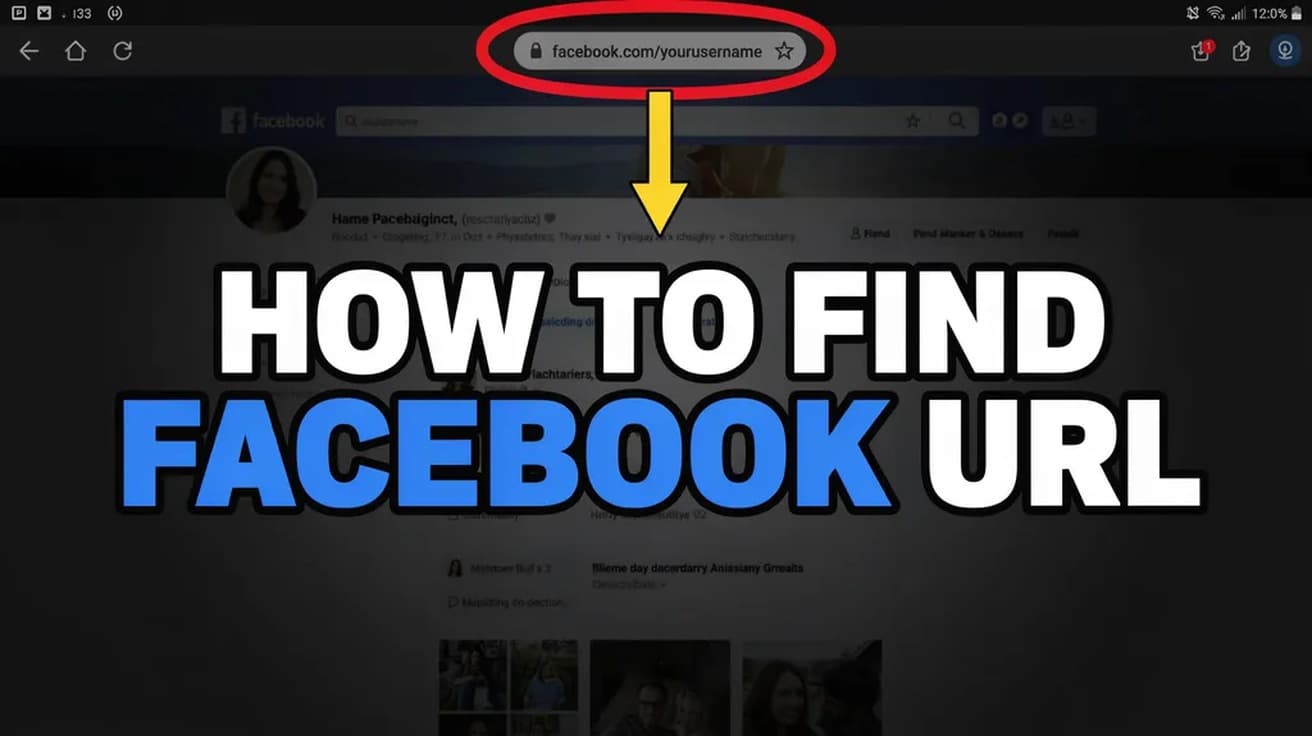
How to Find Facebook URL (Desktop and Mobile App)
Your Facebook URL is your username, and it lives in two different places depending on your device. Here is where to look on desktop and in the app.

Instagram, Facebook, Messenger and TikTok guides for account settings, privacy, messages and everyday troubleshooting.
15 guides
Your Facebook URL is your username, and it lives in two different places depending on your device. Here is where to look on desktop and in the app.
Instagram never tells you that you have been blocked. These three checks separate a real block from a deactivated account, a username change or a private profile.
Messenger has no undelete button, and end-to-end encryption means Meta cannot restore your messages either. Here is what genuinely works, route by route, and what to stop wasting time on.
Instagram lets you remove a follower without blocking them, and it sends no notification. But on a public account nothing stops them following you straight back.
TikTok's profile view history is a mutual setting: switch it off and you vanish from other people's viewer lists, but you also lose your own. Here's where it lives.
Facebook gives a profile post a comment audience, not an on/off switch. Narrowing that audience to the profiles and Pages you mentioned, when you mentioned nobody, is as close to off as it gets.
Instagram usually updates itself, so the button is often missing. Here is where it lives on iPhone and Android, and what to do when no update shows up.
Separating the two apps happens in Meta's Accounts Center, and the button is now labelled Move out of this Accounts Center. Here is the full route, plus what unlinking leaves untouched.
Instagram never built an Unarchive button for stories. What you actually do is open your Stories archive and reshare the story, which sends it out with a fresh 24-hour clock.
Tagging on Instagram happens in three different places, and each one behaves slightly differently. Here is where the option lives and what it actually does.
A deactivated Instagram account comes back the moment you sign in again. Here is the full login route, the auto-reactivate option, and what to do if your account was deleted or disabled instead.
Making your Instagram account private takes one toggle in Settings. Here is where it lives on phone and desktop, and exactly what changes once you switch.
Instagram has two separate like-hiding controls: one removes the count from your own post, the other clears counts from everyone else's posts in your feed.
Muting hides an account's posts and stories from your feed while you carry on following them. Here is where the setting lives, and what it deliberately leaves alone.
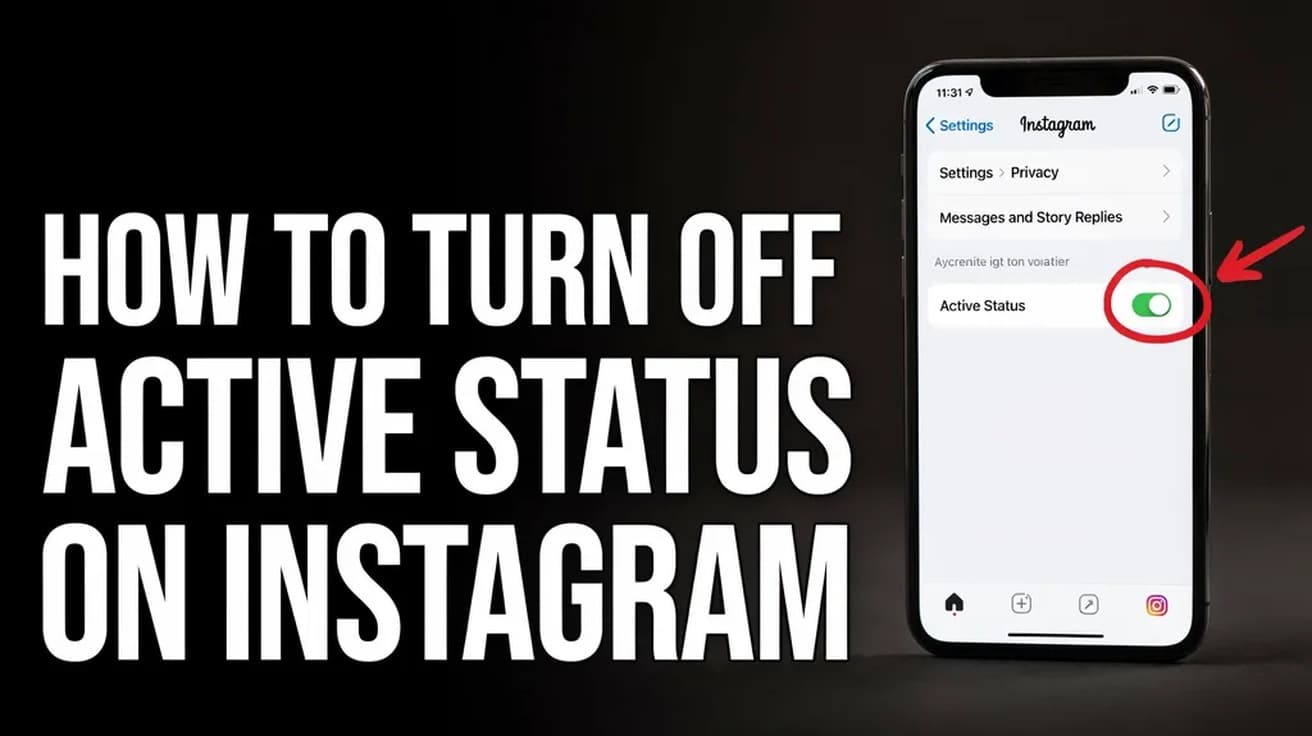
Instagram's activity status lives under Messages and story replies, not Privacy. Here is the exact path, and the mutual trade-off nobody mentions.
Menus move, settings get renamed and features quietly disappear. So each guide is written against the vendor's current documentation rather than from memory, and says plainly when a fix depends on your version.
No filler, and we do not pass your address to anyone.