How to Turn Off Profile Views on TikTok (It's Mutual)
TikTok's profile view history is a mutual setting: switch it off and you vanish from other people's viewer lists, but you also lose your own. Here's where it lives.
 By Daniel ShuttleworthSep 25, 2026
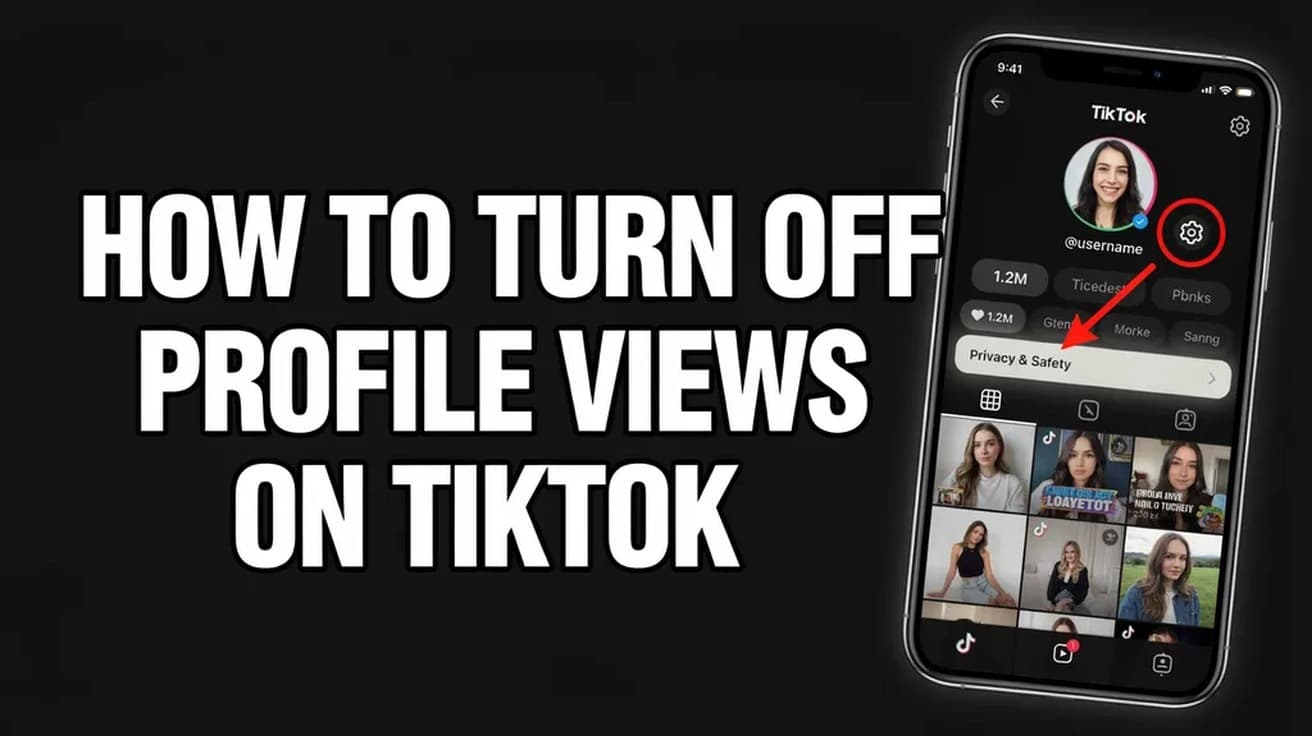
Open TikTok and tap Profile, then the menu button at the top, then Settings and privacy. Tap Privacy, tap Profile views, and switch Profile view history off. The setting is mutual, so once it is off you stop appearing in other people's viewer lists and you also stop seeing who visited yours.
Knowing how to turn off profile views on TikTok takes about fifteen seconds, but it is worth understanding what the switch covers before you flip it. Profile view history is one of the few settings on the app that cuts both ways.
You can only see who looked at your profile if you are also visible to them when you look at theirs. There is no version where you watch quietly and still get the list. TikTok says the setting is off by default, so if you have never seen a list of visitors, it was most likely never on to begin with.
How to turn off profile views on TikTok in Settings
This is the path TikTok documents first, and it works whether or not the feature is currently switched on.
1. Open TikTok and tap Profile at the bottom of the screen.
2. Tap the menu button at the top of your profile. It is the three stacked lines, usually in the top right corner.
3. Tap Settings and privacy.
4. Tap Privacy, then scroll to and tap Profile views.
5. Switch Profile view history off.
There is no confirmation dialog and nothing to save. The viewer list disappears from your profile the moment the toggle goes grey, because the list and the visibility are the same setting.
The shortcut from your own profile
If the feature is already on, you do not need to go through Settings at all. Your profile carries a shortcut straight to the same screen.
1. Tap Profile at the bottom of the screen.
2. Tap the Profile views button near the top of your profile. Some builds of the app draw this as a small footprints icon.
3. Tap the Settings button at the top of the Profile views screen, shown as a gear in most versions.
4. Switch Profile view history off.
There is a third route through your Inbox. Tap Inbox, tap Activities, then tap either a notification saying someone viewed your profile or the Profile views entry, and use the same Settings button. All three doors open onto one toggle.
If your app uses different labels
TikTok's own help page names the Privacy row Profile views and the toggle Profile view history, and that matches what most current guides describe. Some builds of the app instead label the row Viewers and the toggle Viewer history. The screen you land on is still called Profile views, and the switch does the same job, so if the wording differs slightly on your phone you are still in the right place.
The steps above are written for the TikTok mobile app, which is how TikTok words its own instructions. TikTok's desktop settings are narrower than the app's, and this toggle is not reliably among them. Use your phone.
What turning this off does not do
Profile view history only covers visits to your profile page. It is a much narrower switch than people expect.
It does not hide that you watched someone's video. Post view history is a separate TikTok setting with its own toggle, and turning one off does nothing to the other. It also leaves likes, comments, follows and messages exactly as visible as they were.
It does not make your account private, either. A private account controls who can follow you and see your posts; profile view history only controls whether your visits show up in someone's viewer list. If you want both, you need both. Our guide to making an Instagram account private covers the same distinction on the other big social app.
And it is not retroactive in any way TikTok has committed to. TikTok's help page describes what the setting does going forward but says nothing about visits already recorded. Treat the toggle as a change to future behaviour rather than an undo button, and do not count on it erasing a visit you have already made.
Common questions
Does the other person get a notification when I view their profile? Not a push notification. The visit shows up inside their Profile views list, and TikTok's help page also describes an entry appearing under Activities in their Inbox. It is quiet, but it is not invisible to someone who goes looking.
How far back does the list go? Thirty days. TikTok only shows profile views from accounts that have the setting turned on and that visited within the past 30 days, so older entries drop off on their own.
Can I still see who viewed my profile with the setting off? No. That is the whole trade. Turning it off removes your access to the viewer list for as long as it stays off, which is the same bargain Instagram makes with its own visibility toggles. If you like that pattern, turning off active status on Instagram works the same mutual way.
If the option isn't there
TikTok restricts this feature by age and audience size. Its help page states you must be 16 or older and have fewer than 5,000 followers to have access to it. If you are outside either limit, the Profile views row simply will not appear in your Privacy menu, and there is nothing to switch off because nothing is being recorded.
If you are inside both limits and still cannot find it, update the app from the App Store or Google Play first, since TikTok moves privacy rows between versions. Failing that, the feature may not be enabled for your region or account type yet. Blocking someone remains the blunt instrument that works regardless of any of this.