Daniel Shuttleworth studied Advanced Information Communication Technology and has spent more than 20 years working out why consumer tech misbehaves — from an Amiga 600 and a VHS deck through to whatever Xbox and Samsung shipped this year. He writes The Tech Cell from Sylvan Lake, Alberta, and checks every step against the vendor's current documentation before it goes out, because the menu that worked last spring has usually moved.
A Logitech keyboard that will not connect is usually a power, port or Easy-Switch problem rather than a broken keyboard. Here is the order to check them in, and how to re-pair it.
Locking an Apple Note takes one menu and one decision: your iPhone passcode, or a separate Notes password Apple cannot recover. Here is the full procedure, plus the notes iOS will not let you lock.
Blocking a sender in Outlook takes four steps in Settings, but it filters mail rather than cutting the person off. Here is the path in every version, and what it leaves untouched.
A Ring doorbell or camera that has fallen off your wifi is almost always fixed from the Device Health screen in the Ring app. Here is the route, plus what to do when it fails.
An AirTag that refuses to pair is usually a settings problem, an iOS version problem, or a battery problem. Here is the order to check them in, and how to reset the tag.
Automatic replies live in a different menu in every version of Outlook, and they do not work on Gmail or IMAP accounts at all. Here is the exact path for each one.
Press F3 + A in Java Edition and the game rebuilds every chunk render around you. Here is when that works, when it does not, and what Bedrock players do instead.
Netflix downloads are an app feature, not an account feature. Here is where the Download button lives, how many titles your plan allows, and what offline playback will not do.
Plug the cable in and macOS does most of the work. Here is the port to use, where the mirror and extend settings live, and what to try when the monitor stays dark.
Syncing an iPad and an iPhone comes down to one Apple Account and one list of toggles in iCloud settings. Here is where that list lives and what it will not copy across.
Samsung's old Remote Unlock service has ended. Check the limited previous-lock option first, then compare the supported reset routes and their data-loss consequences.
A restart is ten seconds with the case lid shut, and it clears most AirPods faults without erasing anything. Here is that step, the AirPods Max equivalent, and the factory reset for when it is not enough.
A DualShock 4 works on Windows over a micro-USB cable or over Bluetooth. Steam's PlayStation controller setting is what makes most games actually read it.
Excel gives you two ways to band alternate rows: turn the range into a table, or write a one-line conditional formatting rule. They look identical and behave differently once you sort or filter.
A stonecutter costs one iron ingot and three stone blocks, arranged in a fixed shape. Here is where each piece goes, why cobblestone will not work, and what the block is actually good for once you place it.
AirPods pair with a Dell laptop like any Bluetooth headphones, but only once you put them in pairing mode by hand. Here is the four-step route, plus what Windows cannot do with them.
iOS finds duplicate contact cards on its own and will combine them in two taps. Here is where the tool lives, what it keeps, and what to do with the pairs it misses.
Instagram never tells you that you have been blocked. These three checks separate a real block from a deactivated account, a username change or a private profile.
A lantern takes eight iron nuggets around a single torch and gives you the brightest light block in the game. Here is the recipe, where the nuggets come from, and how the soul and copper versions differ.
iOS has no single screen that tells you the phone is compromised. These are the five Settings screens worth checking, and what each one can and cannot prove.
Deleting an app on a Samsung TV takes two menus, but half the apps on the Home screen will not budge. Here is the real path, and what the greyed-out Delete button means.
Select your data, open the Insert tab, click Insert Line or Area Chart and pick a 2-D Line thumbnail. Here is the full path, the faster routes, and when a scatter chart is the better call.
The iPhone 14 has no Home button, so a restart takes two buttons at once. Here are Apple's documented steps for a normal restart, a Settings shutdown, and a force restart when the screen is frozen.
Cancel a Canva subscription from Settings, then Billing on the web — or in the App Store or Google Play if you subscribed inside the mobile app. You keep paid features until the current billing period ends.
Iron is the gate on buckets, rails, anvils and the pickaxe that mines diamond. It peaks at Y=16 underground and near Y=232 on mountain faces, and the ore drops raw iron that still needs a furnace.
Windows has no built-in cloning tool, so moving your installation to a new SSD means third-party software, a careful source-and-destination check, and a boot order change.
Messenger has no undelete button, and end-to-end encryption means Meta cannot restore your messages either. Here is what genuinely works, route by route, and what to stop wasting time on.
Instagram lets you remove a follower without blocking them, and it sends no notification. But on a public account nothing stops them following you straight back.
A water lift is one block of soul sand under a shaft of water source blocks. Here is how to build one, why flowing water breaks it, and the kelp shortcut.
The Facebook app keeps its own Clear button for cookies and cache, and iOS keeps the rest of it out of reach. Here is where each one lives, and why offloading the app does not help.
Developer mode is a firmware setting, not a toggle in Settings. Turning it on erases everything stored on the Chromebook, and turning it back off erases it again.
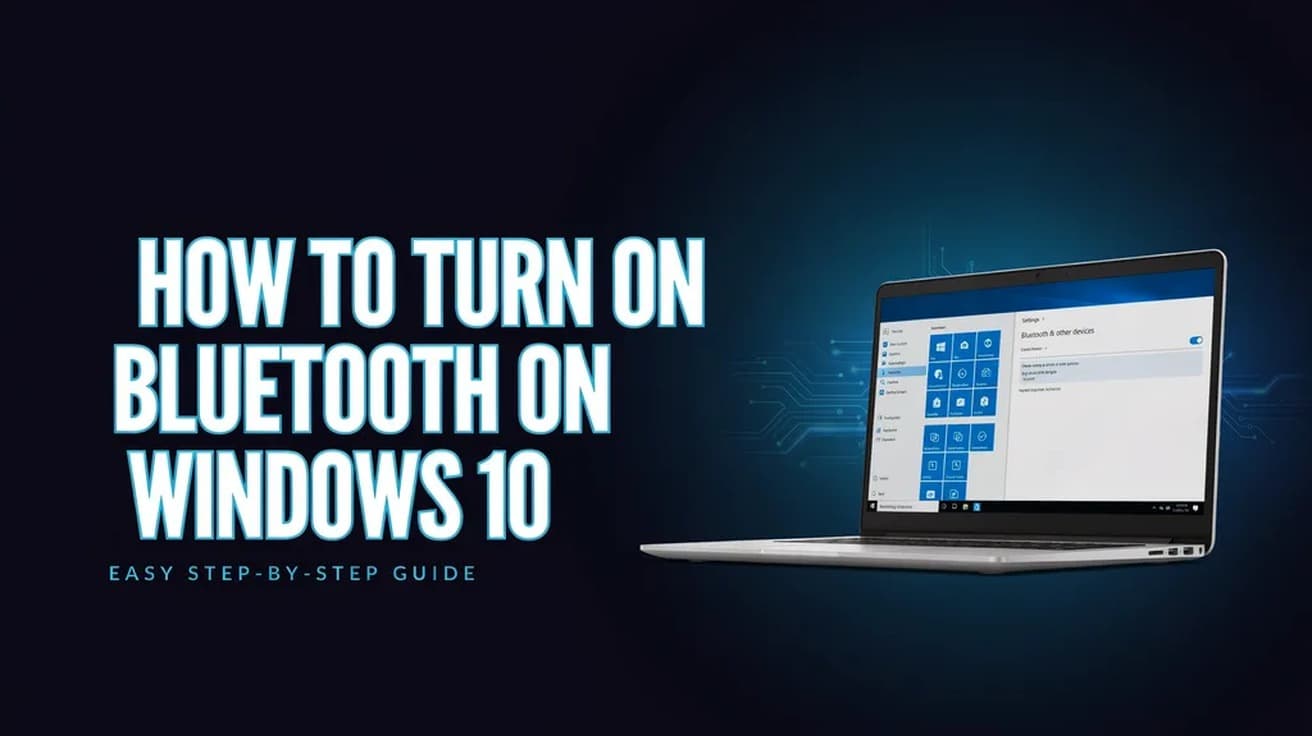
Windows 10 keeps its Bluetooth switch in Settings and in action center. Here is each route, what the on state actually looks like, and what to check when the option is missing entirely.
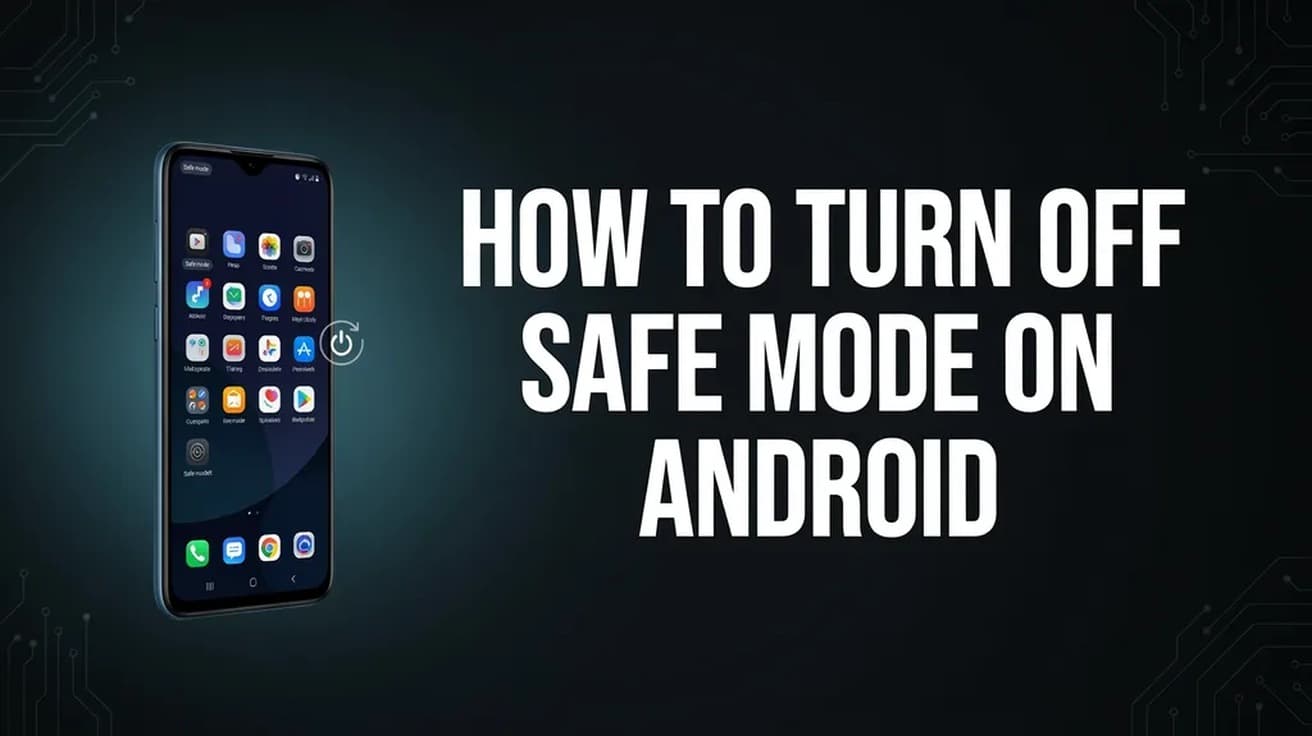
Safe mode is a boot state, not a setting buried in a menu, so a normal restart clears it. If the phone boots straight back in, the cause is usually a recent app or a stuck volume key.
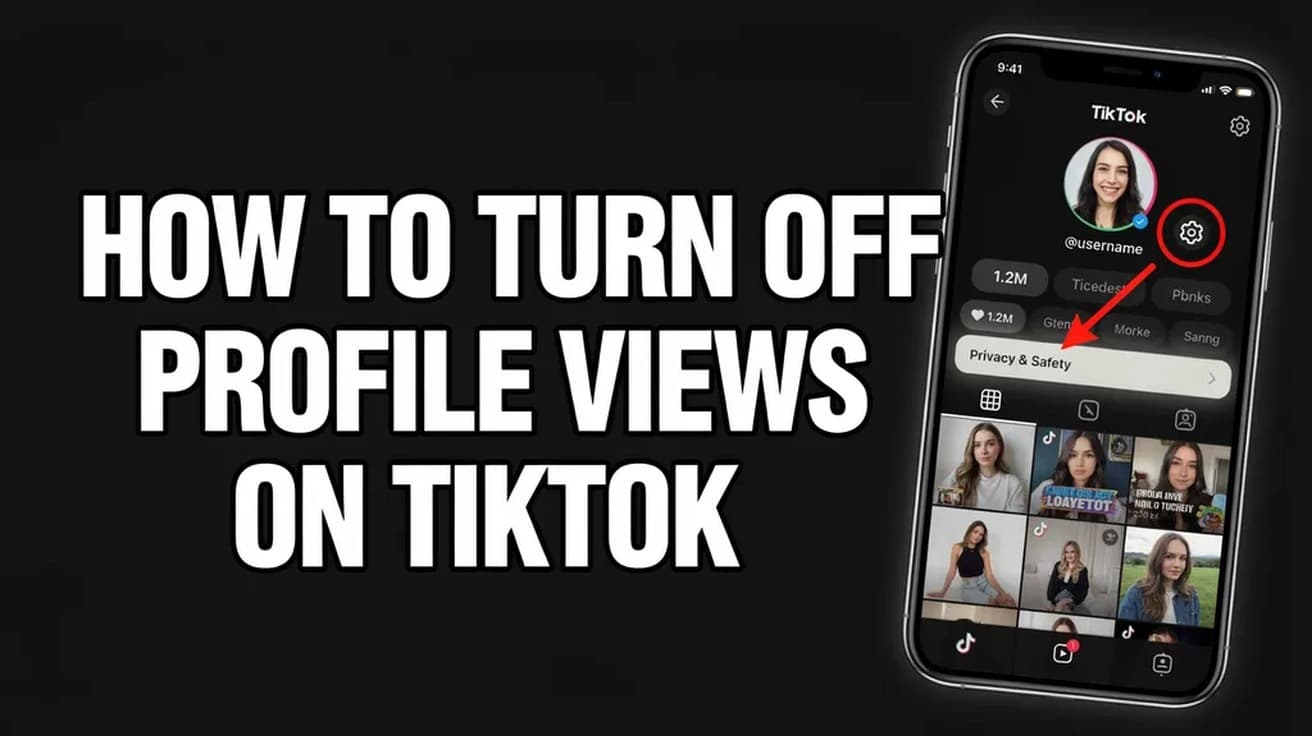
TikTok's profile view history is a mutual setting: switch it off and you vanish from other people's viewer lists, but you also lose your own. Here's where it lives.
Facebook gives a profile post a comment audience, not an on/off switch. Narrowing that audience to the profiles and Pages you mentioned, when you mentioned nobody, is as close to off as it gets.
Setting up Venmo takes five steps in the mobile app, and you must be 18 and in the US with a US mobile number. The catch is what comes after: a new account is capped at $299.99 a week until you verify your identity separately.
Hold the AirTag near your unlocked iPhone, tap Connect, pick a name and tap Done. Here is the full path, the Find My route, and what an AirTag will not do.
Instagram usually updates itself, so the button is often missing. Here is where it lives on iPhone and Android, and what to do when no update shows up.
Separating the two apps happens in Meta's Accounts Center, and the button is now labelled Move out of this Accounts Center. Here is the full route, plus what unlinking leaves untouched.
Instagram never built an Unarchive button for stories. What you actually do is open your Stories archive and reshare the story, which sends it out with a fresh 24-hour clock.
Tagging on Instagram happens in three different places, and each one behaves slightly differently. Here is where the option lives and what it actually does.
A deactivated Instagram account comes back the moment you sign in again. Here is the full login route, the auto-reactivate option, and what to do if your account was deleted or disabled instead.
Making your Instagram account private takes one toggle in Settings. Here is where it lives on phone and desktop, and exactly what changes once you switch.
Instagram has two separate like-hiding controls: one removes the count from your own post, the other clears counts from everyone else's posts in your feed.
In Microsoft 365, checkboxes are a built-in cell control: select your cells and click Insert > Checkbox. Each box stores TRUE or FALSE, so formulas can read it directly.
Do Not Disturb is a Focus, not a standalone switch. Here is the fastest way to turn it on, where to choose what still gets through, and how to put it on a schedule.
Muting hides an account's posts and stories from your feed while you carry on following them. Here is where the setting lives, and what it deliberately leaves alone.
Apple keeps three different passwords on an iPhone and changing one does nothing to the other two. Here is where each setting lives and what it actually affects.
iPhone has no Recently Deleted folder for apps, but the App Store keeps a full record of everything you have downloaded. Here is where to find it and how to reinstall.
Find My is the only reliable way to locate a lost iPhone, and it has to be switched on beforehand. Here is the setup, the app route and the browser route.
Apple has no screen that shows your existing Apple ID password. The fix is a reset, and on an iPhone you are already signed in to it takes under a minute.
An iPhone's built-in capacity is fixed, but most full phones have several gigabytes sitting in offloadable apps, cached files and deleted photos. Here is where to look, in order.
An iPhone can only be restored from a backup during setup, which means erasing it first. Here is the full path for an iCloud backup and for one saved on a computer.
Screen Time can block any website on an iPhone across every browser, not just Safari. Here is the exact path on iOS 26, plus what the setting does not cover.
The Send Read Receipts switch moved into Settings > Apps > Messages. Here is where to find it, how to turn it off for one contact only, and what it does not hide.
Android hides its spam filter in the Phone app, and Samsung and Google label it differently. Here is where the setting lives on each, and what it stops.
Messages holds deleted conversations for about 30 to 40 days before erasing them. Here is where that folder lives and how to pull a thread back out of it.
Outlook recall depends on your account and organisation. Here are the steps, how cloud recall handles read messages, and where to check whether it worked.
iOS has no single clear-cache button. Here is exactly where Safari's cache lives, how to offload an app's storage, and what neither one actually fixes.
Excel has no button called Pin. The feature you want is Freeze Panes on the View tab, and it takes three clicks to keep your header row on screen while you scroll.
You have two minutes to pull back an iMessage on iPhone, and it only works on blue bubbles. Here is the exact tap sequence, plus what unsending does not undo.
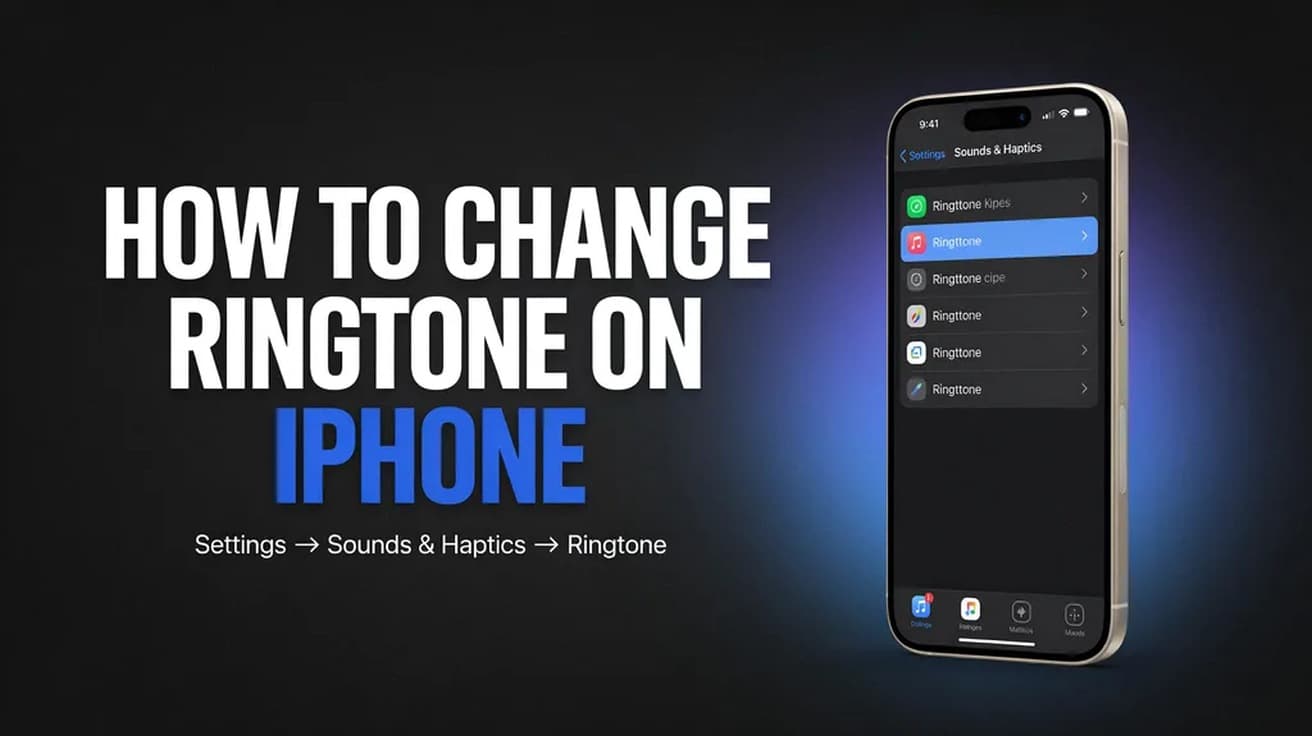
The ringtone setting is not in the Phone app. Here is the exact path in Settings, the iOS 26 way to use your own audio, and how to give one contact their own tone.
Unpairing is what removes Activation Lock and backs the watch up, so it is the step that matters before a watch or a phone changes hands. Here is the route with the old iPhone, and the two routes without it.
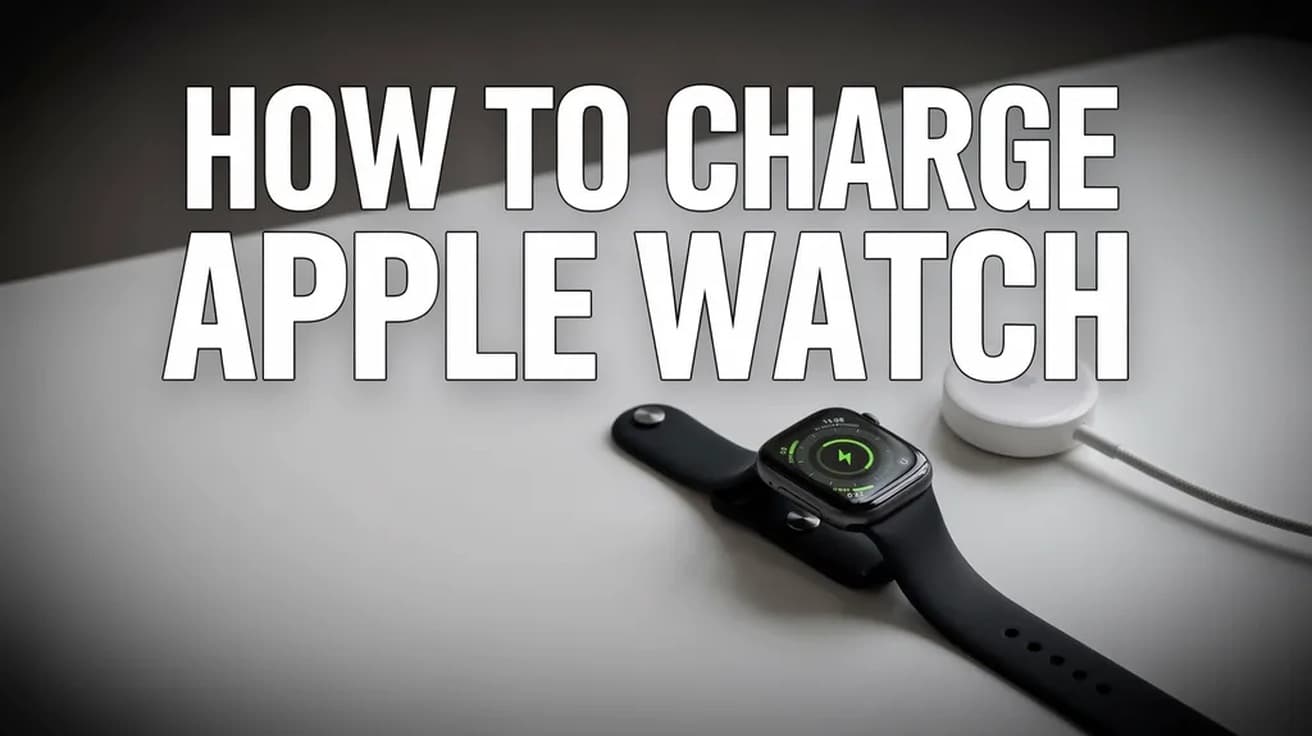
Apple Watch has no charging port, so everything goes through the magnetic puck on the back. Here is the correct way to charge it, what the screen symbols mean, and how long each model takes.
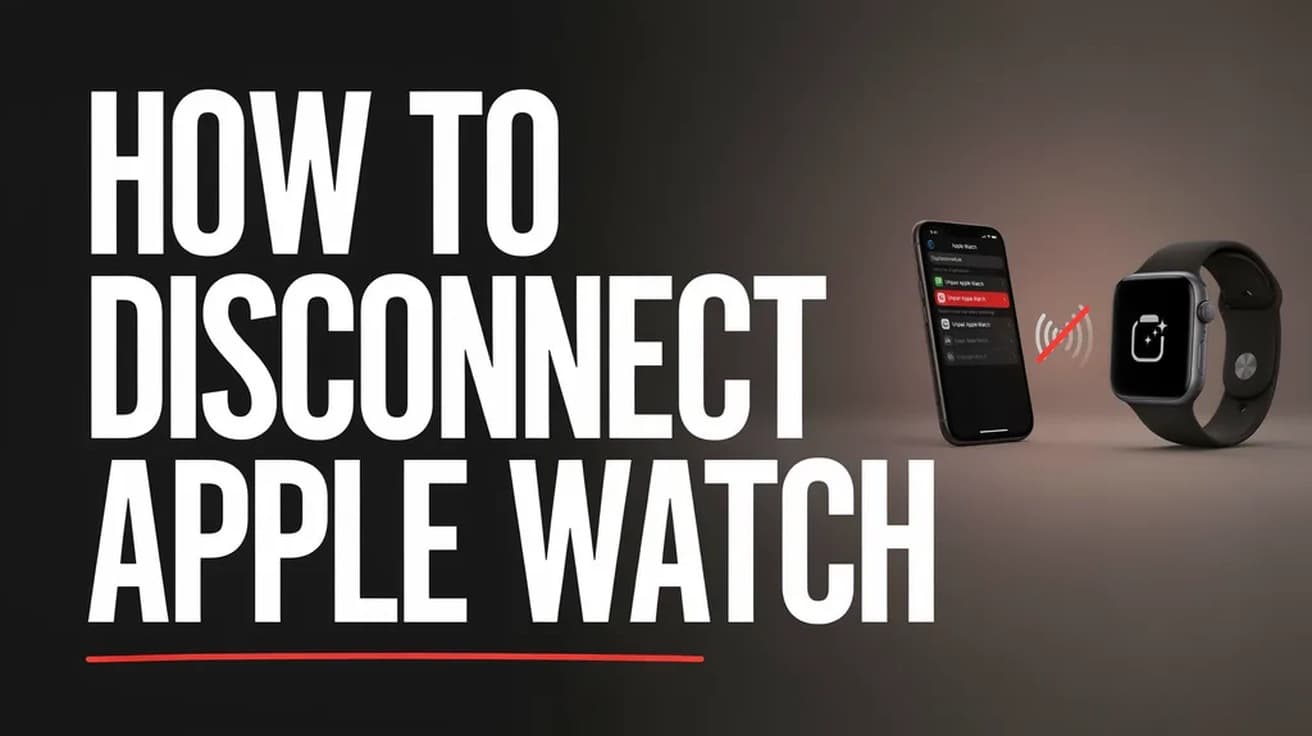
watchOS has no one-tap Disconnect button. Here is how to cut the Bluetooth, Wi-Fi and cellular links between an Apple Watch and its paired iPhone, and what stays connected anyway.
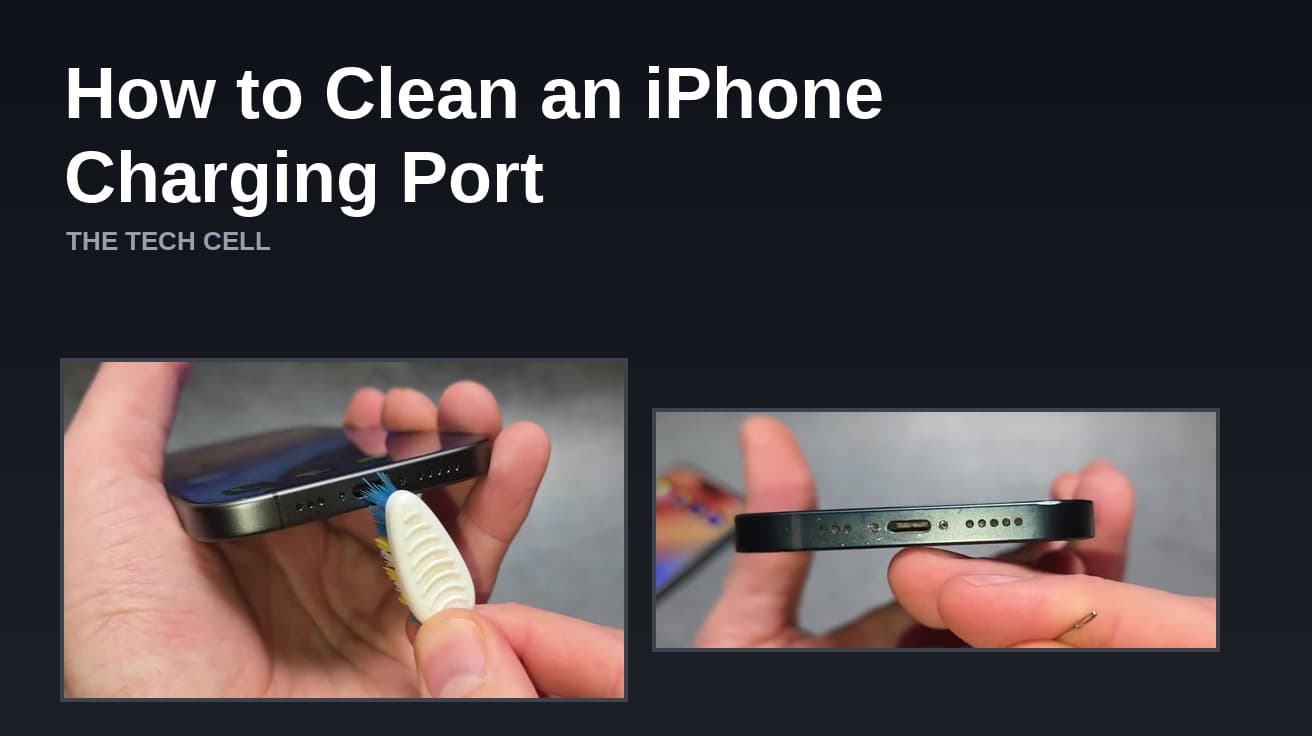
A charging port packed with pocket lint is the most common reason an iPhone charges only at certain angles. Here is the safe way to clear it, and where Apple draws the line.
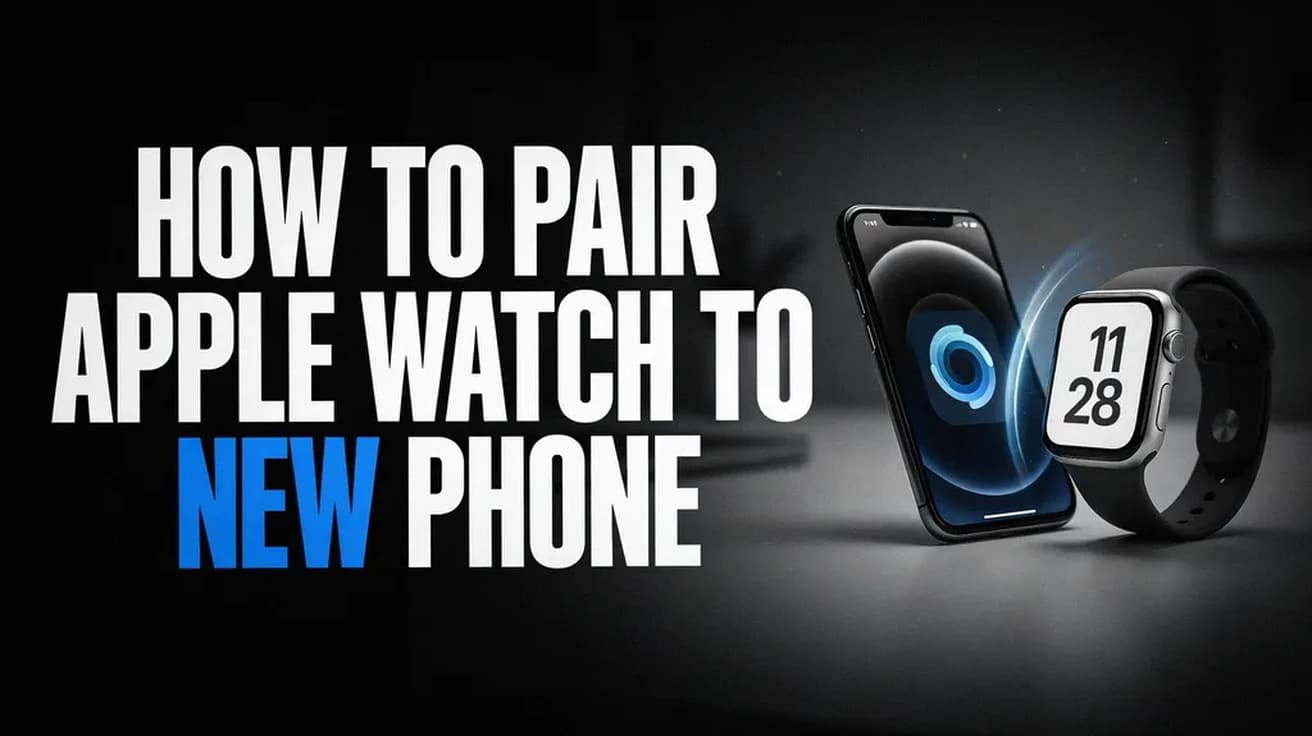
Moving an Apple Watch to a new iPhone means unpairing it from the old one and restoring it from a backup. Here are the steps, with screenshots of each screen.
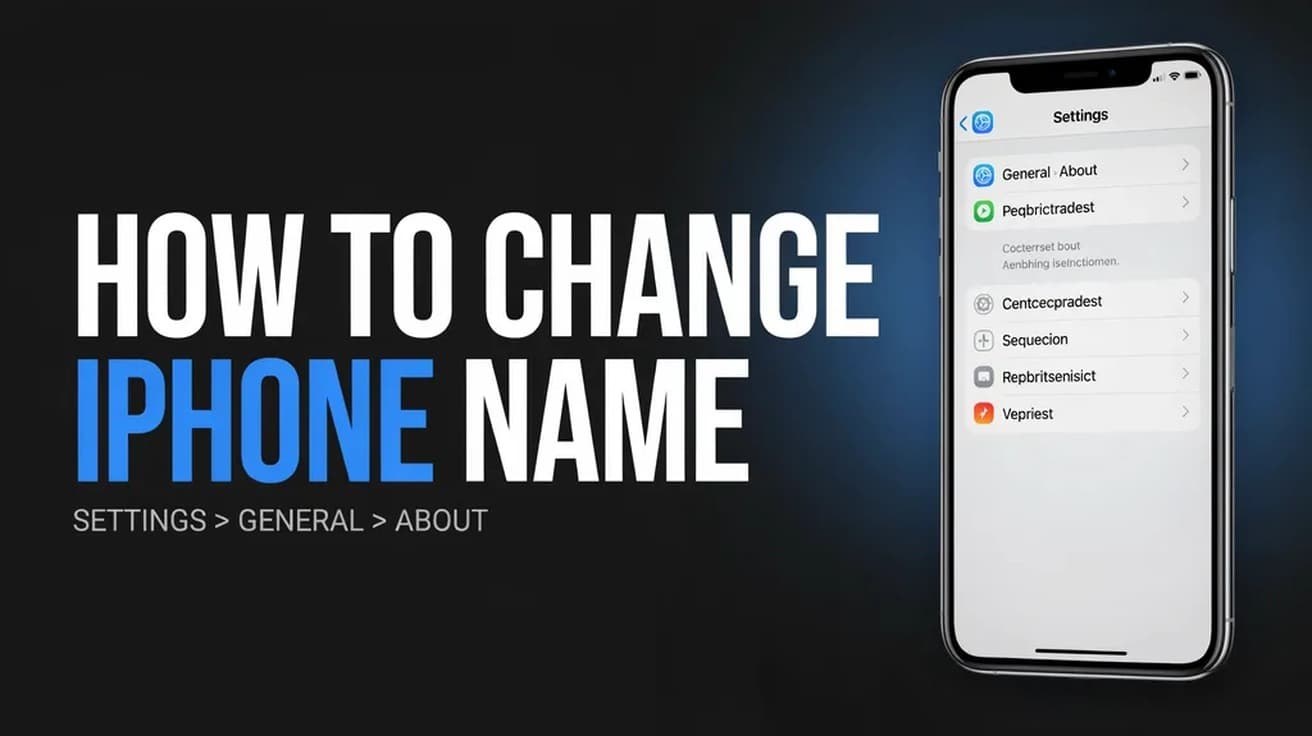
Renaming your iPhone takes four taps in Settings. Here is the exact path, plus what the new name changes across Bluetooth, Personal Hotspot and iCloud.
Four keyboard shortcuts capture the screen on any Dell laptop running Windows 11 or 10. Here is where the prt sc key sits, what each shortcut does, and where the files end up.
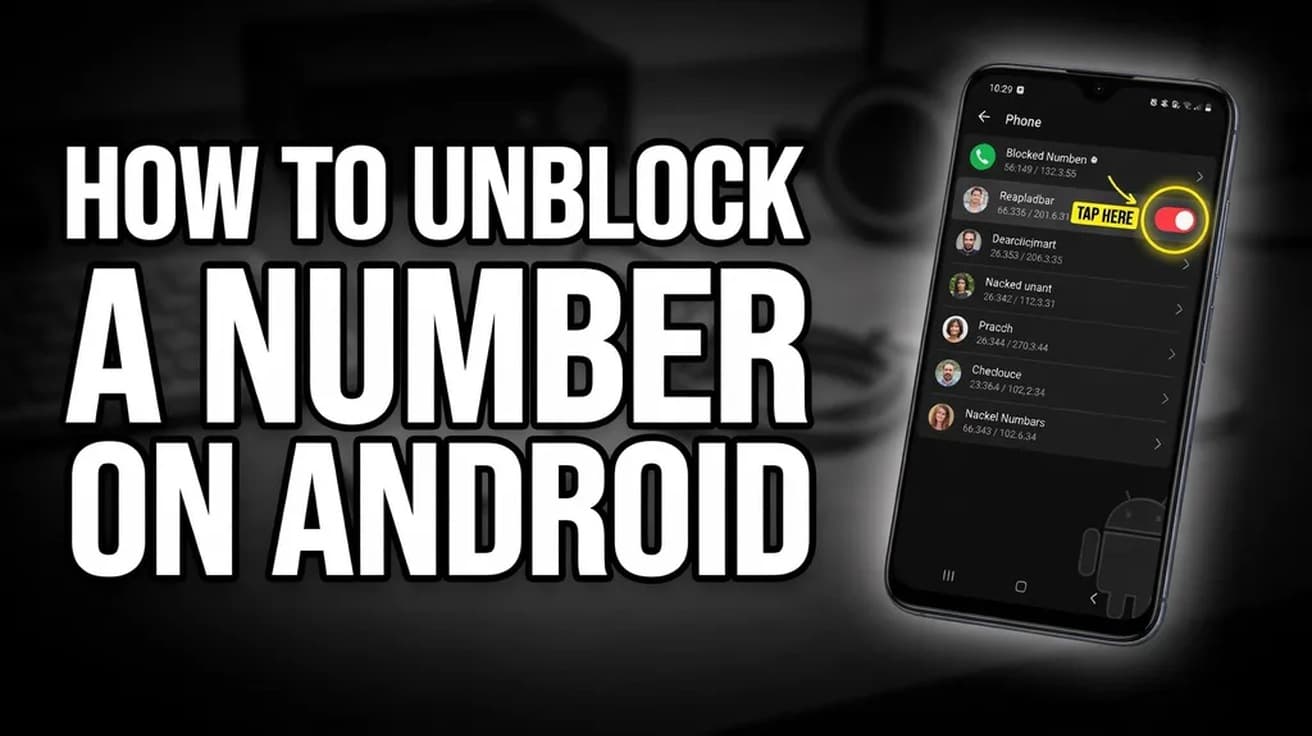
Unblocking a number on Android takes four taps in the Phone app, but the menu is named differently on Pixel and Samsung phones. Here is the path on both, and the second block list people usually forget to check.
Hold the side button, tap the small power icon in the corner, then drag the Power Off slider. Here is the full sequence, screen by screen, plus what to do when the watch is frozen.
Daniel ShuttleworthAug 21, 20266 min read
How we work
Every step checked before it reaches you.
Menus move, settings get renamed and features quietly disappear. So each guide is written against the vendor's current documentation rather than from memory, and says plainly when a fix depends on your version.