How to Connect AirPods to Dell Laptop (Windows 11 Steps)
AirPods pair with a Dell laptop like any Bluetooth headphones, but only once you put them in pairing mode by hand. Here is the four-step route, plus what Windows cannot do with them.
 By Daniel ShuttleworthOct 7, 2026
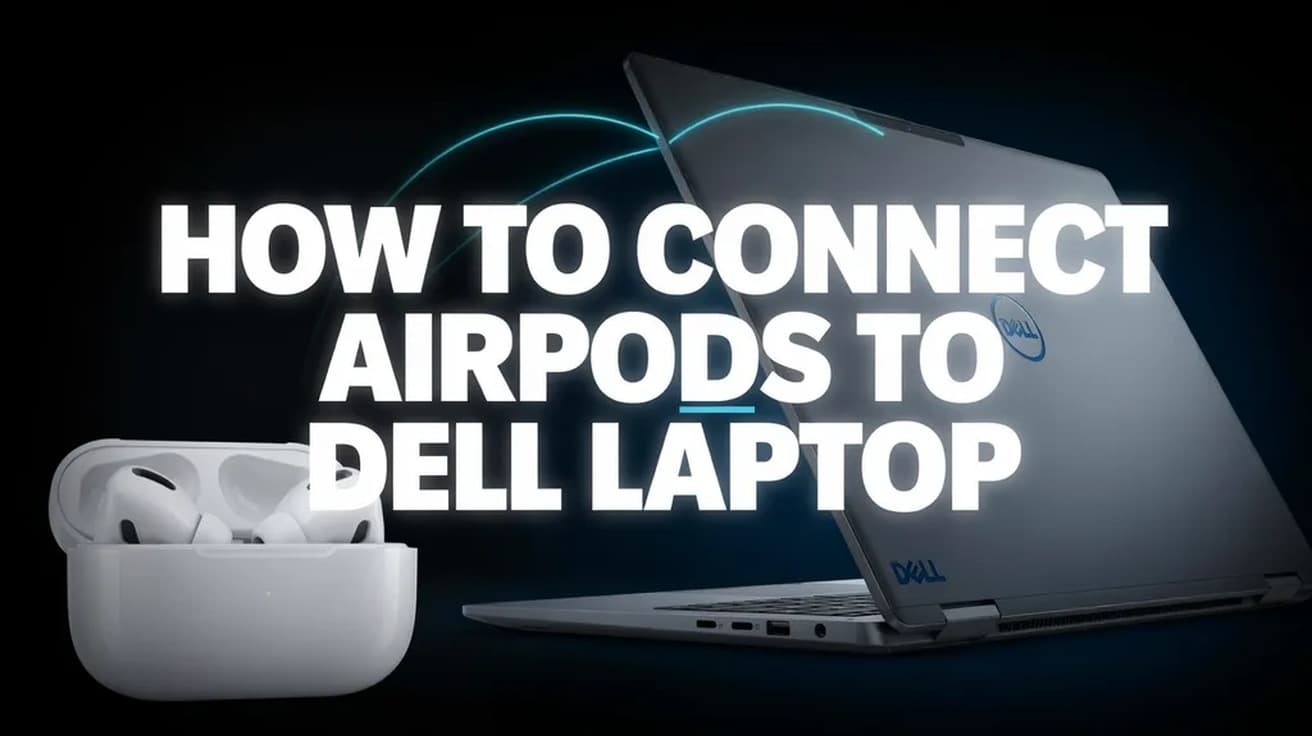
To connect AirPods to a Dell laptop, open Settings > Bluetooth & devices and switch Bluetooth on. Put the AirPods in pairing mode — for most models that means opening the case lid and holding the setup button on the back until the status light flashes white. Then choose Add device > Bluetooth and pick your AirPods from the list.
AirPods are ordinary Bluetooth headphones to anything that is not an Apple device. Your Dell does not need software, a dongle or an Apple account — it just needs the AirPods to be advertising themselves, which they only do when you put them in pairing mode by hand.
One thing is worth knowing before you start, because it surprises people on day one. Sound quality on Windows drops noticeably the moment an app opens your microphone, and that is a limitation of Bluetooth itself rather than anything Dell or Apple got wrong. There is more on why below.
Connect AirPods to a Dell laptop in four steps
1. Open Settings, then Bluetooth & devices, and make sure the Bluetooth toggle is set to On. If you prefer the keyboard, Windows key + I opens Settings directly.
2. Put the AirPods into pairing mode. Which gesture you use depends on the model:
- AirPods 1, 2 or 3, and AirPods Pro 1 or 2: leave the AirPods in the case, open the lid, then press and hold the setup button on the back of the case for about five seconds, until the status light flashes white.
- AirPods 4, AirPods 5 and AirPods Pro 3: open the case with the AirPods inside and double-tap the front of the case, so that the status light flashes white. These models have no setup button on the back.
- AirPods Max: press and hold the listening mode button for about five seconds, until the status light flashes white.
3. Back on the Dell, select Add device, then choose Bluetooth from the list of device types.
4. Your AirPods appear by name in the list of nearby devices. Select them, wait for Windows to report that they are connected, then select Done.
The flashing white light is the part people skip. If the AirPods are sitting in the case with the lid shut, or they are still connected to an iPhone in your pocket, the Dell will not see them at all.
Faster routes, and what changes on Windows 10
Once the pair is made you do not need Settings again. Select the Network, Sound or Battery icon beside the clock, then the chevron next to the Bluetooth tile, and your AirPods are listed there for one-click reconnection. Microsoft calls this group of controls quick settings.
Windows 10 lays the same thing out differently: the pairing screen lives under Settings > Devices > Bluetooth & other devices, and the button you want reads Add Bluetooth or other device rather than Add device. If the Bluetooth toggle is missing entirely on that machine, our guide to turning on Bluetooth on Windows 10 covers getting the radio back before you try to pair anything.
There is a real difference under the surface between the two versions. Windows 11 has supported the AAC codec since version 21H2, which is the codec AirPods prefer; Windows 10 does not support AAC at all and falls back to SBC. Same earbuds, same laptop, slightly worse music on the older operating system.
What this does not do
Pairing gives you audio in and audio out. It does not give you the Apple features, and the gaps are documented rather than mysterious.
Siri is not available when AirPods are connected to a non-Apple device — Apple states this plainly. You can still listen and talk; you simply have no voice assistant through the earbuds.
The microphone is the bigger adjustment. Bluetooth sends stereo audio over a profile called A2DP, which is output-only, so the moment an application opens the microphone Windows switches the AirPods to the Hands-Free Profile instead. That profile carries mono audio at 8 kHz, or 16 kHz on wideband-capable setups, in both directions. Microsoft's own driver documentation describes the switch: the stereo stream is dropped while the microphone is open, and playback returns to A2DP shortly after the microphone closes. In practice, music sounds thin and distant during a Teams or Zoom call and recovers when you hang up. Nothing is broken.
Apple's documentation does not describe automatic ear detection or spatial audio working with non-Apple devices, so treat anything beyond plain playback and a mono microphone as a bonus rather than something to count on.
Common questions
Can the AirPods stay paired to my iPhone at the same time? They can stay paired to both, but they play from one at a time. If the Dell goes quiet, the iPhone has probably grabbed them — pause there, or select the AirPods again from quick settings on the laptop.
Do I have to redo this every day? No. The pairing is stored. Opening the case near the Dell is usually enough to reconnect, and if it is not, one click in quick settings does it.
The AirPods connect but there is no sound. Check that Windows is actually sending audio to them: select the Sound icon in the taskbar and pick the AirPods as the output device. Windows does not always switch output automatically.
If the option isn't there
If Add device is greyed out or the Bluetooth toggle has vanished, the problem is the Dell's adapter rather than the AirPods. Dell's own troubleshooting sequence is worth following in order: open Device Manager, expand Bluetooth, and look for an entry with a small down-arrow icon — right-click it and select Enable device. If the adapter is not listed at all, Dell notes it can be disabled in the BIOS, and recommends loading BIOS defaults to rule that out.
Failing that, update the wireless and Bluetooth driver from Dell's support site, which will identify your machine from its Service Tag, then restart and try the pairing again. Dell also offers a hardware scan for the Bluetooth device under the diagnostics section of its support site, which tells you whether the radio itself has failed.
If the Dell sees other Bluetooth devices but never the AirPods, reset the AirPods instead. With the lid open, hold the setup button for about fifteen seconds until the status light flashes amber and then white. On AirPods 4, AirPods 5 and AirPods Pro 3 the equivalent is a sequence of double-taps on the front of the case, repeated until the light flashes amber then white. A reset wipes their pairings, so you will need to reconnect them to your phone afterwards too.