How to Cancel Canva Subscription (Web and App Stores)
Cancel a Canva subscription from Settings, then Billing on the web — or in the App Store or Google Play if you subscribed inside the mobile app. You keep paid features until the current billing period ends.
 By Daniel ShuttleworthOct 3, 2026
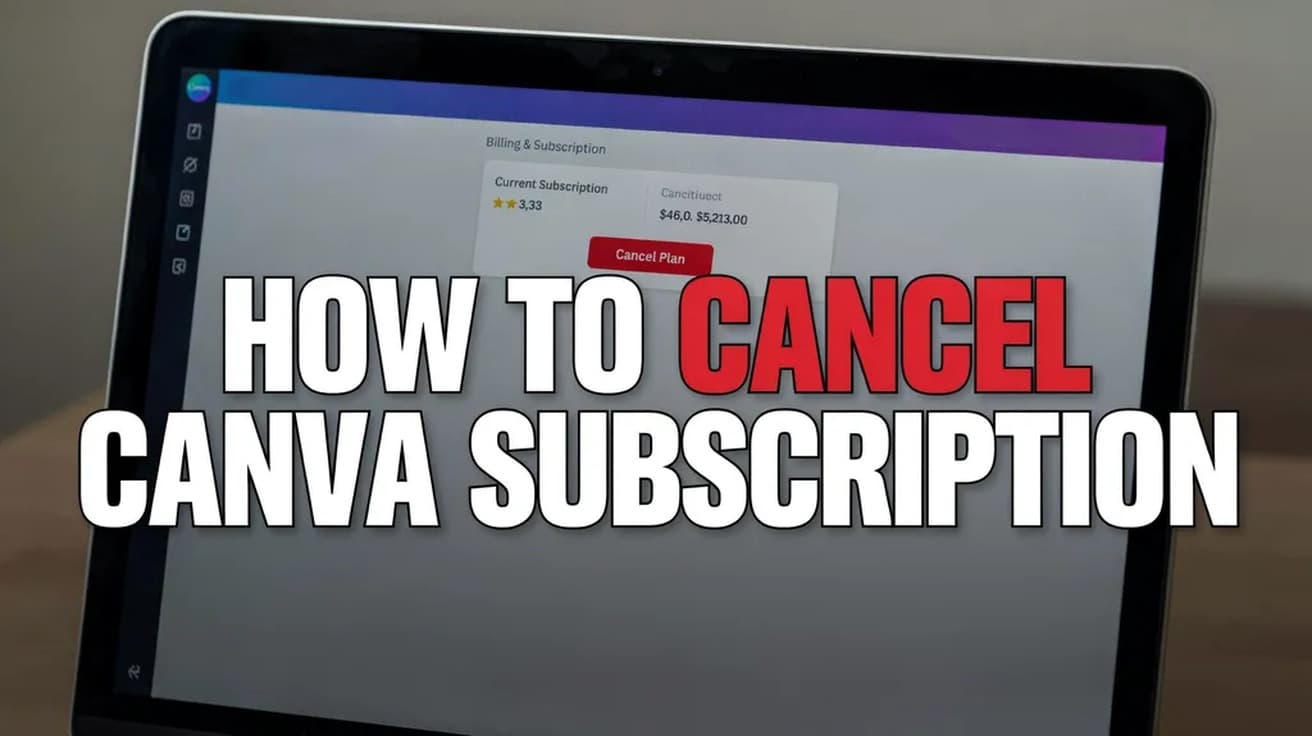
Open Canva in a browser, select your profile picture, go to Settings, then Billing, and choose Cancel plan. If you subscribed inside the iPhone or Android app, you cancel in the App Store or Google Play instead — Canva cannot do it for you. Either way, you keep paid features until the current billing period ends.
Working out how to cancel a Canva subscription is mostly a question of where you bought it. Canva bills some people directly by card and bills others through Apple or Google, and only one of those can be stopped from inside Canva's own settings.
Two things are worth knowing before you start. Cancelling stops future payments but does not end your access immediately — you keep premium features until the period you have already paid for runs out. And your account is not deleted: it drops to the Free plan, and your designs stay where they are.
How to Cancel a Canva Subscription on the Web
This is the route for anyone who signed up on canva.com and pays Canva directly. Use a desktop browser if you can; the steps are the same on a mobile browser, but the menus are easier to hit on a larger screen.
1. Log in to your Canva account and select your profile picture or account icon from the homepage.
2. Choose Settings.
3. Open Billing. If your account is registered in Japan, this section is called Contract period instead.
4. Find your subscription and select Cancel plan.
5. Select Continue cancellation.
6. Pick a reason for leaving, then select Continue cancellation again. Canva offers an optional box for a longer explanation, which you can skip.
7. Select Cancel subscription to finish.
Canva sends a confirmation email once the cancellation goes through. If that email does not arrive, treat the cancellation as unconfirmed and check the Billing page again — it should no longer show an upcoming renewal.
If You Subscribed on an iPhone or Android
A subscription bought inside the Canva mobile app is billed by Apple or Google, not by Canva, and Canva's own settings cannot cancel it. You have to go to the store that takes the money.
On an iPhone or iPad, open the Settings app, tap your name at the top, then tap Subscriptions and select Canva. On Android, open the Google Play app, go to Payments and subscriptions, then Subscriptions, and select Canva.
Deleting the app does nothing to the billing. Canva says this plainly in its own help pages: uninstalling does not cancel your plan, and the charge will keep arriving until you cancel it in the store.
What Cancelling Does Not Do
It does not delete your account or your work. Canva's help pages say your designs stay accessible and the account simply becomes a Free plan once the paid period ends. What those pages do not spell out is how premium elements already placed inside a design behave afterwards, so it is worth opening any design you rely on and checking it yourself before the period runs out.
It does not produce a refund. Canva's position is that subscriptions generally are not refundable under its Terms of Use, though it reviews requests individually and sometimes approves them. If you bought through the App Store, Canva cannot refund you at all — Apple handles those directly.
It does not touch anything else billed to the same Apple Account or Google account. A paid iCloud+ plan, for instance, is a separate subscription with its own cancellation path, and upgrading or dropping iPhone storage has no bearing on what Canva charges you.
Common Questions
When exactly am I charged if I leave it too late? Canva plans renew automatically at the end of the monthly or yearly period, and transactions run on GMT. Your renewal date is shown on the Billing page. To avoid a charge, the cancellation has to be done before that date, not on it.
Can I pause instead of cancelling? Yes, if you are on an annual plan with less than two months until it renews. The pause lives inside the cancellation flow: choose Cancel plan, then Continue cancellation, then I want to pause my subscription, and confirm with Pause for 3 months. The pause starts when your current billing period ends and the plan resumes on its own afterwards. It is not offered to subscriptions billed through the iOS App Store.
Does my renewal date change if the month is short? If your renewal falls on a date the next month does not have — the 31st, say — Canva moves it to the last day of that month.
If the Cancel Option Isn't There
The most common reason is that you are looking in the wrong place: the plan is billed by Apple or Google, so Canva's Billing page has nothing to cancel. Check your App Store or Google Play subscriptions screen before assuming something is broken.
On a Canva for Teams plan, only the account owner and administrators can cancel. If you are a member rather than an owner, the option will not appear for you and the person who set the team up has to do it.
If neither applies and the Billing page still shows no way out, Canva's support team is the next step — and until the cancellation is confirmed, assume the next payment is still coming.