How to Cancel Ryze Subscription
Ryze bills its mushroom coffee subscription every 30 days until you stop it. Here is where the cancel controls live, and what to do when the portal offers none.
To cancel your Ryze subscription, open the menu on ryzesuperfoods.com and choose Manage Subscription, sign in to the subscription portal with the email code Ryze sends you, and end the plan there. If the portal gives you no cancel control, message Ryze support, which runs 24/7. Either way, do it at least 24 hours before your next shipment.
Ryze sells its mushroom coffee on a recurring plan. Under Ryze's terms of sale, a subscription is billed automatically every 30 days to the card you used at checkout, and it keeps billing until you cancel it.
The timing matters more than the clicks. Ryze's terms say you must cancel at least 24 hours before your next shipment goes out if you want to stop that order. Cancel later than that and the order is already on its way, so you are cancelling the one after it.
How to cancel your Ryze subscription from the site menu
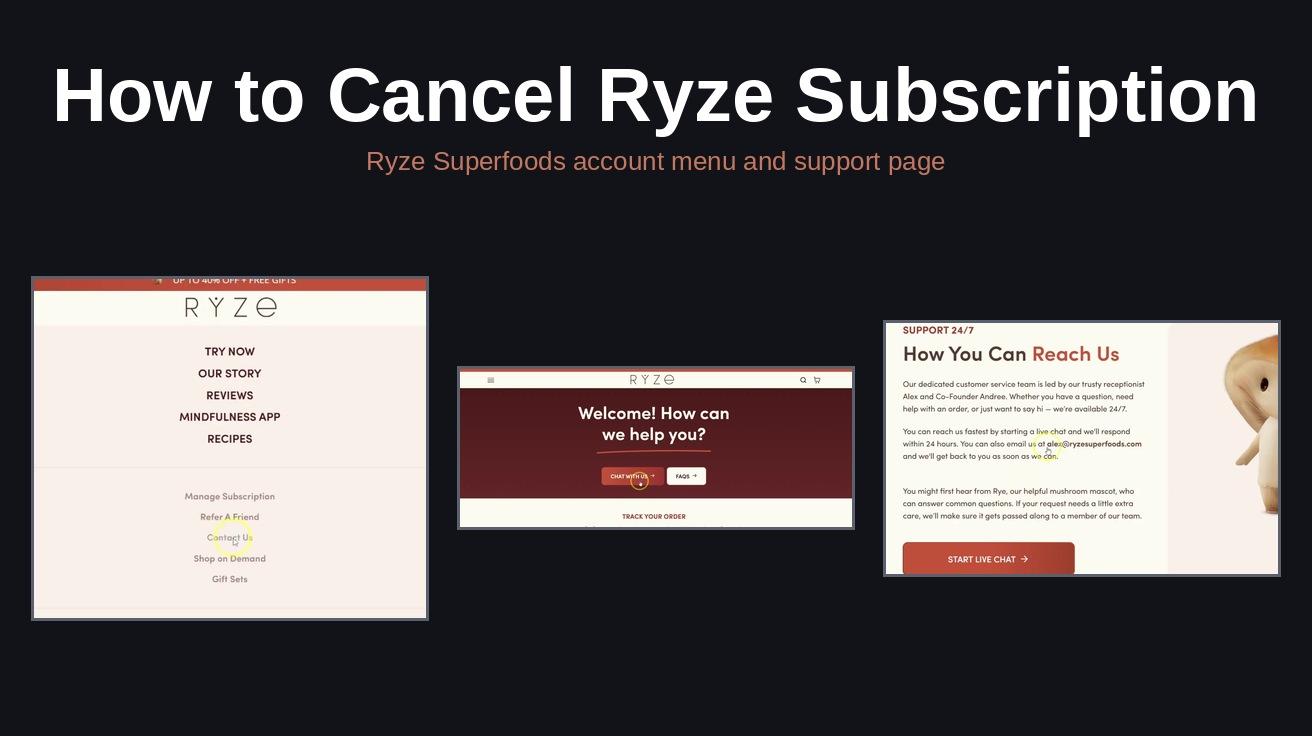
1. Go to ryzesuperfoods.com and open the menu icon at the top left of the page.
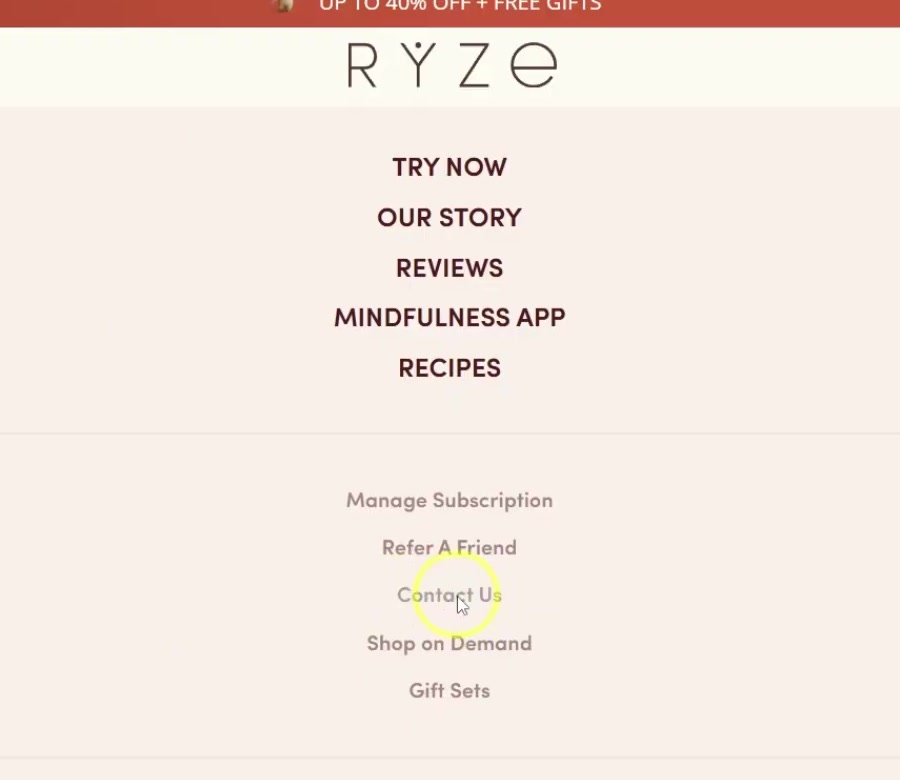
2. Select Manage Subscription. This is the entry point to Ryze's subscription portal, where plan changes are made.
3. Enter the email address you used for your order. Ryze does not ask for a password here. Its help centre describes a passwordless sign-in: you request access, Ryze emails you a code, and you enter that code to get in.
4. Open the Subscription tab. This is where your plan, your next charge date and your delivery details live, and where you can view or update them.
5. End the subscription from that screen, then wait for a confirmation. Keep the confirmation email. It is the only record you will have if a charge appears later.
One note on what the portal shows. Several third-party guides describe a plain Cancel Subscription button inside the account area. Ryze's own terms of sale describe cancelling by logging into the customer portal or by contacting customer service, and do not promise a self-serve button. If you reach the Subscription tab and find no way to cancel, that is not you missing something, and the next section is the route to take.
Reaching Ryze support instead
Ryze lists its support options on its contact page, and the terms of sale repeat them. Support is advertised as available 24/7, with a reply promised within 24 hours.
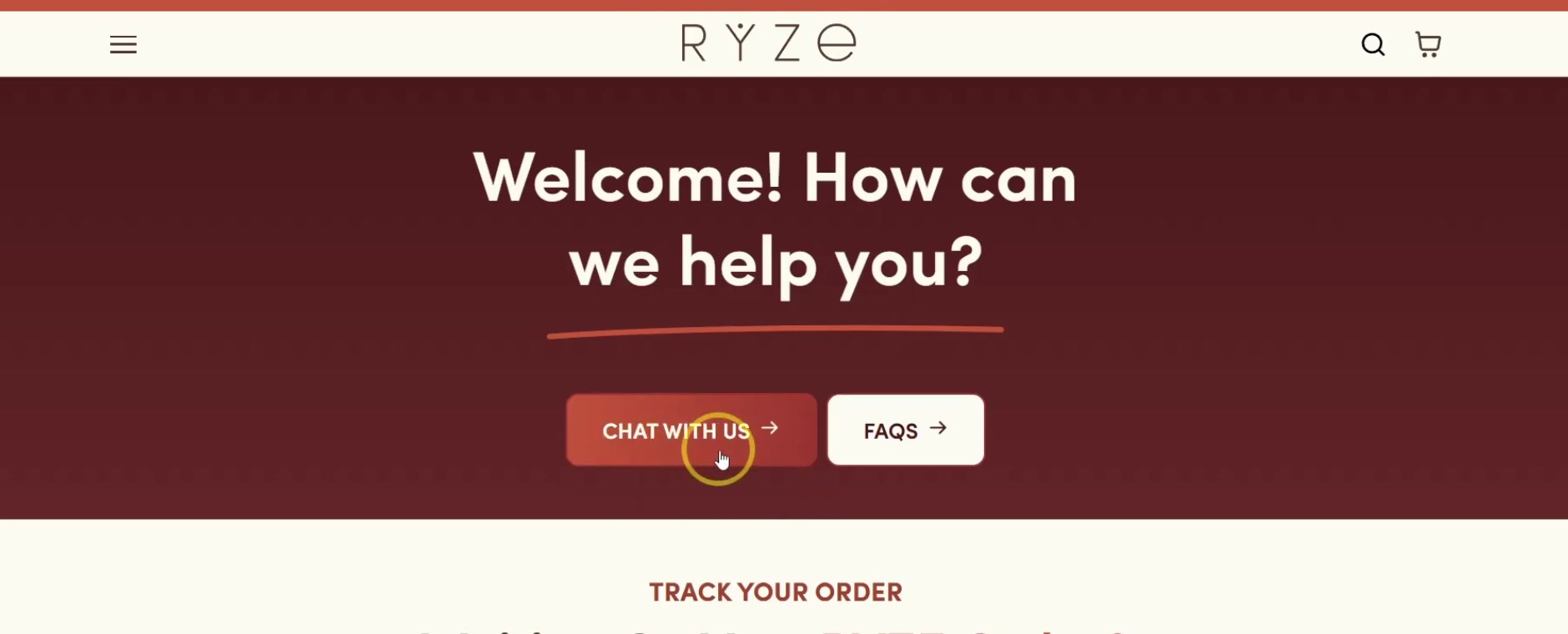
The four routes Ryze publishes are:
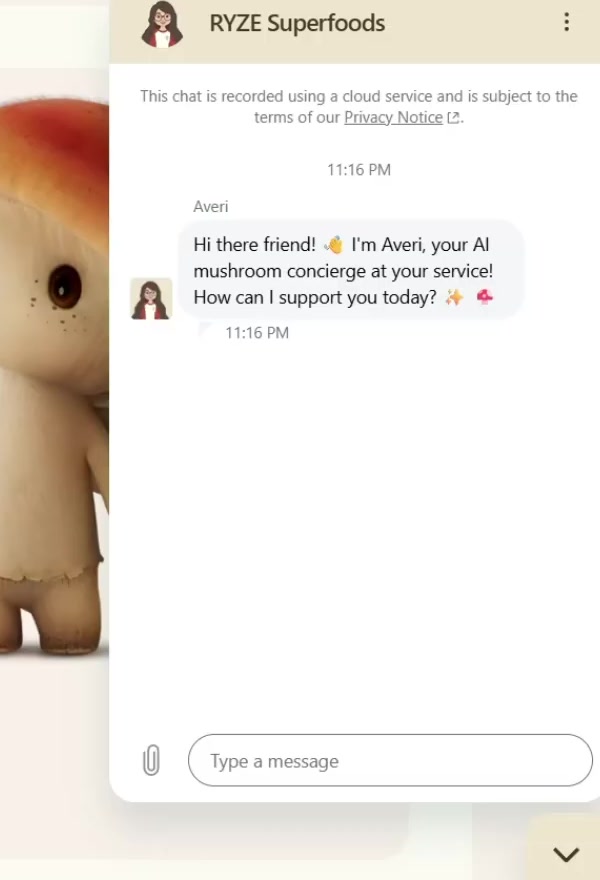
- Live chat on the contact page, via Chat With Us or Start Live Chat.
- Email to the address shown on that same page, alex@ryzesuperfoods.com.
- Text message to 617-221-3852, listed in Ryze's terms of sale.
- Direct message to @RYZESUPERFOODS on Instagram or Facebook, also listed in the terms.
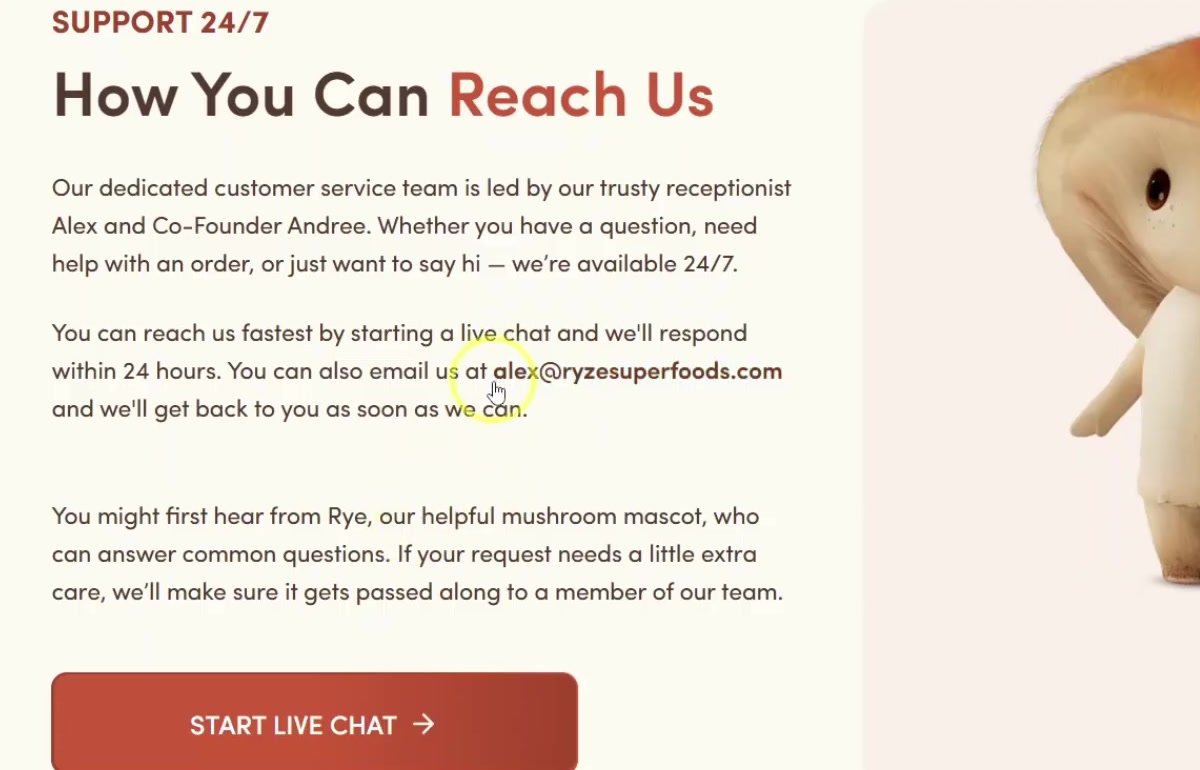
Whichever route you pick, send the email address on the account and ask plainly for the subscription to be cancelled, not paused. Ask for written confirmation in the same message.
Slowing deliveries down instead of stopping them
If the problem is pace rather than the product, you do not have to cancel. Ryze's terms say you can change the billing interval to 45 or 60 days from the customer portal yourself. Longer gaps, 90 or 120 days, are set up by contacting customer service rather than in the portal.
That is worth knowing before you cancel, because a cancelled plan usually means giving up whatever subscriber pricing you signed up on.
What cancelling does not do
Cancelling a Ryze subscription stops future charges. It does not reverse the ones already taken, and it does not recall an order that has shipped.
Refunds are a separate request. Ryze's terms describe a money-back guarantee that covers a first-time subscription order, claimed within 30 days of the date you received it, with approved refunds going back to the original payment method. Anything outside that falls under Ryze's standard refund and return policy. If you want money back as well as a cancellation, say both in the same message.
Cancelling also does not delete your account or unsubscribe you from marketing email. Those are separate settings.
Common questions
I cancelled and still got charged. Check the date against the 24-hour rule. A charge raised less than a day before the shipment was already in motion when the cancellation landed. Reply to your confirmation with the charge date and ask support to refund it.
I do not remember signing up for a Ryze subscription. Ryze's first-order offers are commonly subscription offers, so the plan can start at the first purchase. Request portal access with the email on the order confirmation and check what is listed under Subscription.
Can I cancel by blocking the card? You can, but it leaves an active subscription on the account and an unpaid balance to argue about later. Cancel it properly first.
If the Manage Subscription link is not there
Request portal access directly rather than hunting for the menu item. Ryze's help centre publishes a direct access link at ryzesuperfoods.com/tools/recurring/get-subscription-access, which asks for your order email and sends the sign-in code.
If that still shows nothing, the order email you tried is probably not the one on the subscription. Check the address that received the shipping confirmation and try that one, then fall back to live chat with the order number in hand.
For cancellations elsewhere, we have walked through the same job on how to cancel a Canva subscription and how to cancel a Grammarly subscription.