How to Unsend a Message on iPhone (2-Minute Limit)
You have two minutes to pull back an iMessage on iPhone, and it only works on blue bubbles. Here is the exact tap sequence, plus what unsending does not undo.
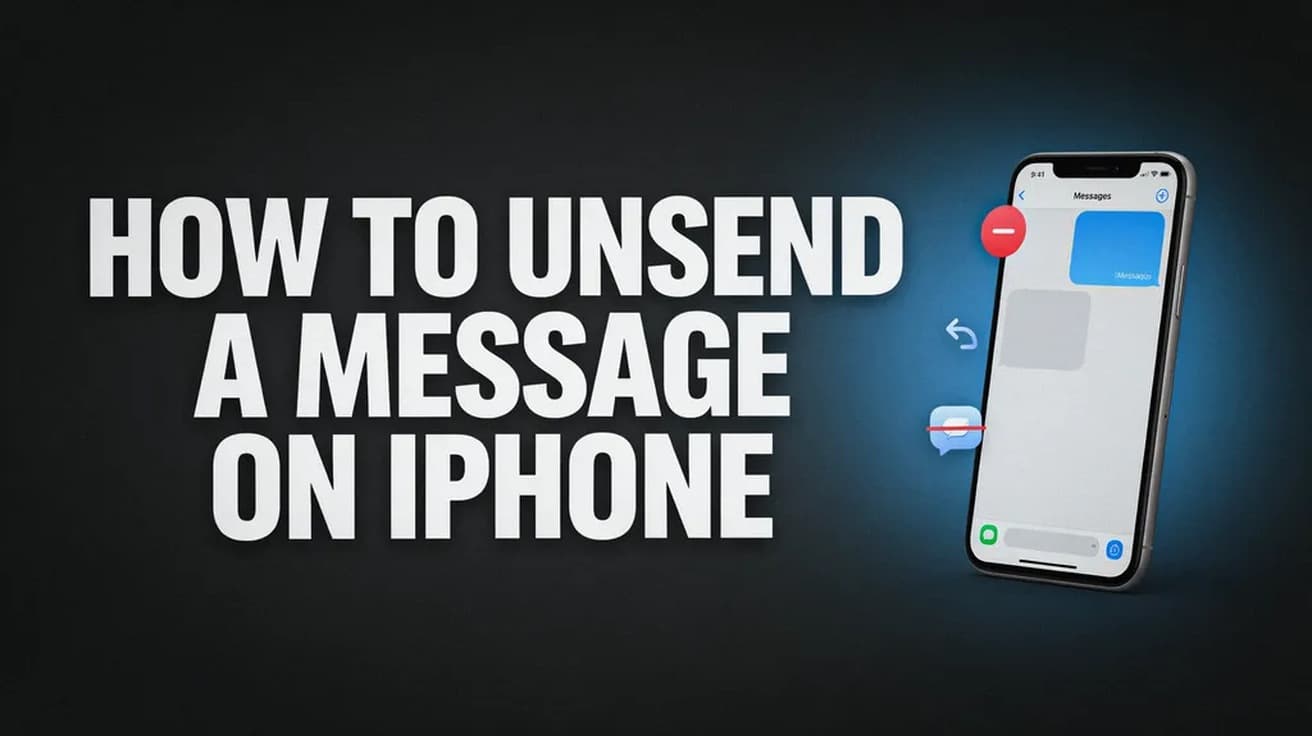
To unsend a message on iPhone, touch and hold the message bubble, then tap Undo Send. You have two minutes from the moment you sent it, and it only works on blue iMessage bubbles — green SMS and RCS messages cannot be pulled back.
The two-minute window is the part people get wrong. It starts the second you hit send, not the second you realise your mistake, and Apple does not extend it. If the option is missing from the menu, the window has almost always closed.
It is also worth knowing before you tap: unsending is not silent. The other person is left with a line of text where your message used to be. You are trading a message you regret for a visible gap.
How to unsend a message on iPhone in two minutes
The whole sequence is three taps, so the only real constraint is speed.
1. Open Messages and go to the conversation containing the message you want to take back. It needs to be a blue bubble.
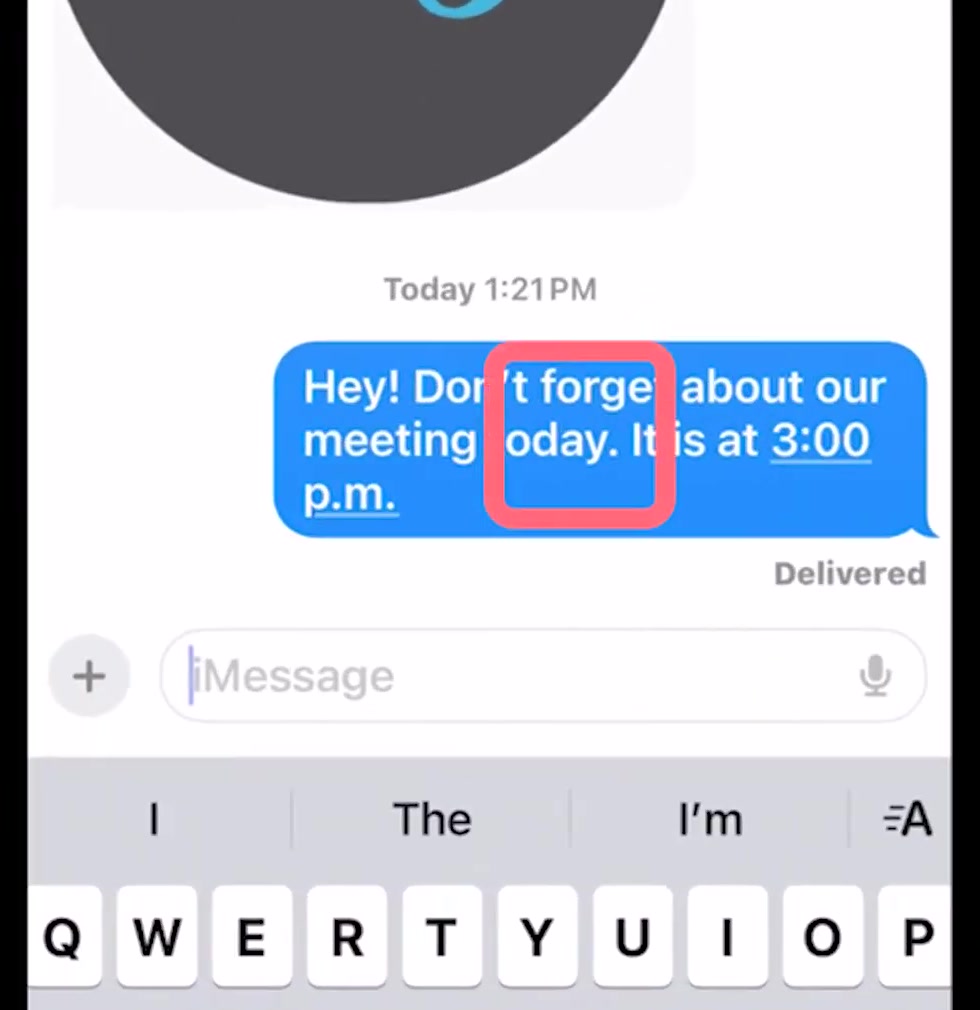
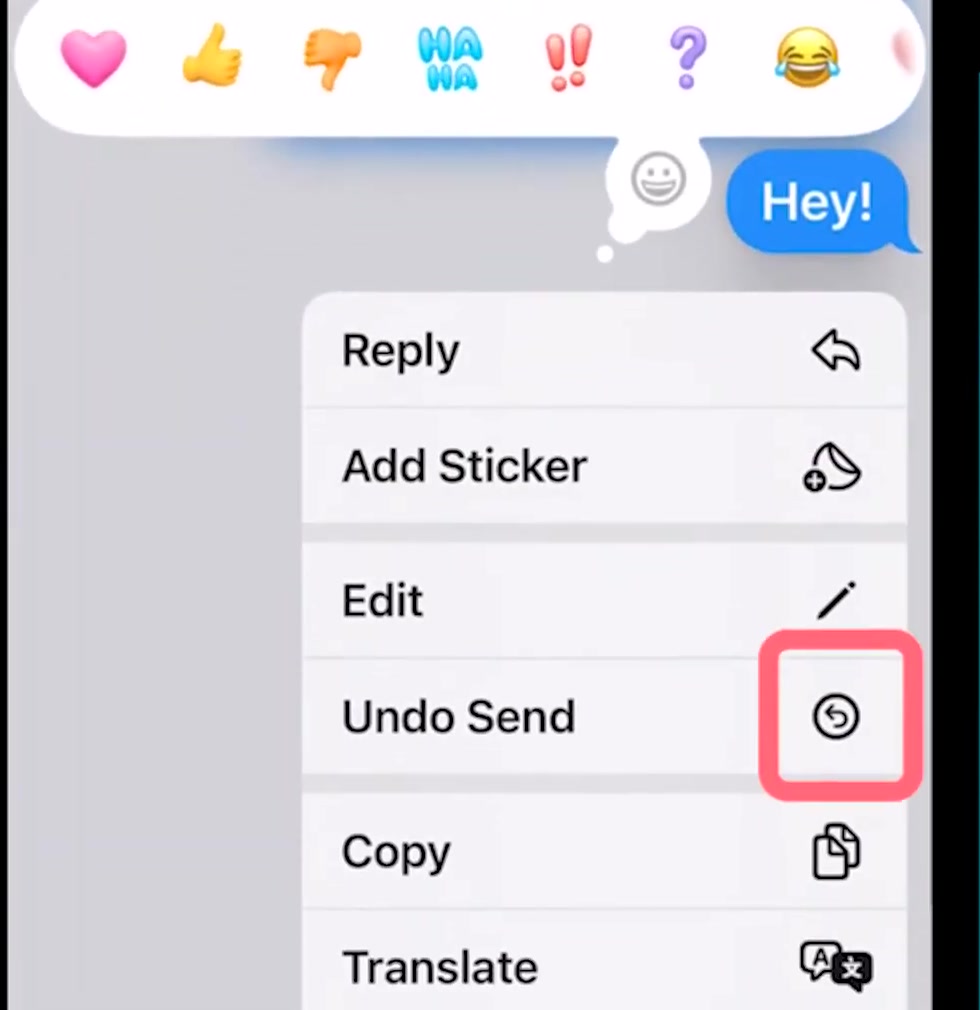
2. Touch and hold the message bubble until the menu appears. Do not tap and release — a quick tap does nothing here.
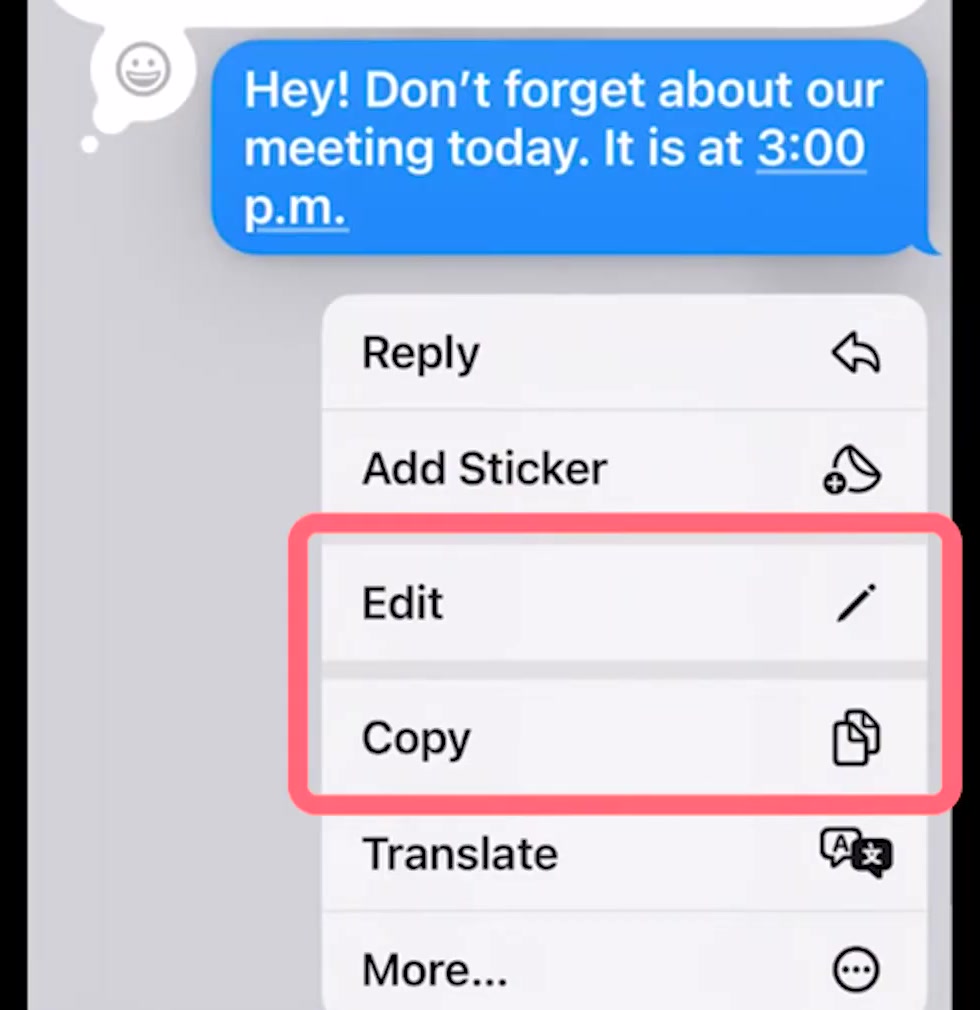
3. Tap Undo Send. It sits between Edit and Copy in the list.
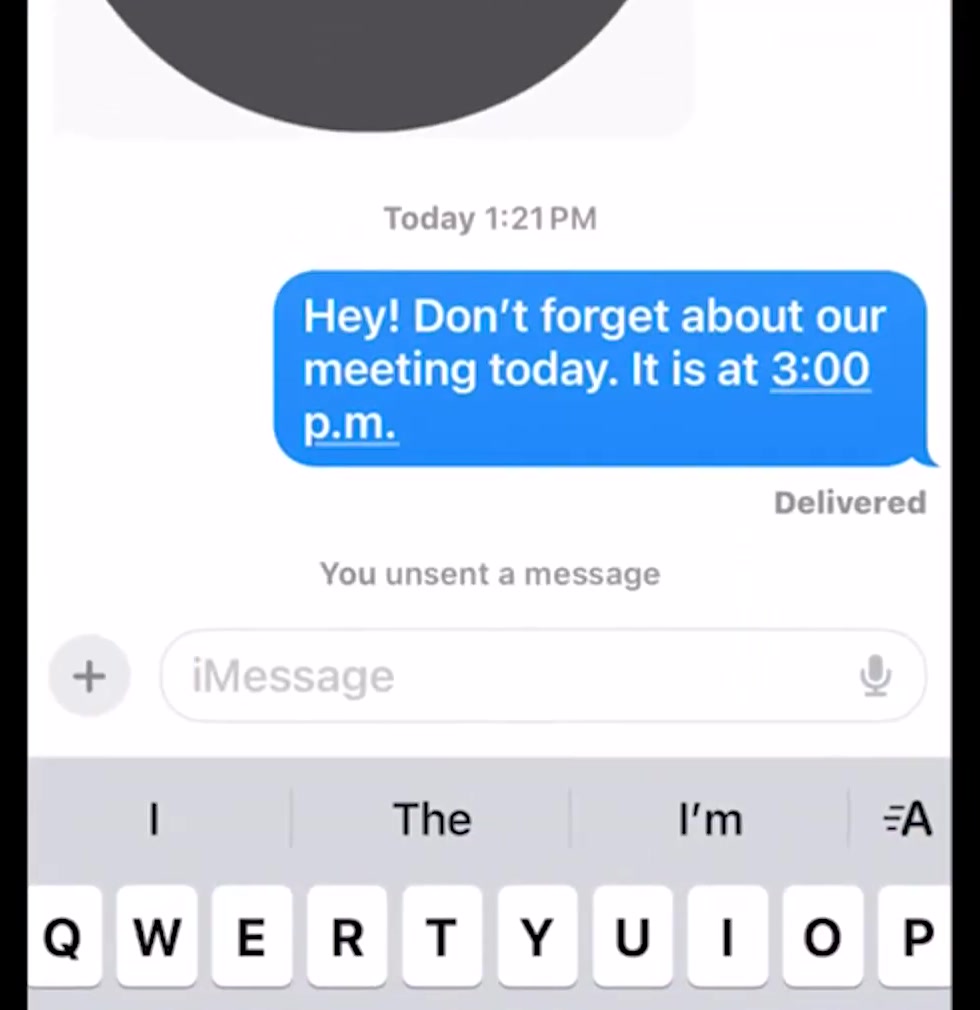
The bubble vanishes immediately and is replaced with the line "You unsent a message" in the conversation. That line stays put; there is no way to clear it.
Edit the message instead, and you get 15 minutes
If the problem is a typo or a wrong time rather than the whole message, editing buys you far more room. Apple allows a sent iMessage to be edited up to five times within 15 minutes, against two minutes for a full withdrawal.
Hold the bubble the same way, but tap Edit rather than Undo Send.
Change the text, then tap the blue checkmark to send the corrected version, or the X to abandon the change and leave the original standing.
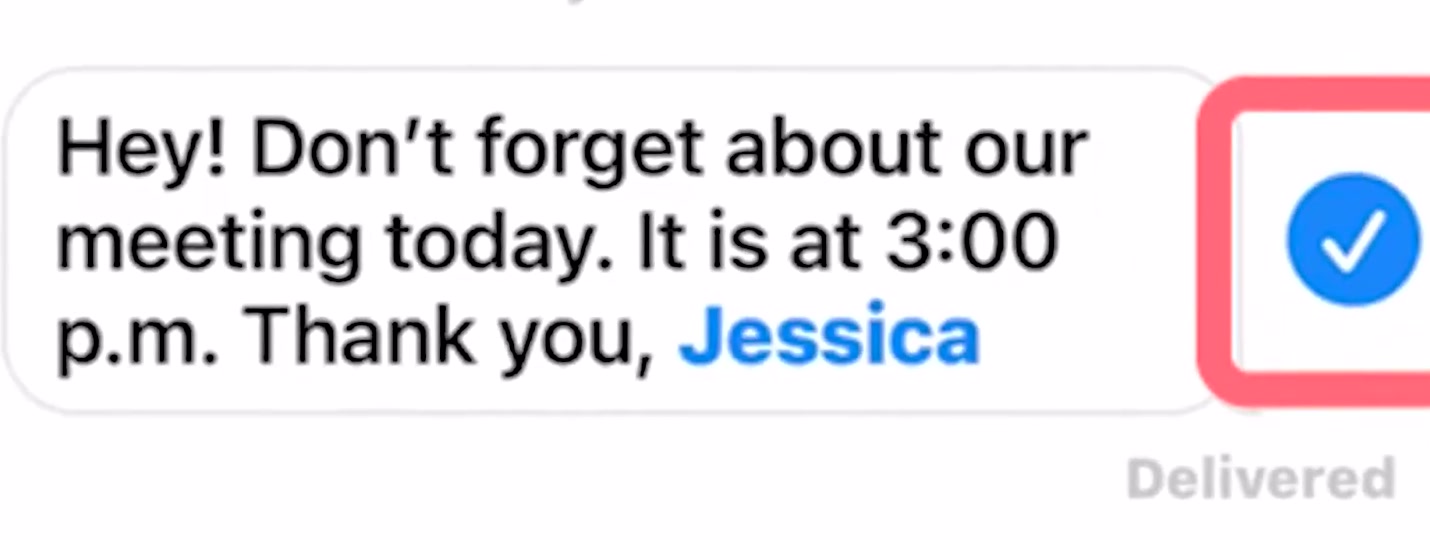
Editing is not a quiet fix either. The word "Edited" appears under the message, and Apple says anyone in the conversation can tap it to read the full edit history — including whatever you originally wrote.
What unsending does not do
It does not work on green bubbles. SMS, MMS and RCS messages leave your phone through your carrier rather than Apple's servers, and Apple's documentation gives no mechanism for recalling them. If the bubble is green, the message is gone.
It does not guarantee the other person never saw it. Apple's own support page describes the notice that appears on your side and does not describe what happens on the recipient's device or to a notification banner that has already been delivered. Several independent guides report that the recipient sees a matching "unsent a message" line, and that a banner they have already read is not retracted. Treat the message as read until you know otherwise.
It does not work reliably across old software. Apple states that everyone in the conversation needs iOS 16, iPadOS 16.1, macOS Ventura or later, and that a contact on an older release "might still see the message". You have no way to check what version they are running.
It has nothing to do with unsending email. Mail has a separate Undo Send that delays outgoing mail by a few seconds — a different feature, in a different app, with its own setting under Settings › Apps › Mail › Undo Send Delay.
Common questions
Can I get more than two minutes? No. The window is fixed and there is no setting for it. Editing gives you 15 minutes, but only to change the wording — not to make the message disappear.
Does it work in group chats? Yes, provided every participant is on iMessage. One person on Android turns the whole thread green, and nothing in it can be unsent.
Why is Undo Send missing from my menu? Either the two minutes have elapsed, or the message is not an iMessage. The menu simply omits the option rather than greying it out, which is why it looks like the feature has vanished.
If the option still is not there
Check the bubble colour first — that resolves most cases. If it is blue and the message is genuinely fresh, confirm the phone is running iOS 16 or later under Settings › General › About, and that iMessage is switched on under Settings › Apps › Messages.
If the feature is still absent on current software, Apple Support is the escalation path. There is no third-party app that can recall a message for you, and anything advertising that it can is not doing what it claims. While you are in Messages settings, you may also want to change the ringtone and text tone on your iPhone so alerts are easier to catch before you regret them.