How to Reactivate Instagram (Just Log Back In)
A deactivated Instagram account comes back the moment you sign in again. Here is the full login route, the auto-reactivate option, and what to do if your account was deleted or disabled instead.
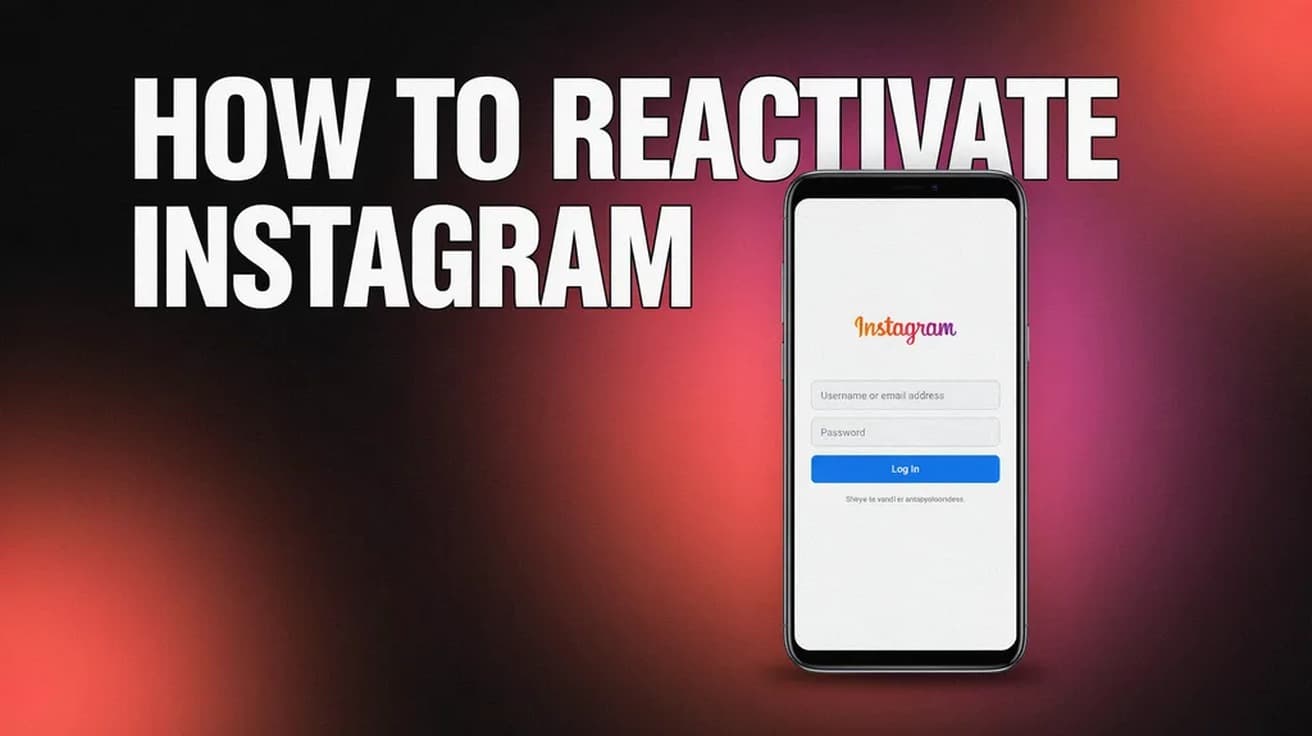
To reactivate Instagram, open the app or go to instagram.com and log in with the username and password for the account you deactivated. There is no reactivate button and no waiting period — signing in restores your profile, posts, followers and following exactly as they were.
Knowing how to reactivate Instagram is mostly a matter of knowing which of three states your account is actually in. If you turned it off yourself, you are seconds away from having it back. If you deleted it, you are racing a 30-day clock. If Instagram switched it off, logging in will not help and you need an appeal instead.
The quick test: try to log in. If everything reappears, it was deactivated. If you hit a screen saying your account has been disabled or suspended, that is a moderation decision, not a setting you flipped.
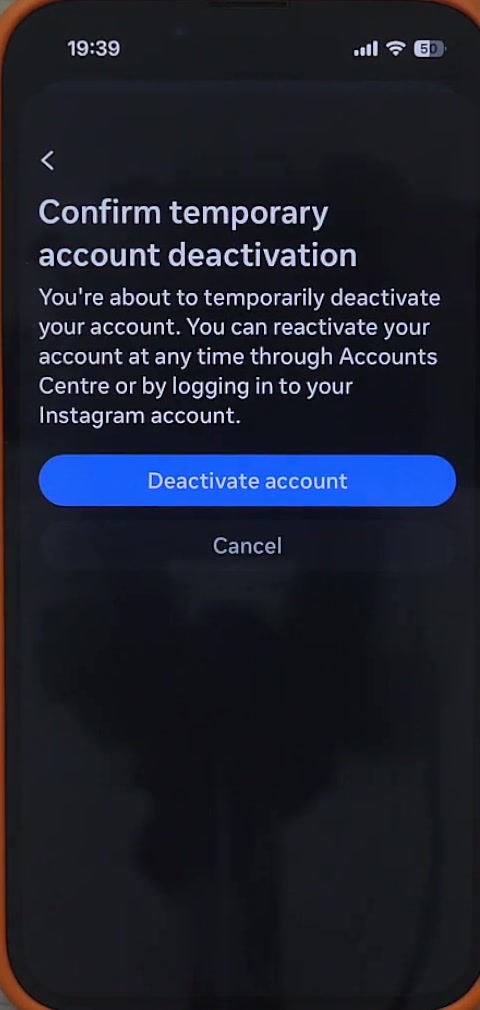
How to reactivate Instagram from the app or the web
The steps are identical on iPhone, Android and desktop, because reactivation is not a separate feature — it is a side effect of a successful login.
1. Open the Instagram app, or go to instagram.com in any browser.
2. If you are on a device that still has other profiles signed in, choose Log in to existing account rather than creating a new one. Creating a new account will not bring the old one back.
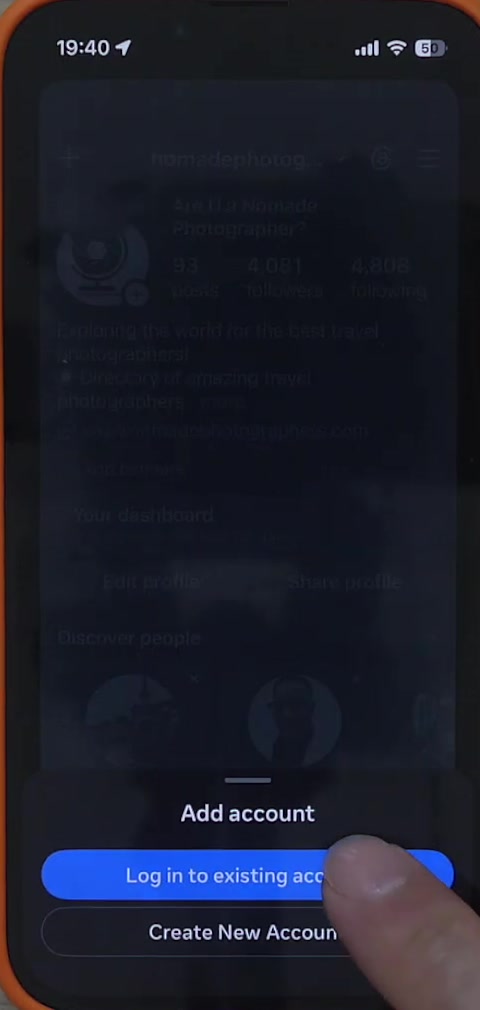
3. Enter the username, email address or phone number attached to the deactivated account, then the password.
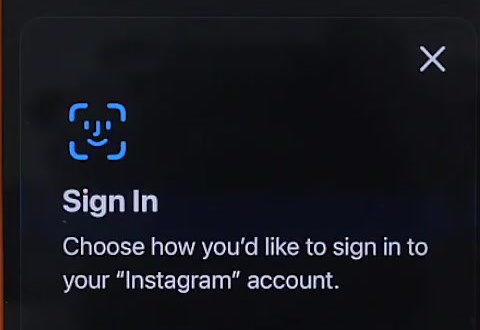
4. Tap Log in, and complete two-factor authentication if you have it switched on.
That is the whole procedure. Deactivation only ever hid your content, so nothing needs restoring. Your profile is usually visible to other people again immediately, though it can occasionally take a few minutes to fully reappear in search and on other people's feeds.
The auto-reactivate option you may have already set
Instagram's deactivation flow now offers to turn the account back on for you. On the screen where you confirm the deactivation, the app explains that it can reactivate your account through Accounts Centre automatically, and gives you a dropdown to pick when.
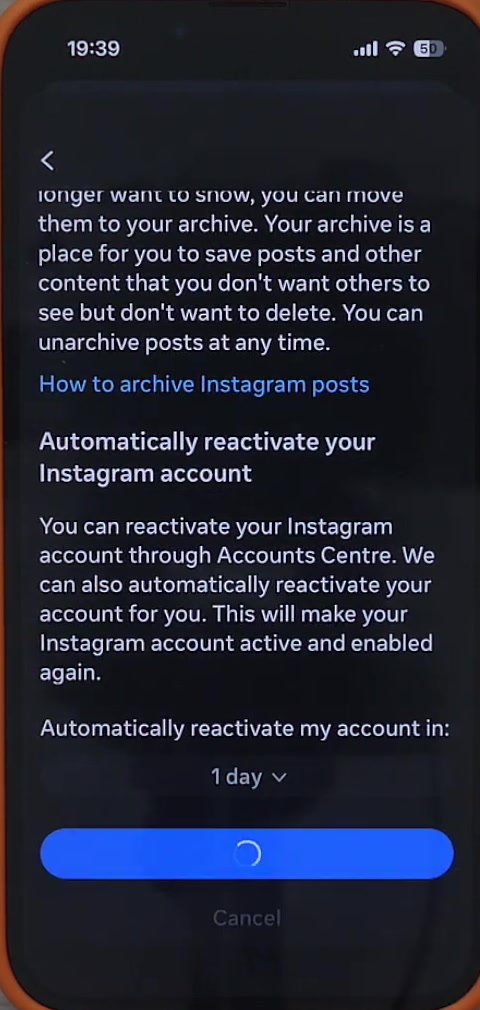
Tapping that dropdown opens a list running from one day to seven days. If you chose one of these before you deactivated, your account may come back on its own on that date without you doing anything.
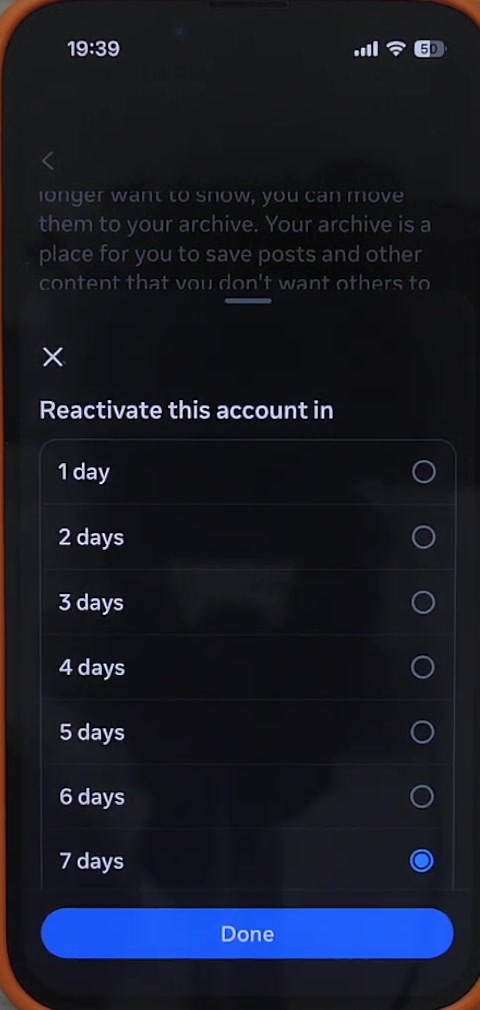
Worth being plain about: this option appears in the app itself, but Instagram's help pages do not describe it in any depth, so we cannot tell you whether it is available to every account or in every region. If you do not see it, logging in manually does the same job.
What reactivating does not cover
Reactivation is specifically the undo for a deactivation. It does not apply to the other two ways an account can vanish.
A deleted account is different. Deleting starts a grace period of roughly 30 days during which logging in cancels the deletion — the same login action, but a one-time reprieve rather than a toggle. Once that window closes, the account and its content are gone and there is no way to bring them back.
A disabled or suspended account cannot be reactivated by logging in at all. When the disabled screen appears, follow the on-screen prompt to request a review or disagree with the decision. Instagram reviews the appeal and emails you the outcome. There is no published turnaround time, and submitting the same appeal repeatedly tends to slow things down rather than speed them up.
It is also worth knowing that Instagram limits deactivation to once a week. If you reactivate and then immediately want to switch the account off again, the app may make you wait out the remainder of that seven-day period.
Common questions
Do my followers come back? Yes. Deactivation hides your profile rather than deleting anything, so followers, following, posts, comments and likes all return intact when you sign in.
Is there a deadline for reactivating? Not for a deactivated account — it can sit hidden indefinitely and still come back when you log in. The 30-day deadline applies only to accounts you asked Instagram to delete.
Is there a gentler option than deactivating? Often, yes. If you mainly want distance rather than disappearance, switching the account to private or turning off active status reduces your visibility without taking the profile offline.
If you cannot get back in
If the password is rejected, use Forgot password? and reset it through the email address or phone number on the account. If the login code never arrives, check the spam folder and confirm that the email or number on file is still one you control before requesting another.
If you see "user not found", check the spelling first — and then consider that the account may have been deleted past its grace period rather than deactivated. If the app itself keeps failing, update it and try the same login at instagram.com, which sometimes surfaces options the app does not.