How to Remove Followers on Instagram (Without Blocking)
Instagram lets you remove a follower without blocking them, and it sends no notification. But on a public account nothing stops them following you straight back.
 By Daniel ShuttleworthSep 30, 2026
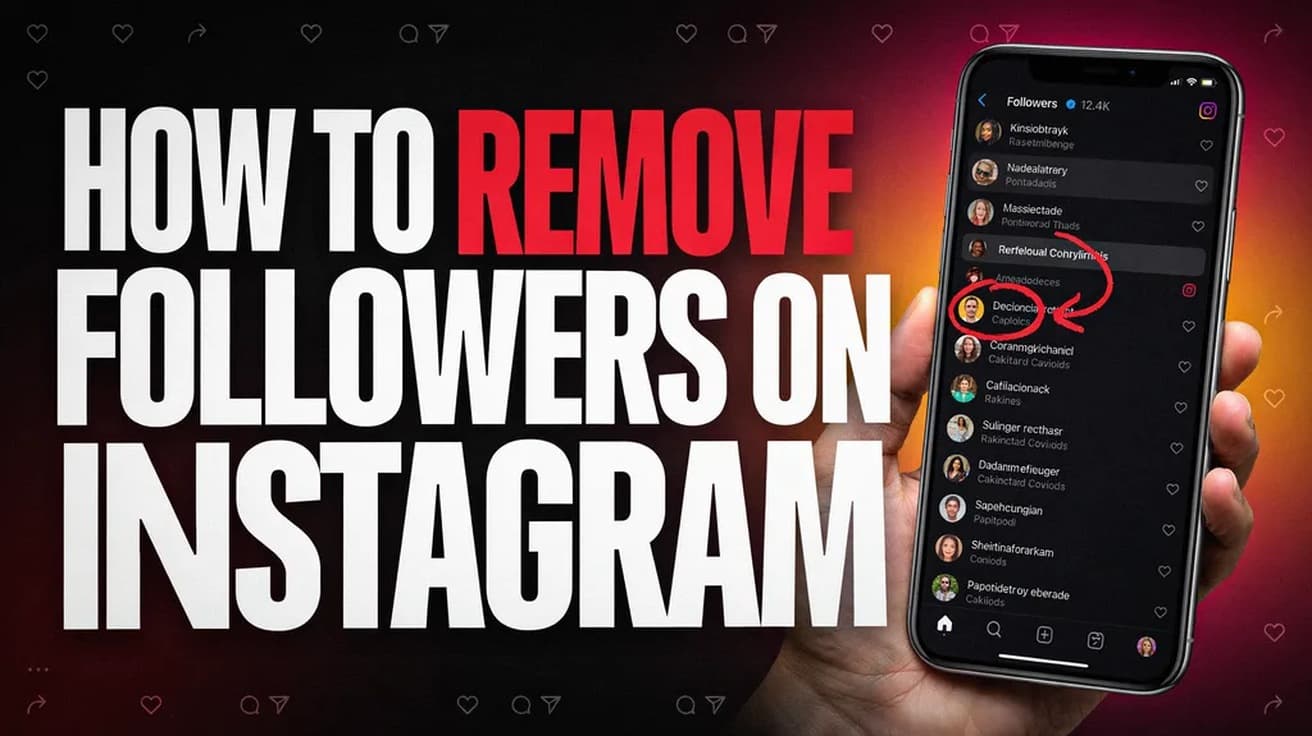
To remove followers on Instagram, open your profile, tap Followers, find the person, tap the remove control beside their name and confirm. Instagram sends them no notification. On a public account they can follow you straight back, so if you want the removal to hold, switch your account to private first.
Removing a follower is one of Instagram's quietest controls. No alert goes out, no email arrives, nothing lands in the other person's activity feed. Your posts simply stop appearing in their timeline.
The part people get wrong is what happens afterwards. Removal is not a ban, and on a public account it is close to a formality: one tap and they can follow you again the same afternoon. That is worth knowing before you decide this is the tool you actually want.
Where to remove followers on Instagram
1. Open the Instagram app and tap your profile picture in the bottom-right corner.
2. Tap Followers in the row above your bio.
3. Scroll to the person you want gone, or type their name into the search box at the top of the list. There is no multi-select here, so this is one account at a time.
4. Tap the control to the right of their name and choose the remove option.
5. Confirm when Instagram asks. The follower count drops immediately.
Nothing else changes on your side. You stay following them if you already did, and any likes or comments they left on your older posts stay exactly where they are.
One detail the guides disagree on
The step above is deliberately vague about what you are tapping, because current guides do not agree on it. HowToGeek describes a plain Remove button sitting in the follower's row. iGeeksBlog describes an X icon beside the name. Metricool describes a three-dot menu next to the name holding Remove follower. All three are recent, and Instagram has shipped more than one layout for this list.
So look to the right of the person's name and take whichever of those three you actually see. There is a second route that is more stable across versions: open the follower's profile, tap the three dots at the top right, and choose Remove follower there.
On desktop, the picture is murkier. HowToGeek gives full steps for instagram.com in a browser, ending in a Remove Follower? confirmation. The other guides cover only the phone app and do not mention the website either way. If you are at a computer it is worth trying; the app is the route everyone agrees on.
What removing a follower does not do
It does not block anyone. A removed follower can still search your handle, open your profile and, if you are public, read every post and watch every story. Blocking is the separate, heavier tool if that is what you need.
It does not stop them following you again. On a public account there is no approval step, so a re-follow costs them one tap. Making your account private is the only setting that puts a gate in front of that, because then a returning follower has to send a request you can ignore. If that is the direction you are heading, the full walkthrough is in our guide to making an Instagram account private.
It does not erase their history with your account. Their old likes and comments remain, and your direct message thread with them is untouched.
It also does not hide your follower list. Anyone still following you can open it and see who else is there.
One thing worth separating out: if the problem is that you would rather not see their posts, removing them as a follower does nothing at all — that is the opposite direction. Muting them is the control for that, and it is equally silent.
Common questions
Will they find out? Not from Instagram. Every guide we checked agrees no notification is sent. They can still work it out by visiting your profile and seeing Follow where it used to say Following, or by noticing your posts have stopped appearing.
Can I remove all my followers at once? No. Instagram offers no bulk removal, and the list has no multi-select. Third-party apps that promise it are asking for your login, which is its own problem.
Can I add someone back? No. You cannot re-add a follower yourself; they have to follow you again.
Does this work on a public account? Independent guides say yes and describe the option appearing there. Instagram's own help article for the feature is written around private accounts and does not spell out the public case, so Meta's documented position on that is not clear-cut.
If the remove option isn't there
First update the app — a missing control in a list this simple is usually a stale build. If it is still absent, try the other route: the three-dot menu on the person's own profile.
If neither works, the honest answer is that the feature is thin on a public account anyway. Going private gives you a real gate, and blocking is what actually keeps someone away from your profile for good.