How to Restart AirPods (And When to Reset Them)
A restart is ten seconds with the case lid shut, and it clears most AirPods faults without erasing anything. Here is that step, the AirPods Max equivalent, and the factory reset for when it is not enough.
 By Daniel ShuttleworthOct 9, 2026
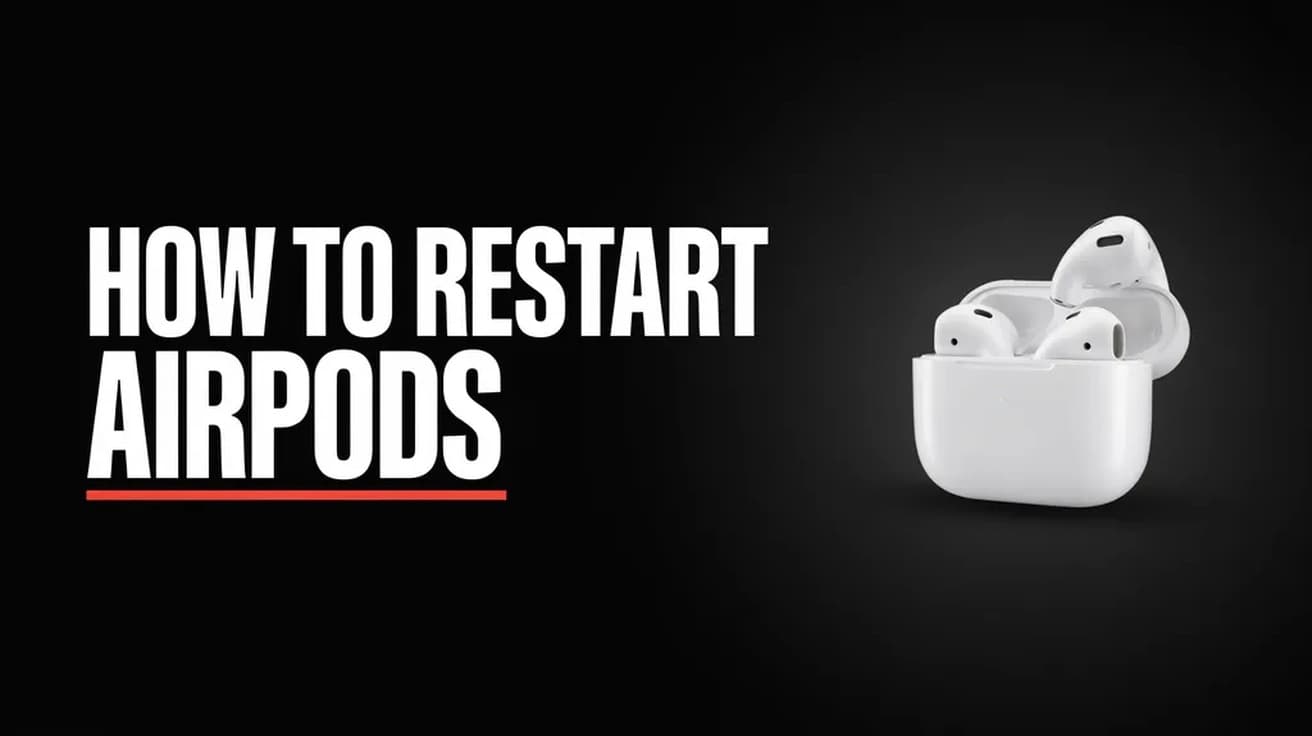
How to restart AirPods: put both earbuds in the charging case, close the lid, and leave it shut for at least 10 seconds. Open the lid next to your phone and they reconnect on their own. AirPods Max have no case, so you hold the Digital Crown and the listening mode button together for about 10 seconds instead.
That ten seconds clears most of the small faults people blame on a dying battery: one side silent, audio stuttering, the case showing up in Bluetooth while the buds refuse to play. Nothing is erased and no setting changes, which is why it belongs ahead of anything that makes you pair them again.
One distinction worth holding on to before you start. Apple uses restart and reset for two very different operations, and a lot of advice online runs them together. A restart is a power cycle. A reset wipes the pairing and returns the AirPods to their out-of-the-box state, which means setting them up again on every device you use them with. Work in that order: how to restart AirPods first, how to reset them only if the restart changes nothing.
Why AirPods stop behaving
Apple does not publish a list of causes, but two of them are documented behaviour rather than guesswork.
The first is automatic switching. On AirPods 2 and later, every AirPods Pro and every AirPods Max, audio moves between your iPhone, iPad, Mac, Apple Watch and Apple Vision Pro by itself, as long as those devices share one Apple Account with two-factor authentication turned on. Silent AirPods are very often AirPods that are busy playing nothing on an iPad in another room. Apple's own fix for that is a setting rather than a restart: open Settings, tap your AirPods, tap Audio & Routing if it appears, tap Connect to This iPhone, and pick When Last Connected to This iPhone.
The second is the Bluetooth link itself going stale between the earbuds and whatever they last talked to. Apple does not explain the mechanism, but it prescribes the remedy, and the remedy is the lid.
How to restart AirPods with the case
This covers every model that lives in a charging case — AirPods 1 through 5, and all generations of AirPods Pro.
1. Put both earbuds in the case. Both, even if only one is misbehaving.
2. Close the lid and leave it closed for at least 10 seconds. Longer does no harm.
3. Open the lid with the case held near your iPhone, iPad or Mac.
You should see the AirPods reappear as the active output within a second or two. Play something to confirm both sides are live before you go any further.
How to restart AirPods Max
AirPods Max have no lid to close, so the power cycle is a button combination on the right earcup. Timing matters here more than anywhere else in this article.
1. Press and hold the Digital Crown and the listening mode button — the oval button beside it — at the same time.
2. Watch the small status light next to the charging port. After roughly 10 seconds it flashes amber.
3. Release both buttons immediately when you see amber.
Hold past about 10 seconds and the light turns from flashing amber to flashing white, and that is a factory reset rather than a restart. Apple is explicit about this. If you overshoot you have not broken anything, but you will be pairing them again from scratch.
Restart the device they are paired to
If the AirPods came back but the problem did not, the fault may sit on the other end of the link. Restarting the phone, tablet or laptop costs a minute and resolves a surprising share of audio routing problems. On an iPhone the route depends on the model — our walkthrough for restarting an iPhone 14 covers the button combination and the Settings route, and the same method applies to the models either side of it.
If the device in question is a Windows PC rather than an Apple one, the pairing works differently and so does the troubleshooting; connecting AirPods to a Dell laptop walks through that side.
If that didn't work: forget and re-pair
Forgetting the AirPods is the step between a restart and a full reset. It clears the pairing without touching the hardware's settings.
1. On iPhone or iPad, open Settings, tap your AirPods' name near the top of the screen — you may need to scroll — then tap Forget This Device.
2. On a Mac, open System Settings, click your AirPods in the sidebar, then click Forget This Device.
3. On Apple Watch, open Settings, tap Bluetooth, tap the Info button beside your AirPods, then tap Forget Device.
4. On Apple TV 4K or HD, open Settings, choose Remotes and Devices, choose Bluetooth, select your AirPods, then choose Forget This Device.
Be aware of the catch: forgetting removes the AirPods from every device signed in to the same Apple Account, not just the one you are holding. To use them again you pair them with a device on that account, then the rest follow.
Reset AirPods to factory settings
This is the last thing to try before support. The steps differ by generation, and the case button is the dividing line.
AirPods 1, 2 and 3, and AirPods Pro 1 and 2. Put both earbuds in the case, close the lid, and wait 30 seconds. Open the lid, then press and hold the setup button on the back of the case for about 15 seconds. The status light flashes amber, then white.
AirPods 4 and 5, and AirPods Pro 3. These cases have no setup button. Put both earbuds in, close the lid, wait 30 seconds, then open it. Double-tap the front of the case while the status light is on. Double-tap again when the light flashes white, and a third time when it starts flashing faster. The light then flashes amber, then white.
AirPods Max. Hold the Digital Crown and the listening mode button together until the status light beside the charging port goes from flashing amber to flashing white, roughly 15 seconds.
Apple suggests forgetting the AirPods in Settings before you reset them, if they still show up under My Devices in Bluetooth. Once the light has flashed white, hold the open case near your device and follow the setup prompt on screen.
Still not working
If the status light never flashes white, Apple's instruction is to close the lid for 20 seconds, open it, and repeat the reset input for your model until it does.
Past that, two things are worth ruling out. Check that the case itself is charged — a case too flat to power the buds produces symptoms that look exactly like a failed reset. And check that the earbuds' speaker mesh and the case's charging contacts are clear of pocket debris, since a blocked contact stops a bud charging and a flat bud goes silent on one side.
Firmware is the one variable you cannot drive directly. Apple's documentation describes AirPods firmware as something that installs in the background and gives no supported way to force an update on demand, so it is not a step you can take so much as a condition to keep in mind.
If a reset completes cleanly and one side still fails every time, you have exhausted what the software side can do. That is the point to take the serial number to Apple Support and ask about service, rather than running the same reset a fifth time.