How to Change iPhone Name (And What It Actually Renames)
Renaming your iPhone takes four taps in Settings. Here is the exact path, plus what the new name changes across Bluetooth, Personal Hotspot and iCloud.
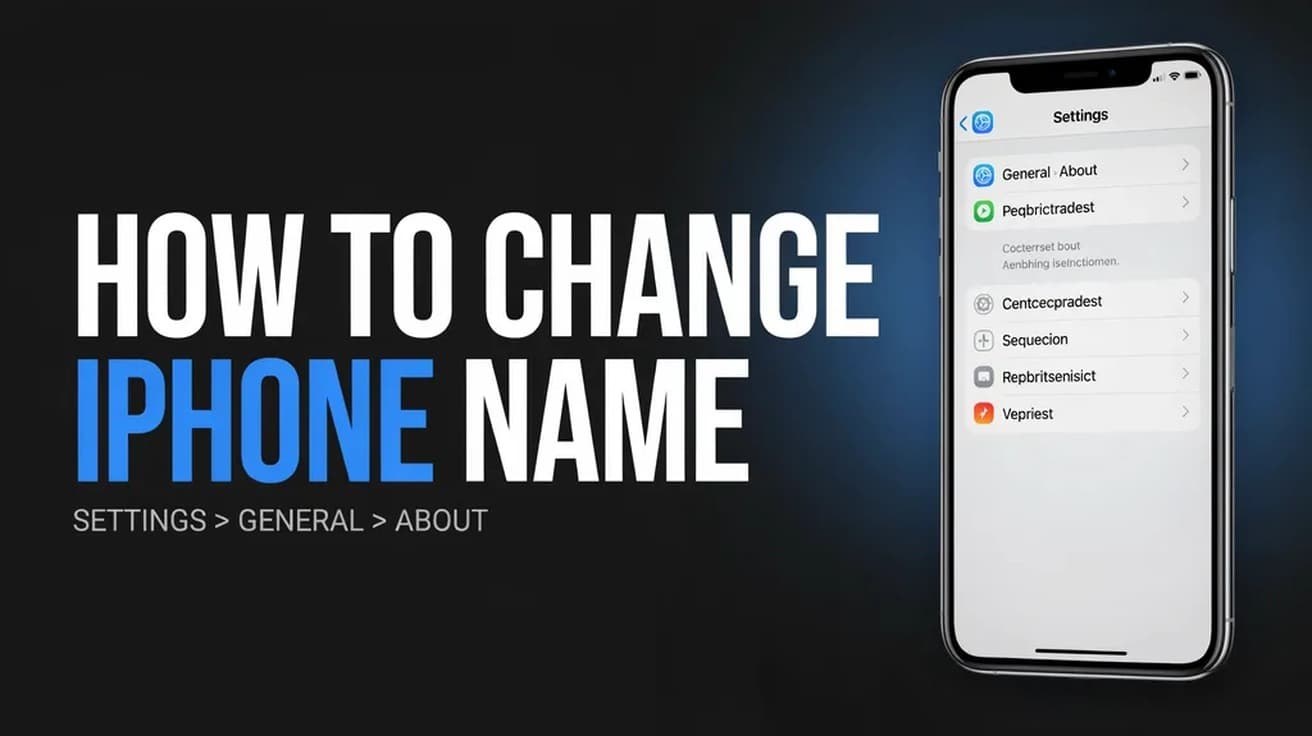
Open Settings, tap General, tap About, then tap Name at the top of the list. Clear the old name with the small x, type the one you want, and tap Done. The change applies immediately.
That is the whole of how to change iPhone name — four taps and a keyboard, with nothing to save and no restart. The rest of this page is about what that name is actually attached to, because it is not only cosmetic.
Apple builds the default name from what you typed during setup, which is usually your first name plus the word iPhone. Apple's own documentation says that name is used by iCloud, AirDrop, Bluetooth, your Personal Hotspot and your computer. So it is the label your phone hands to rental cars, hotel Wi-Fi lists and anyone in range when you turn on tethering.
How to change iPhone name: where the setting lives
1. Open the Settings app from your Home Screen or App Library.
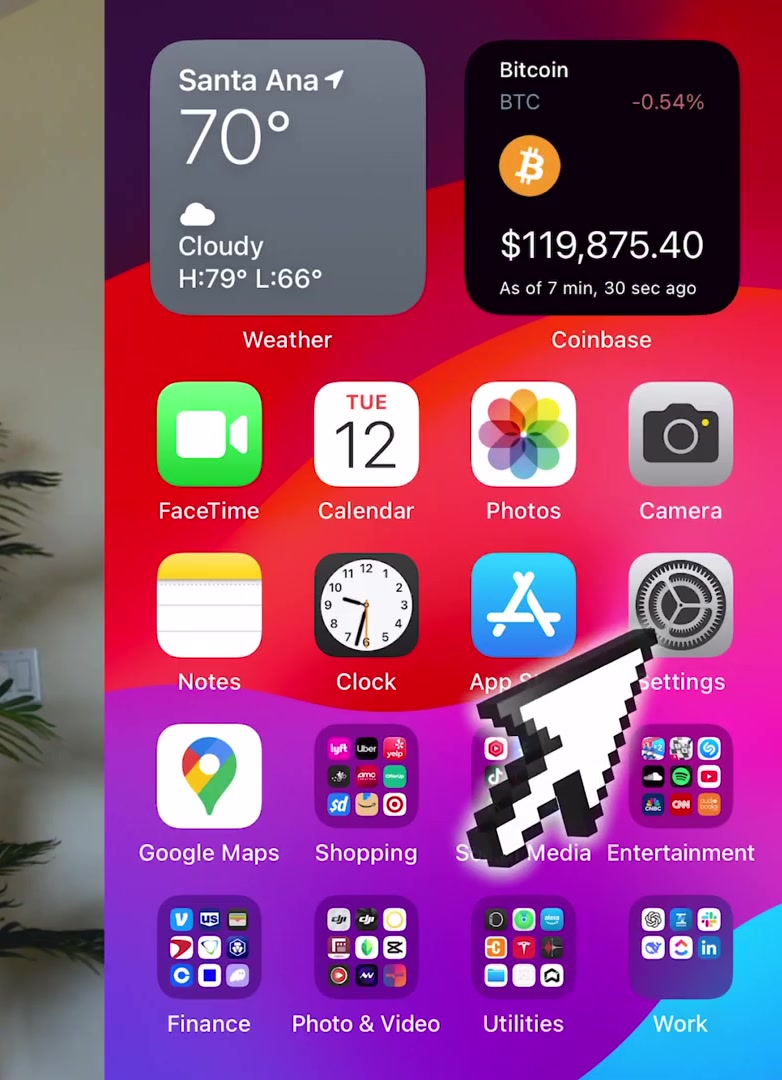
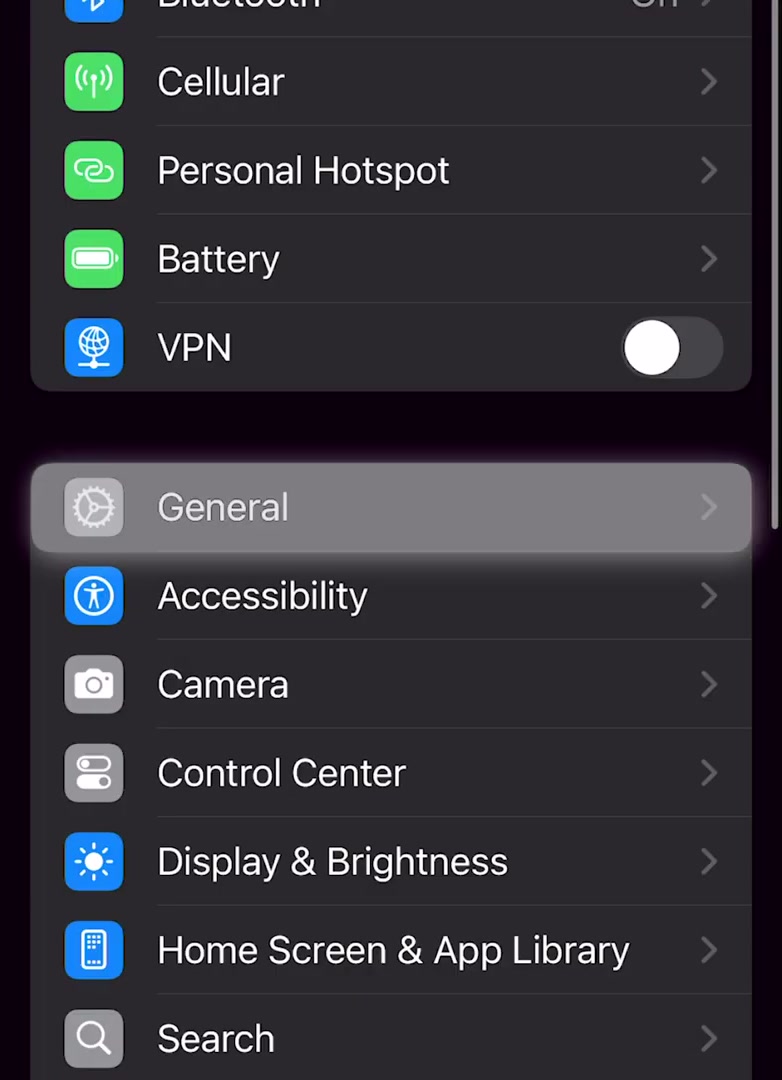
2. Scroll down and tap General. It sits below the Personal Hotspot, Battery and VPN rows.
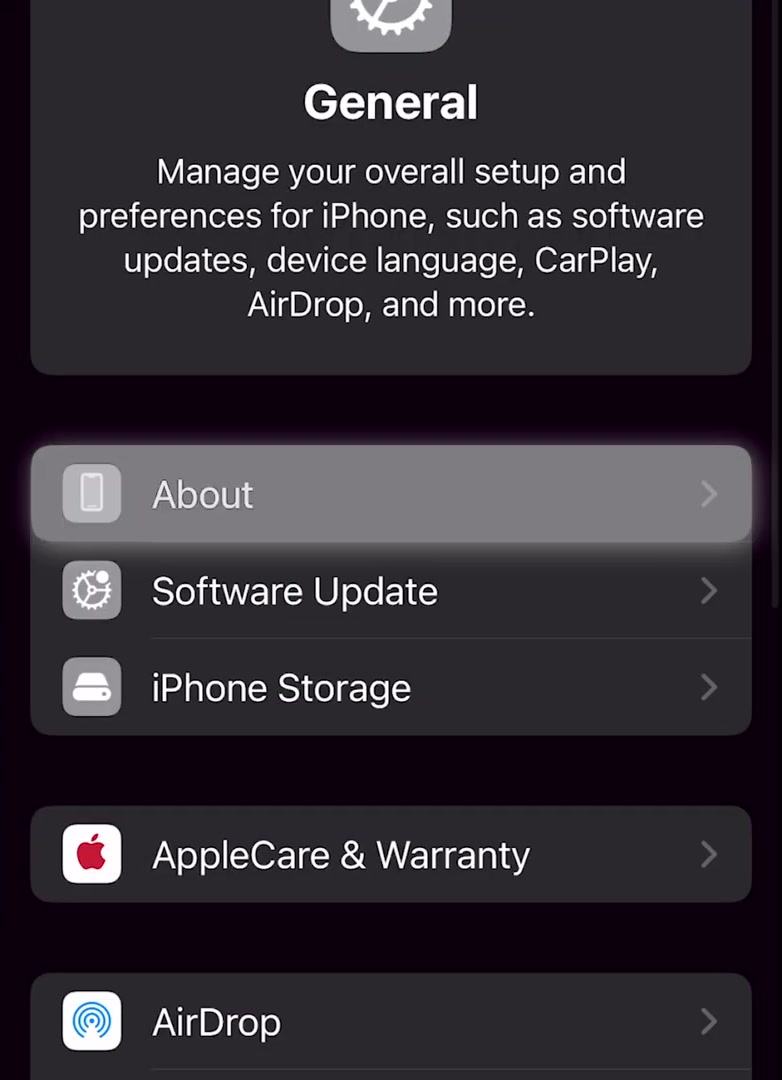
3. Tap About, the first entry on the General screen.
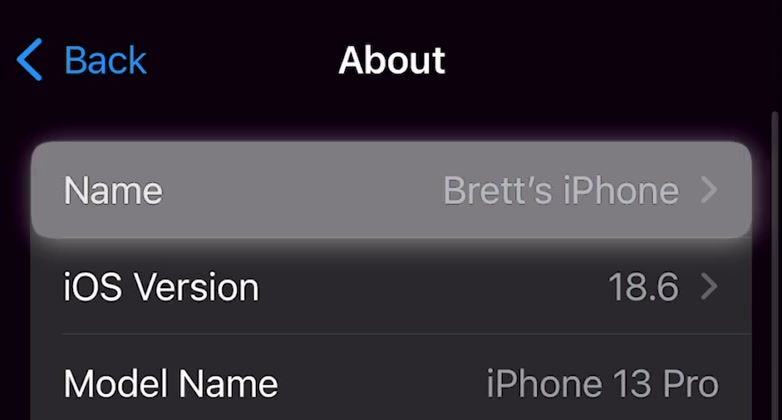
4. Tap Name at the very top of the About screen. The current name is shown greyed out on the right.
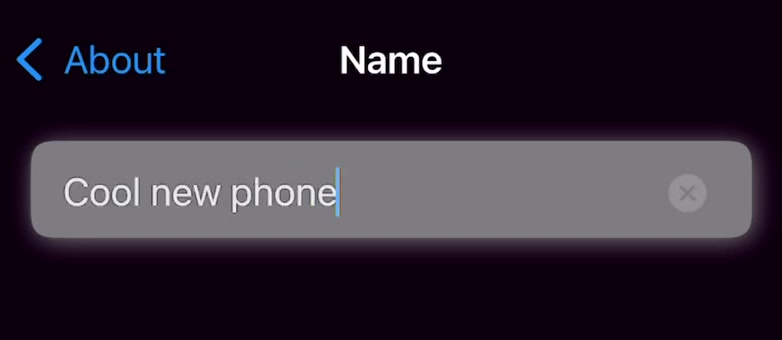
5. Tap the small x at the right of the text field to clear the existing name in one go. Backspacing works too, it is just slower.

6. Type the new name and tap Done on the keyboard. Tapping About in the top left also commits it.
A faster route, and where the path has moved
If you would rather not scroll, swipe down on the Home Screen and search for About, or use the search field at the top of Settings. Both jump you straight to the About screen.
The Settings, General, About, Name path has been stable across recent iOS releases, and it is what Apple's current support page still describes. If you are on an older iPhone that has not been updated in years, the destination is the same even where the surrounding screens look different.
What renaming your iPhone does not do
It does not change your Apple Account name, your phone number, or the name attached to your iMessage and FaceTime addresses. Those live in separate settings and are untouched by this field.
It does not rename your home Wi-Fi network either. The only Wi-Fi name it governs is the one your Personal Hotspot broadcasts, because Apple gives the hotspot no separate name field of its own — it inherits the device name.
AirDrop is the one place where reputable sources disagree. Apple's support page lists AirDrop among the features that use the device name. Several well-established guides report that on an iPhone specifically, the name other people see in the AirDrop sheet is drawn from your own contact card rather than the About screen. If AirDrop privacy is the reason you are renaming the phone, change your card in Contacts as well and then check what a nearby device actually shows.
One thing worth stating plainly: Apple's documentation does not describe any notification being sent when you rename a device, and we are not going to claim one way or the other beyond that.
Common questions
Will my Personal Hotspot network name change? Yes, and there is no way to keep them separate. Whatever you set here becomes the Wi-Fi network name people see when they look for your hotspot.
Do already-paired Bluetooth accessories update? New scans will show the new name. Apple does not document how quickly a car stereo or speaker that has already stored the old label refreshes it, so if an accessory keeps showing the old name, forgetting and re-pairing it is the reliable fix.
Does the name reset after an iOS update? No. It persists until you change it again or erase the device and set it up fresh.
If the Name row will not open
If the Name field is greyed out or tapping it does nothing, the phone is almost certainly managed. MDM software can set an "allow device name modification" restriction to off, which disables the field entirely on supervised devices.
Check Settings > General > VPN & Device Management. If a work or school profile is listed there, only the administrator who deployed it can lift the restriction — there is no way around it from the phone.