How to Pair Xfinity Remote (Voice, Code, Reset)
Most Xfinity remotes pair by voice in under a minute, but the XR15 needs a button combo and a code. Here is each route, plus the reset for when pairing stalls.
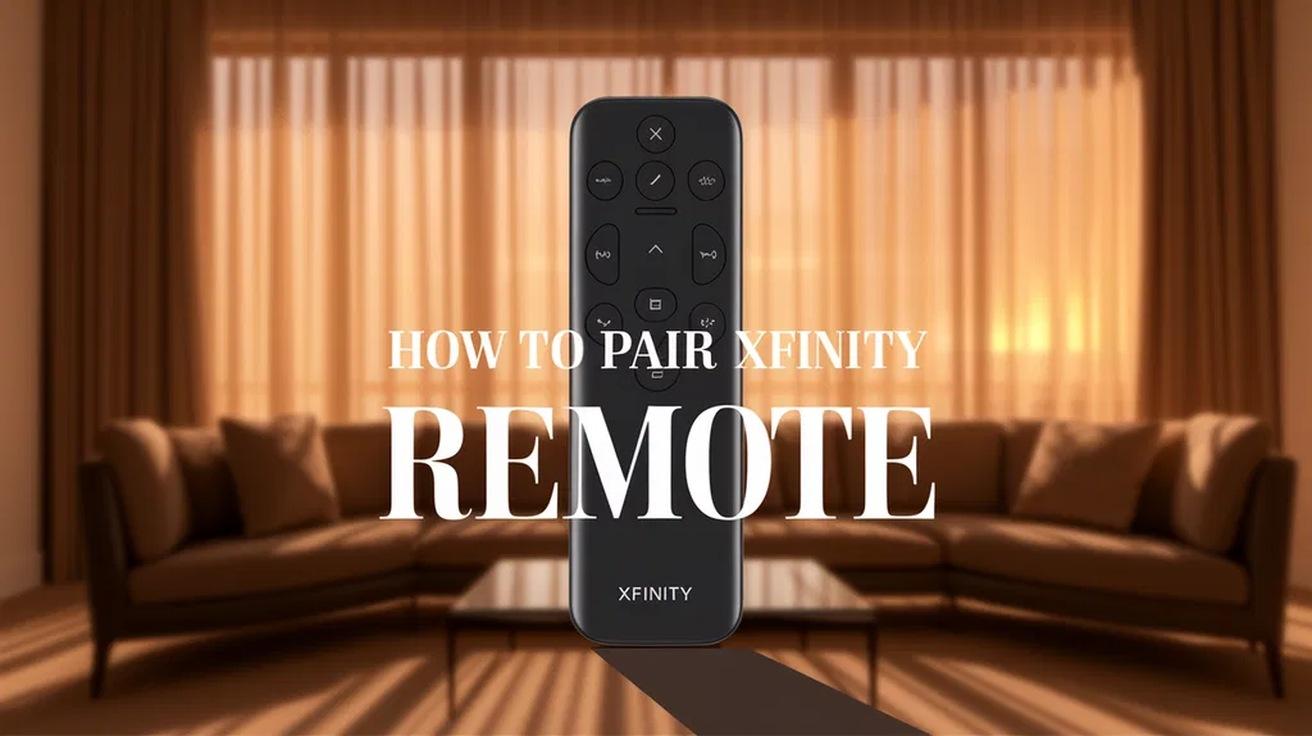
To pair an Xfinity remote to a TV Box, point it at the box, press and hold the microphone button and say “Program remote,” then follow the prompts on screen. The XR15 has no microphone pairing route: hold xfinity and Info (i) for five seconds until the light turns green, then enter the three-digit code on your TV.
Which route you use depends on the model in your hand, not on your TV. Xfinity has shipped several remotes over the years, and the two in most living rooms behave differently enough that following the wrong set of steps gets you nowhere.
Everything below is the current procedure for Xfinity X1, Xfinity Flex and the Xumo Stream Box. Older boxes use a separate process that Comcast documents elsewhere.
First, work out which remote you have
The fastest tell is physical: the XR11 has a Setup button near the bottom, and the XR15 does not. If that is ambiguous, the box will tell you.
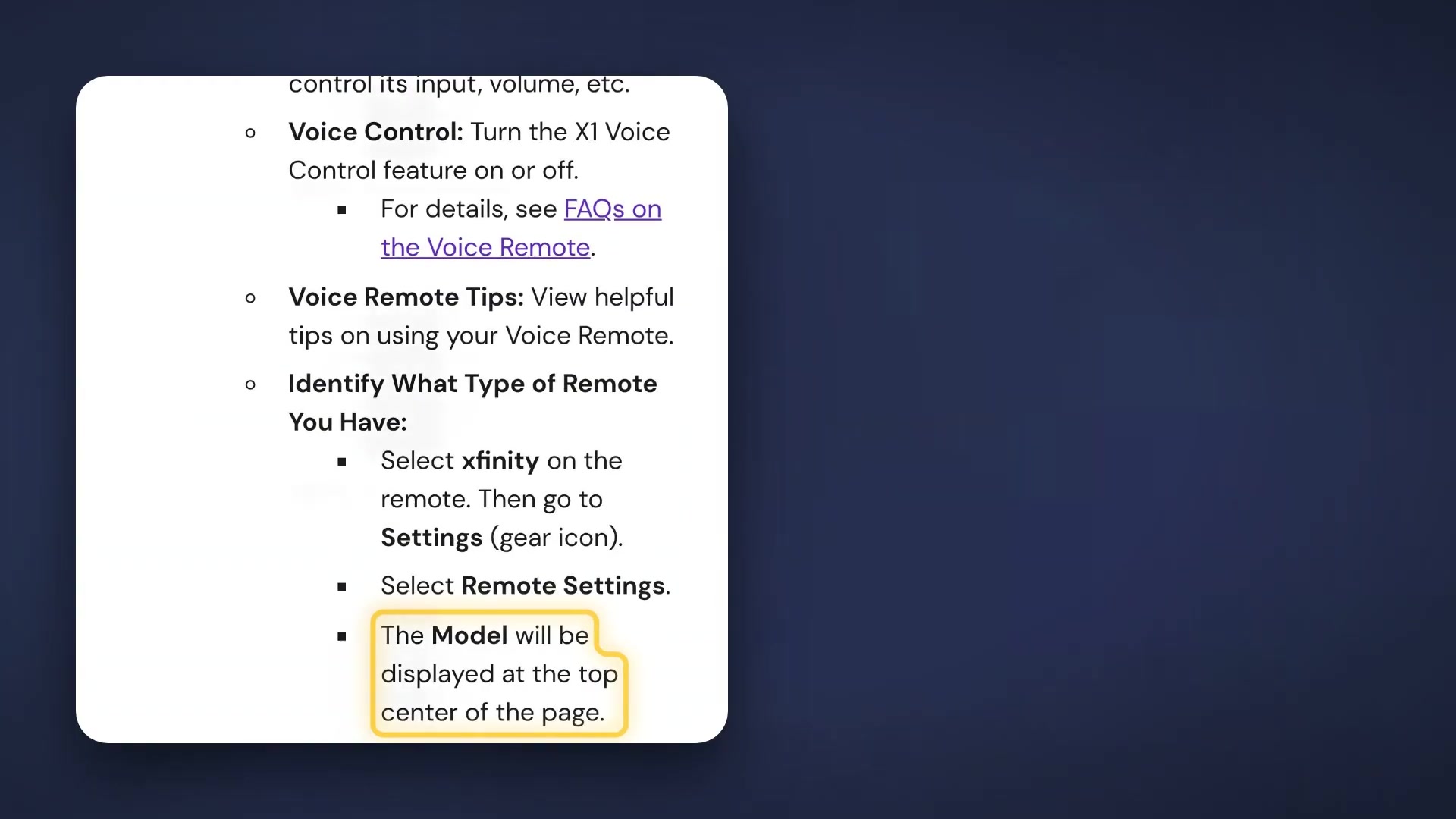
1. Press the xfinity button on the remote to open the main menu.
2. Go to Settings (the gear icon), then select Remote Settings.
3. The model number appears at the top centre of the page.
The model number is also printed under the battery cover, starting with XR. Current Xfinity remote models are the XR11, XR15, XR16, XR100 and XRA.
How to pair Xfinity remote models by voice
If your remote has a microphone button, this is the whole job. It works on X1, Flex and the Xumo Stream Box.
1. Turn on the TV and the TV Box, and set the TV to the input the box is plugged into.
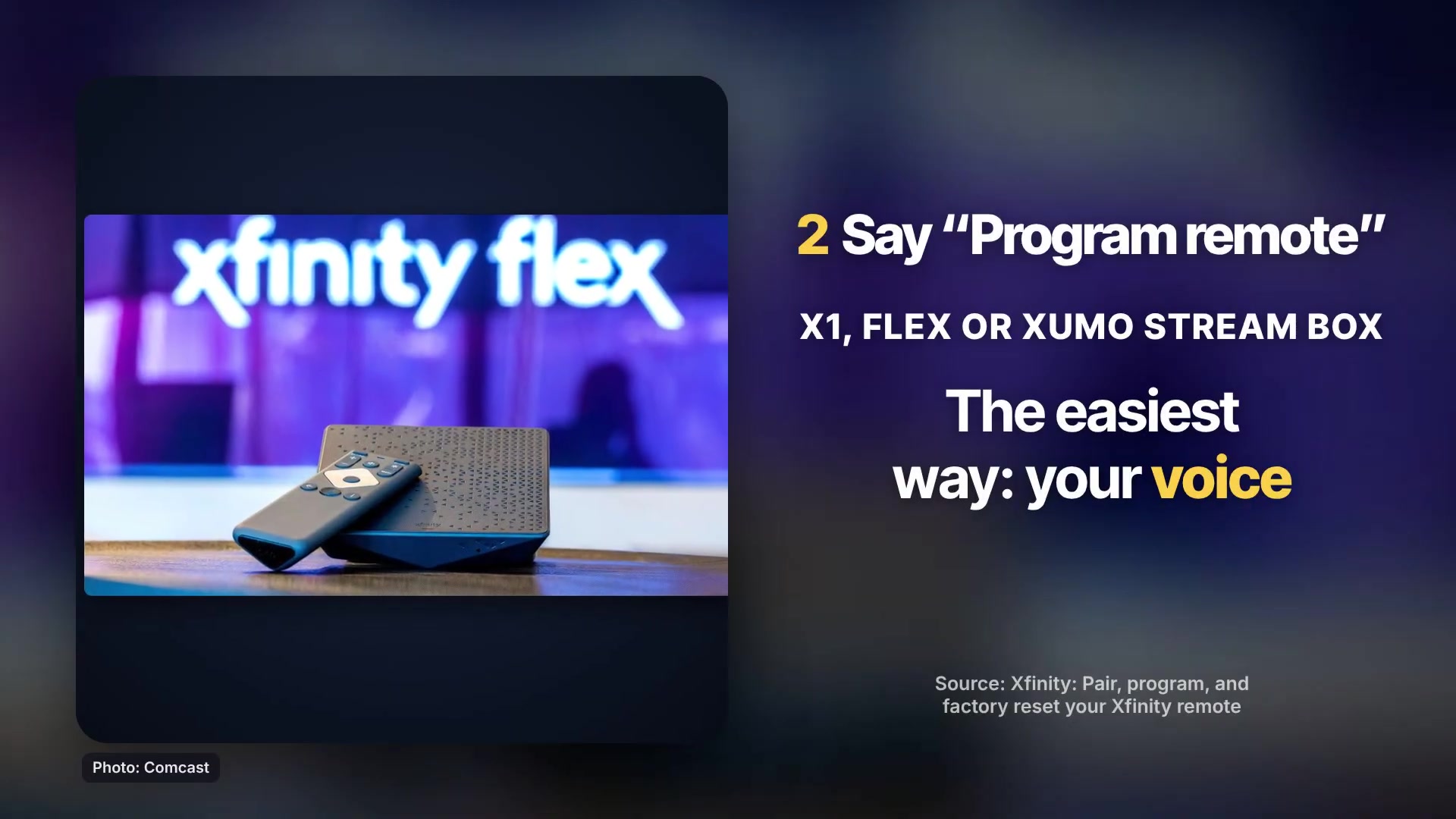
2. Point the remote at the TV Box, press and hold the microphone button, and say Program remote.
3. Release the button and follow the instructions that appear on the TV.
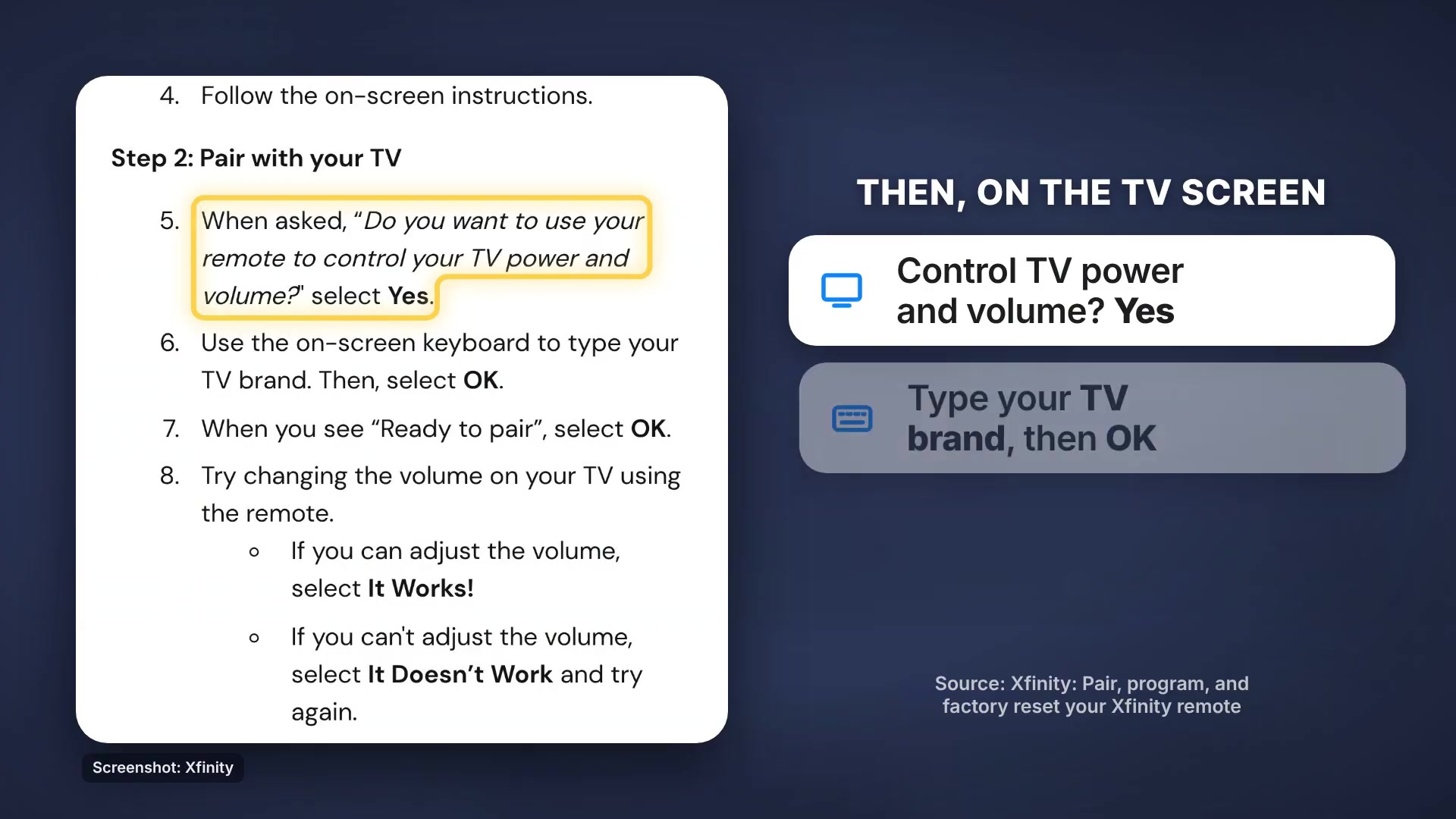
The box then offers to set up TV control. When it asks Do you want to use your remote to control your TV power and volume? select Yes. Use the on-screen keyboard to type your TV brand and select OK, then select OK again at Ready to pair.
Try the volume. If it changes, select It Works!. If nothing happens, select It Doesn’t Work and the box offers another code to try.
If you also have a sound bar or receiver, the box asks Do you want to control your audio receiver using your remote? Select Not Now to skip it and come back later.
Pairing an XR15, which has no Setup button
Comcast’s own documentation says the XR15 pairs with the TV Box automatically, so in most cases there is nothing to do. When it does not, there is a manual route.
1. Press and hold xfinity and Info (i) together for about five seconds, until the status light at the top changes from red to green.
2. A three-digit pairing code appears on the TV. Enter it on the remote’s number pad.
3. Follow the on-screen steps to set up power, volume and input control.
Programming TV control with a five-digit code
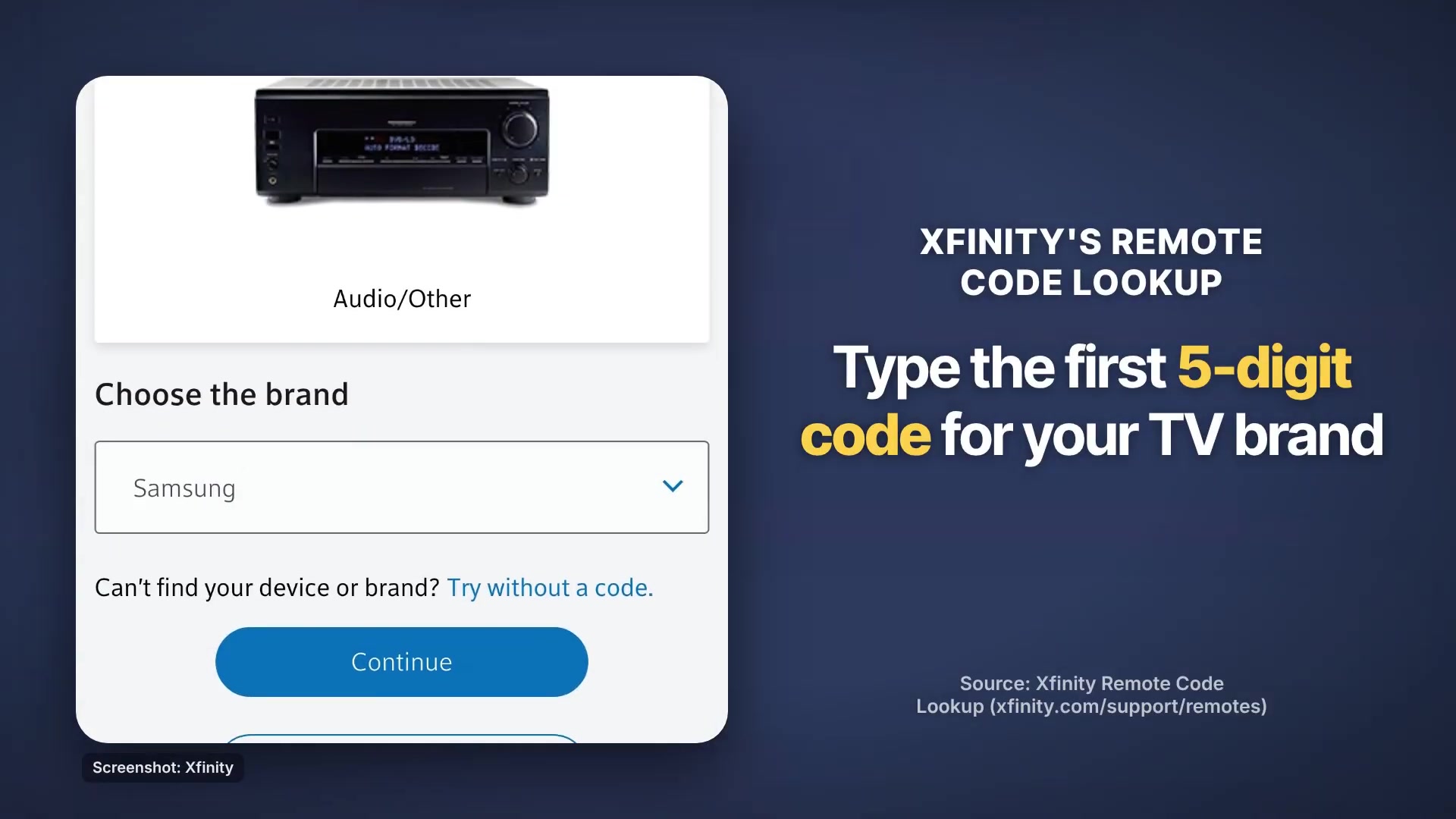
If the guided route fails, or you want to control a TV that the box could not identify, you can enter the manufacturer code yourself. Look it up first with Xfinity’s Remote Code Lookup tool: choose your brand, select Continue, and note the codes it lists in order.
1. Turn the TV on.
2. On an XR15, press and hold xfinity and Mute for five seconds, until the light changes from red to green. On an XR11, hold Setup until the light changes from red to green.
3. Type the first five-digit code for your brand.
4. Watch the light. Two green blinks means the code was accepted. Red followed by green means it was not, so re-enter it or move to the next code.
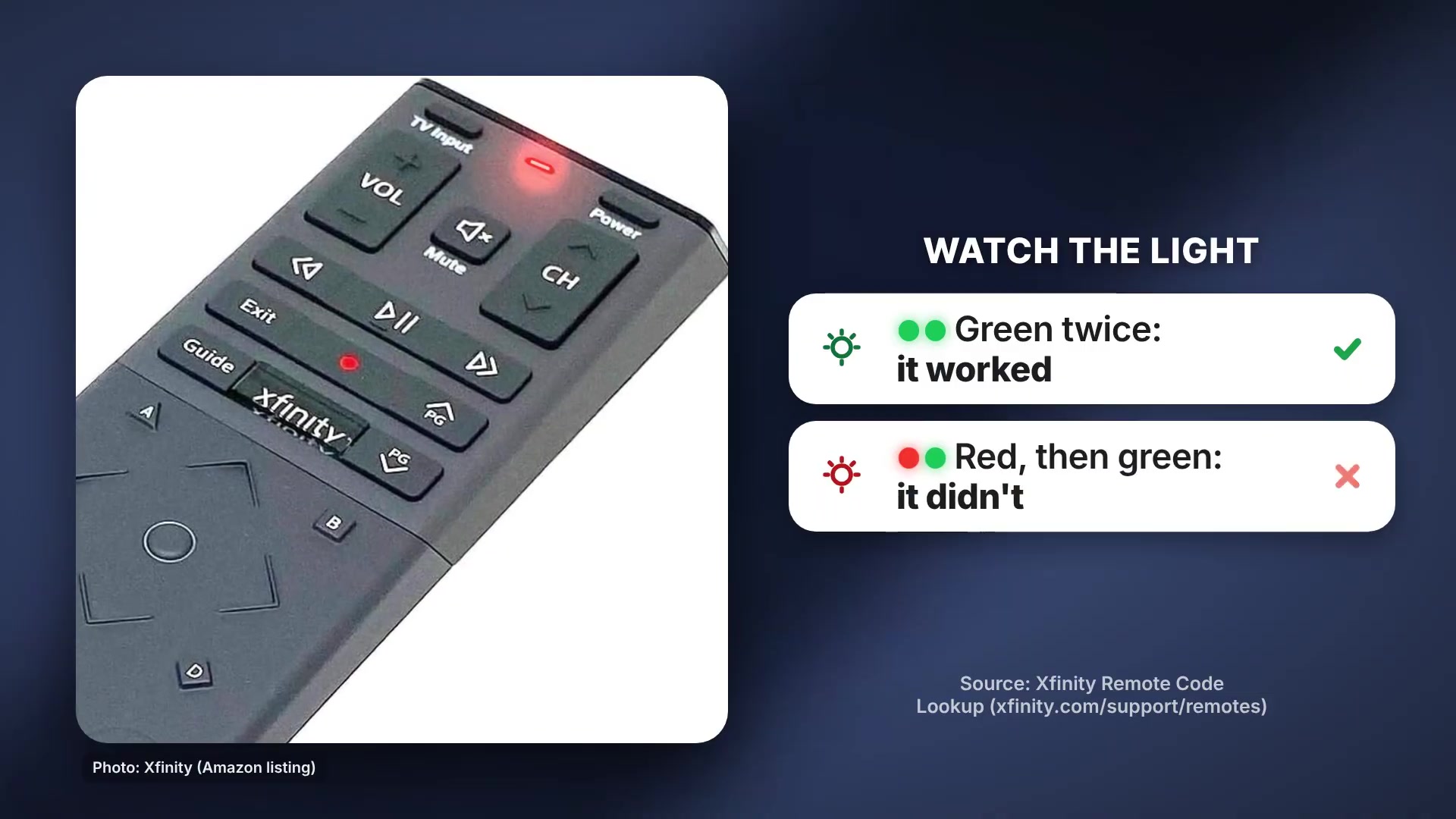
5. Point the remote at the TV and press Power. If the TV does not switch off, go back and try the next code on the list.
An XR11 can also search for the code on its own. Hold Setup until the light goes green, enter 9-9-1, then press CH ∧ repeatedly until the TV switches off. Press Setup to lock it in.
What pairing does not do
Pairing links the Xfinity remote to the TV Box and, separately, teaches it your TV’s power, volume and input commands. It does not make the remote control anything else in the room. Streaming sticks, game consoles and smart-TV apps stay on their own remotes.
It also will not switch your TV off on its own. Comcast notes that the Power button is a TV command; an X1 TV Box is designed to stay on, so pressing power turns the television off and leaves the box running.
Common questions
Do I have to pair the remote again after changing batteries? No. The pairing is stored in the remote, and a battery change does not clear it. You can check the charge level under Settings > About on X1, Flex or the Xumo Stream Box. A remote low enough to stop responding to voice shows a message saying voice commands cannot be processed because the battery is critically low.
The remote controls the box but not the TV. Those are two separate pairings. The box pairing is done; redo just the TV portion using the five-digit code route above.
Will this work with a universal or third-party remote? The voice and code routes described here are specific to Xfinity remotes talking to an Xfinity TV Box. A third-party universal remote needs its own programming procedure from its manufacturer.
If nothing pairs, reset the remote
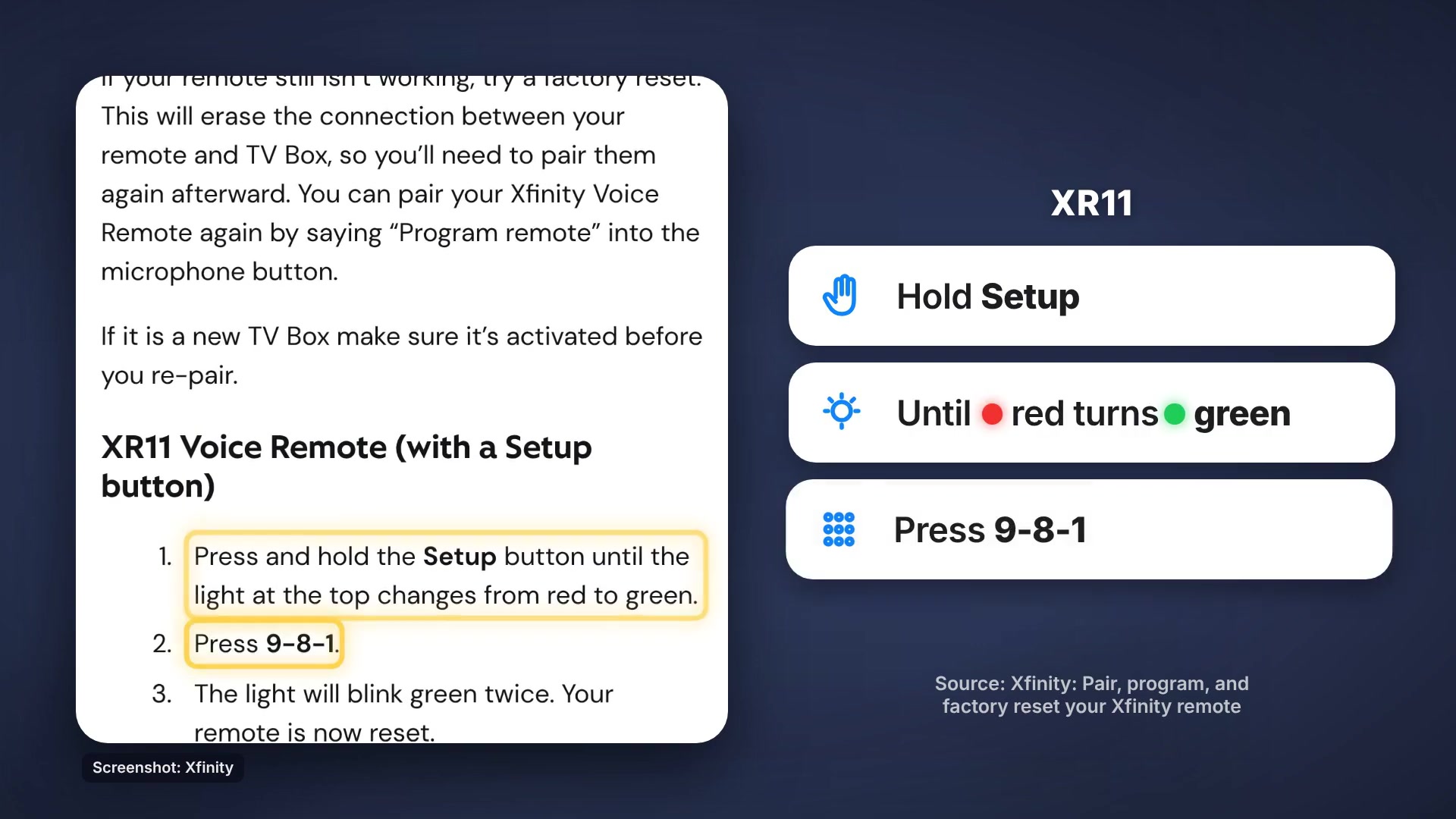
A factory reset erases the link between the Xfinity remote and the TV Box, so you will need to pair again afterwards. On a brand-new TV Box, make sure the box is activated before you re-pair.
On an XR11, hold Setup until the light changes from red to green, then press 9-8-1. The light blinks green twice.
On an XR15, hold the A (triangle) and D (diamond) buttons for three seconds until the light changes from red to green, then press 9-8-1. The light blinks blue three times.
On an XR16, hold Info (i) and Home for about five seconds until the light blinks, then press Power, Last (the back arrow) and Volume Down in that order.
On an XR100, the Xumo Stream Box remote, hold back and add until the remote beeps, then press 9-8-1 and wait for the beeps.
One note on the codes: Comcast’s support page gives 9-8-1 in its XR11 instructions but 9-8-6 in a combined section covering the older XR2 and XR5 alongside the XR11. If 9-8-1 does nothing on an older silver remote, 9-8-6 is the documented alternative.
If pairing still fails after a reset, the problem is usually the box rather than the Xfinity remote. A TV Box that has lost power or been swapped out needs to be activated on your account before any remote will pair to it. The same logic applies to other living-room hardware: when a remote and its box stop talking, start by confirming the box itself is online, the way you would when reconnecting a Firestick remote or setting up a Roku.