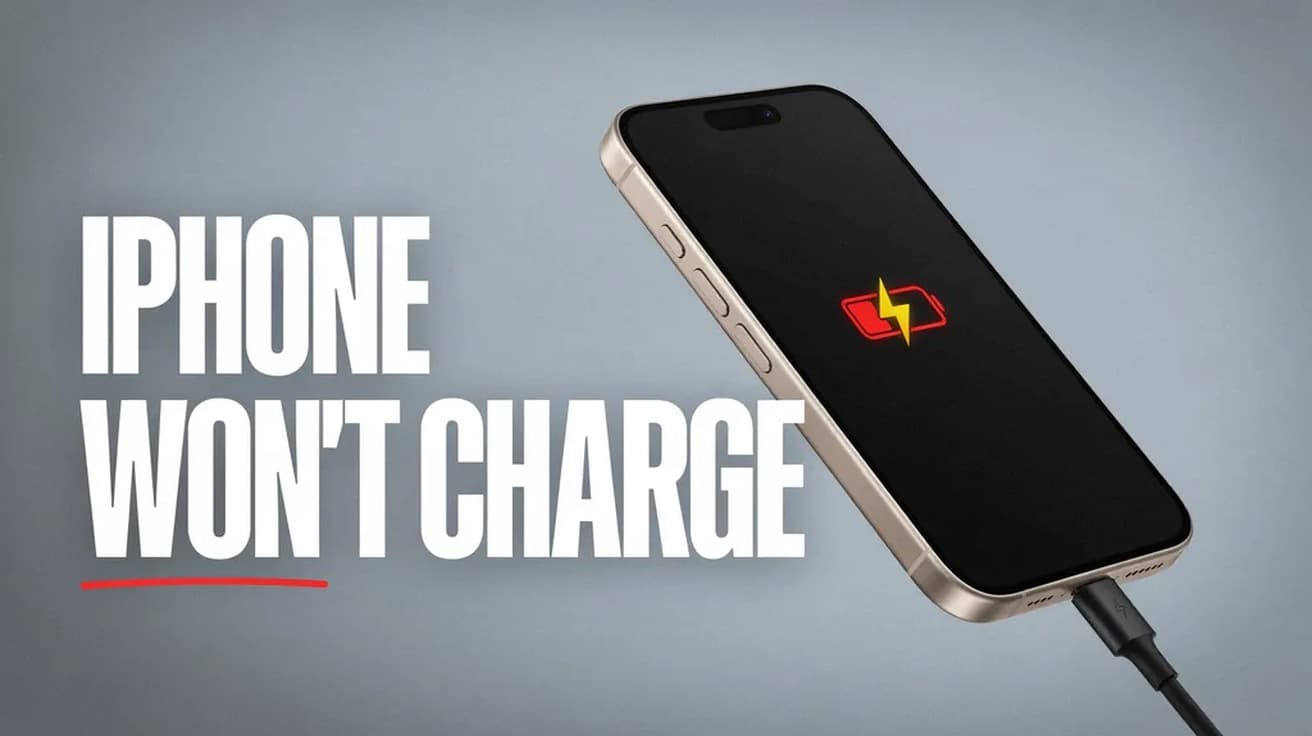
A charging port packed with pocket lint is the most common reason an iPhone charges only at certain angles. Here is the safe way to clear it, and where Apple draws the line.
By Daniel ShuttleworthAug 25, 2026
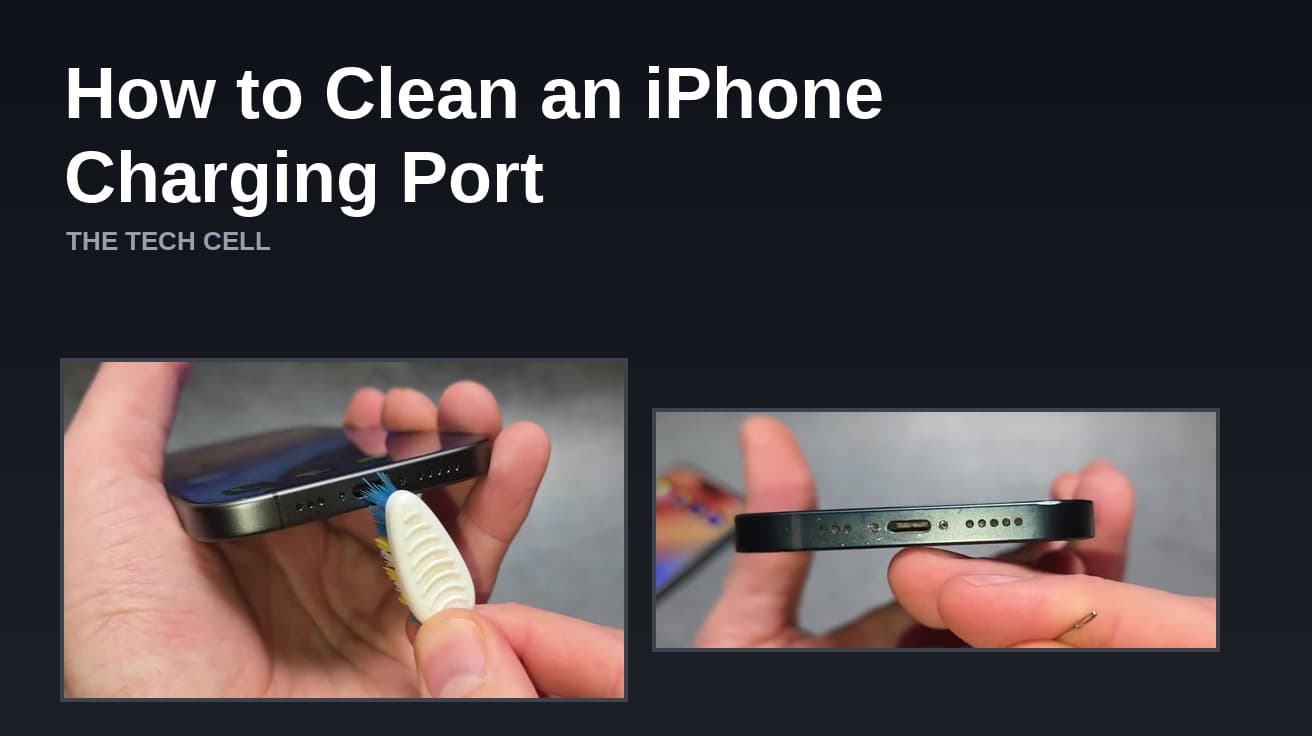
To clean an iPhone charging port, turn the phone off, shine a light into the port,
and lift the lint out with a dry nylon brush or a bulb air blower, working gently along the walls. Do not
use compressed air, liquid, or anything metal. A compacted plug of pocket lint is the most common reason a cable will not seat properly.
Written by
Daniel Shuttleworth
Editor · Sylvan Lake, Alberta
Daniel Shuttleworth studied Advanced Information Communication Technology and has spent more than 20 years working out why consumer tech misbehaves — from an Amiga 600 and a VHS deck through to whatever Xbox and Samsung shipped this year. He writes The Tech Cell from Sylvan Lake, Alberta, and checks every step against the vendor's current documentation before it goes out, because the menu that worked last spring has usually moved.
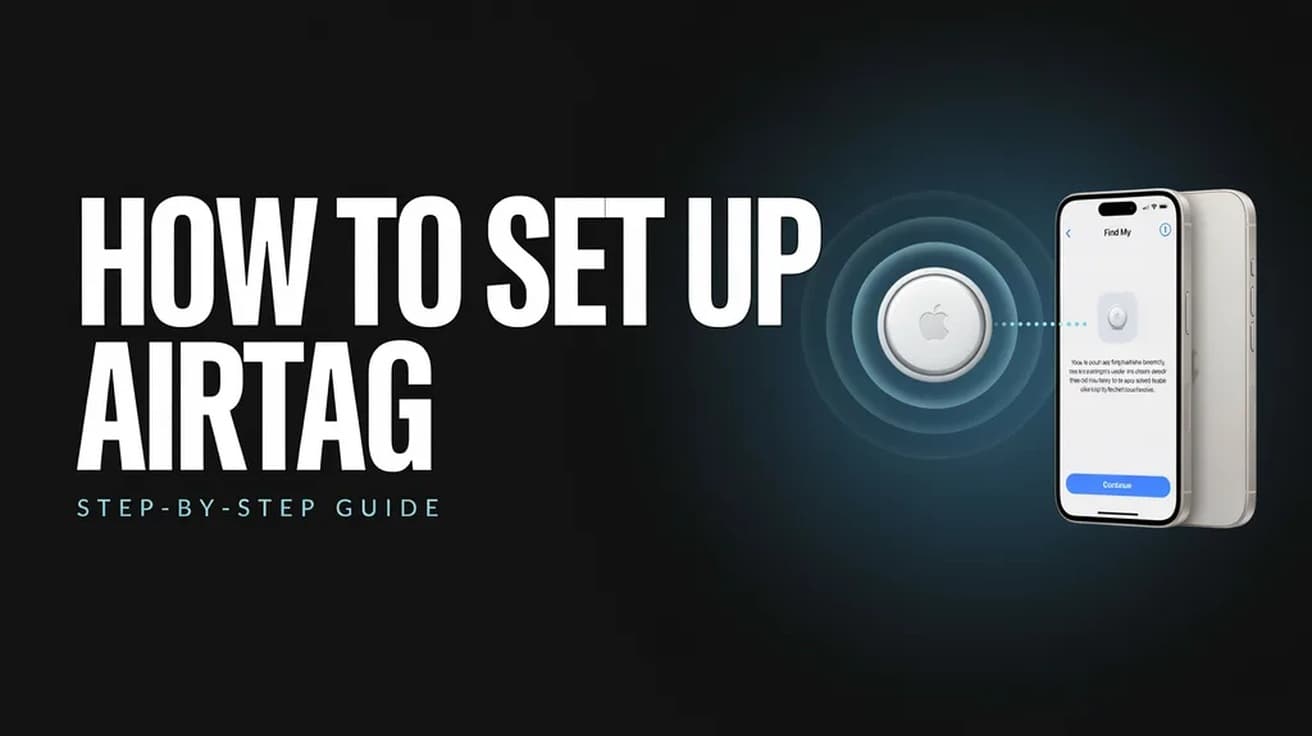
Hold the AirTag near your unlocked iPhone, tap Connect, pick a name and tap Done. Here is the full path, the Find My route, and what an AirTag will not do.
Do Not Disturb is a Focus, not a standalone switch. Here is the fastest way to turn it on, where to choose what still gets through, and how to put it on a schedule.
6 min read
How we work
Every step checked before it reaches you.
Menus move, settings get renamed and features quietly disappear. So each guide is written against the vendor's current documentation rather than from memory, and says plainly when a fix depends on your version.