How to Unsend a Message on iPhone (2-Minute Limit)
You have two minutes to pull back an iMessage on iPhone, and it only works on blue bubbles. Here is the exact tap sequence, plus what unsending does not undo.
By Daniel ShuttleworthAug 26, 2026
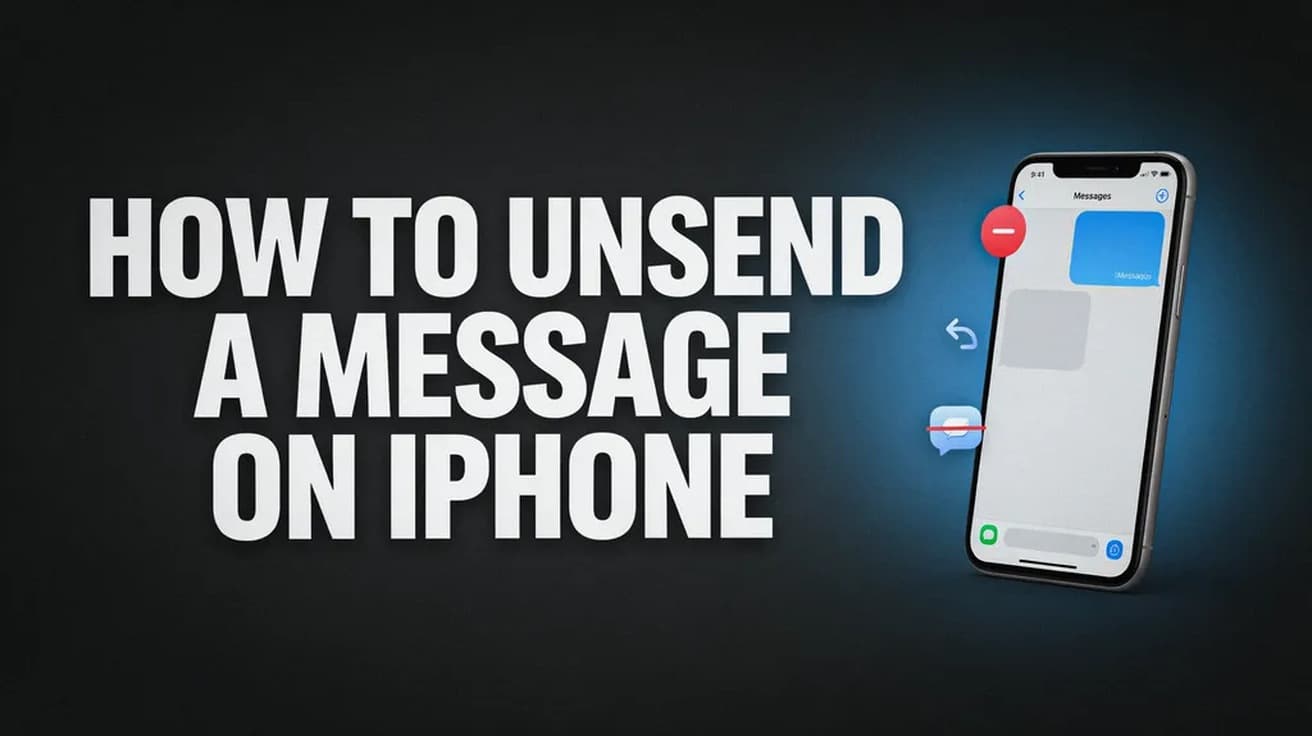
To unsend a message on iPhone, touch and hold the message bubble, then tap Undo Send. You have two minutes from the moment you sent it, and it only works on blue iMessage bubbles — green SMS and RCS messages cannot be pulled back.
Written by
Daniel Shuttleworth
Editor · Sylvan Lake, Alberta
Daniel Shuttleworth studied Advanced Information Communication Technology and has spent more than 20 years working out why consumer tech misbehaves — from an Amiga 600 and a VHS deck through to whatever Xbox and Samsung shipped this year. He writes The Tech Cell from Sylvan Lake, Alberta, and checks every step against the vendor's current documentation before it goes out, because the menu that worked last spring has usually moved.
An iPhone's built-in capacity is fixed, but most full phones have several gigabytes sitting in offloadable apps, cached files and deleted photos. Here is where to look, in order.
An iPhone can only be restored from a backup during setup, which means erasing it first. Here is the full path for an iCloud backup and for one saved on a computer.
Screen Time can block any website on an iPhone across every browser, not just Safari. Here is the exact path on iOS 26, plus what the setting does not cover.
5 min read
How we work
Every step checked before it reaches you.
Menus move, settings get renamed and features quietly disappear. So each guide is written against the vendor's current documentation rather than from memory, and says plainly when a fix depends on your version.

 By Daniel ShuttleworthAug 26, 2026